

- Monthly visits
- 0
- Pricing
- Free & Paid
- Listed
- 2026-06-24
- Updated
- 2026-08-25
01About DaVinci
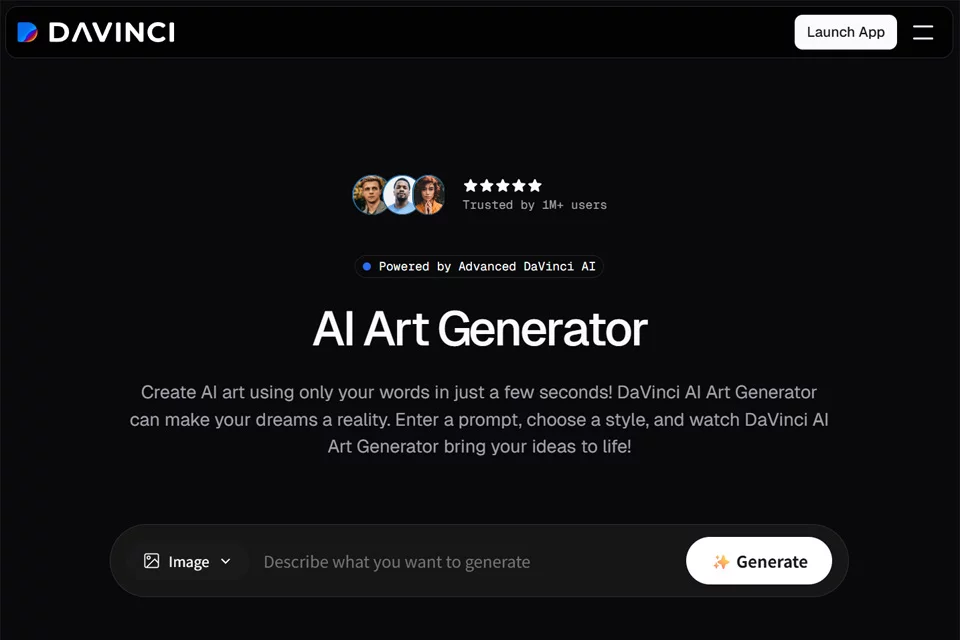
DaVinci brings multiple AI image, video, and audio capabilities together in a single creative workspace. Users can start with a written or visual idea to generate content, then edit, resize, replace objects, and upscale assets while adapting materials for different channels. The website offers both web and mobile apps, with monthly plans providing different amounts of image and video generation credits.
02Who Uses DaVinci
Creators
Use it to generate images, videos, and visual concepts from ideas, then continue refining, iterating, and producing content in the same workspace.
Designers
Use it to work with branding, photography, and visual design assets, resize canvases, replace objects, or upscale assets for different output formats.
Marketing Teams
Use it to create social media, advertising, and storefront content, turn product images into short videos, and generate creative assets for different channels.
Content Teams
Use it to produce images, videos, and audio content in multiple formats, supporting ongoing content production with monthly generation credits.
03Key DaVinci Features
Image and Video Generation
Generate images, videos, and visual concepts from ideas, with the ability to choose available models and continue editing and remixing content within the platform.
Multi-Model Creation
Access image and video models such as Sora, Veo, Kling, and Flux in one platform, choosing generation capabilities based on creative needs.
Channel-Specific Resizing
Instantly resize existing designs for social media, advertising, websites, and other channels, reducing the need to rebuild layouts repeatedly.
Product Images to Commercial Videos
Upload static product images and turn them into short videos for advertising, social media, storefronts, and other content scenarios.
Object Replacement and Removal
Remove or replace objects in a scene, editing the composition directly while preserving the original lighting, depth of field, and context.
Asset Upscaling
Increase the resolution of image or video assets while preserving clarity and detail for large screens, advertising, and other high-quality display scenarios.
Mobile Creation
Mobile access is available through the App Store and Google Play, allowing users to generate images, videos, and audio without a desktop device.
04DaVinci Highlights
Centralized Access to Multiple Models
The platform brings more than 50 AI models and generative media tools together under one subscription service, covering image, video, and audio creation.
Integrated Generation and Editing
From the initial idea to the final asset, users can work in the same workspace with continuous generation, editing, resizing, upscaling, and remixing workflows.
Built for Multiple Channels
Its features are designed around channels such as social media, advertising, websites, branding, and storefronts, making it easy to adapt creations to different communication formats.
Content Usage and Privacy
The website states that user data will not be used to train AI models without permission, and that generated content comes with clear usage rights and secure handling mechanisms.
05Sources
© Disclaimer: domains and linked content may change over time. AIEZZ does not control third-party websites. Review external content and risks independently.
User reviews0