

- Monthly visits
- 0
- Pricing
- Free & Paid
- Listed
- 2026-06-12
- Updated
- 2026-08-25
01About Katu AI
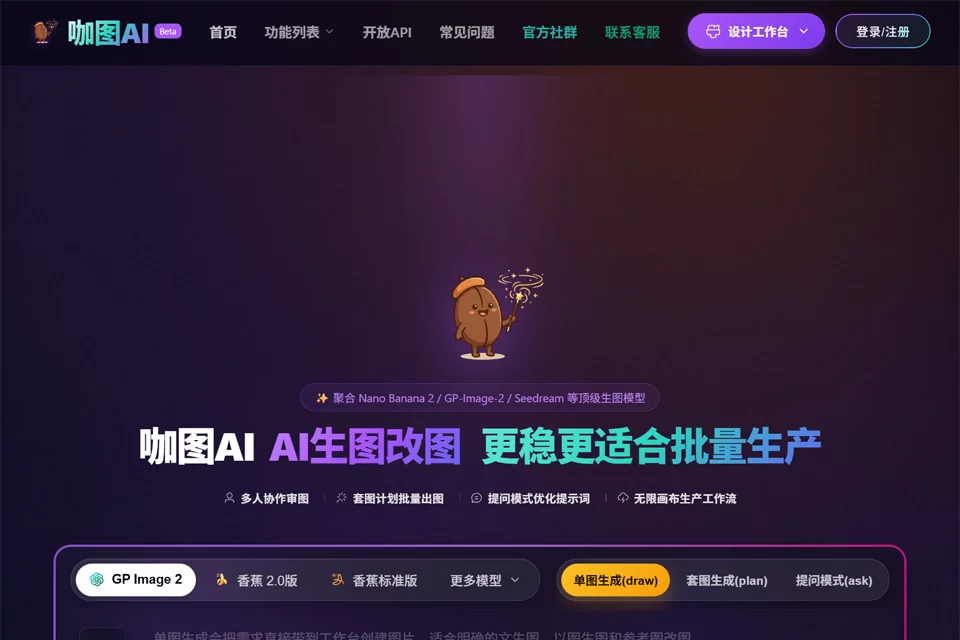
Katu AI organizes AI image generation into visual, node-based workflows. Users can combine prompts, reference images, image generation, and image processing steps on a canvas; use multiple models for text-to-image or image-to-image generation; and view and copy public templates for e-commerce product images, image series, and other batch visual content production.
02Who Is Katu AI For?
E-commerce Operations Teams
Generate product images, image sets, and series of product visuals while organizing batch image production workflows.
Content Operations Teams
Combine prompts, reference images, and image generation steps to create repeatable content image workflows.
Brand and Marketing Teams
Document brand image production steps and create visual content workflows that can be saved and copied.
Design Teams
Connect image generation and processing nodes on an infinite canvas to collaboratively organize and reuse image production workflows.
03Key Features of Katu AI
Node-Based Workflow Canvas
Connect prompt, reference image, AI image generation, image processing, and result output nodes on a visual canvas to organize complete image production steps.
Multi-Model Text-to-Image and Image-to-Image Generation
Generate images from text prompts or use reference images for image generation to support different visual creation needs.
Batch Image Generation
Generate images in batches for e-commerce, content, and design scenarios that require continuous production of multiple visual assets.
Image Processing Pipelines
Integrate image processing steps into workflows and combine them with image generation and result output nodes to create continuous image processing pipelines.
View and Copy Public Templates
View and copy public AI workflow templates to reduce the effort required to build image workflows from a blank canvas.
Team Collaboration and Infinite Canvas
Support team collaboration with an infinite canvas for jointly organizing, editing, and reusing AI image production workflows.
04Katu AI Highlights
Visual Node Connections
Use nodes and connections to organize prompts, reference images, image generation, processing, and output steps, making image production workflows easy to save and reuse.
Public Workflow Templates
Browse and copy public workflow templates so teams can produce images based on existing workflows.
E-commerce Image Set Production
Provide clear use cases for generating e-commerce product images and image series, making continuous production of product visuals more efficient.
Workflows Combined with Collaboration
Bring node-based workflows, an infinite canvas, and team collaboration together in one workspace to help teams collectively build and maintain image production processes.
05Sources
© Disclaimer: domains and linked content may change over time. AIEZZ does not control third-party websites. Review external content and risks independently.
User reviews0