

- Monthly visits
- 0
- Pricing
- Free & Paid
- Listed
- 2026-07-24
- Updated
- 2026-08-25
01About TurnPhotoIntoVideo
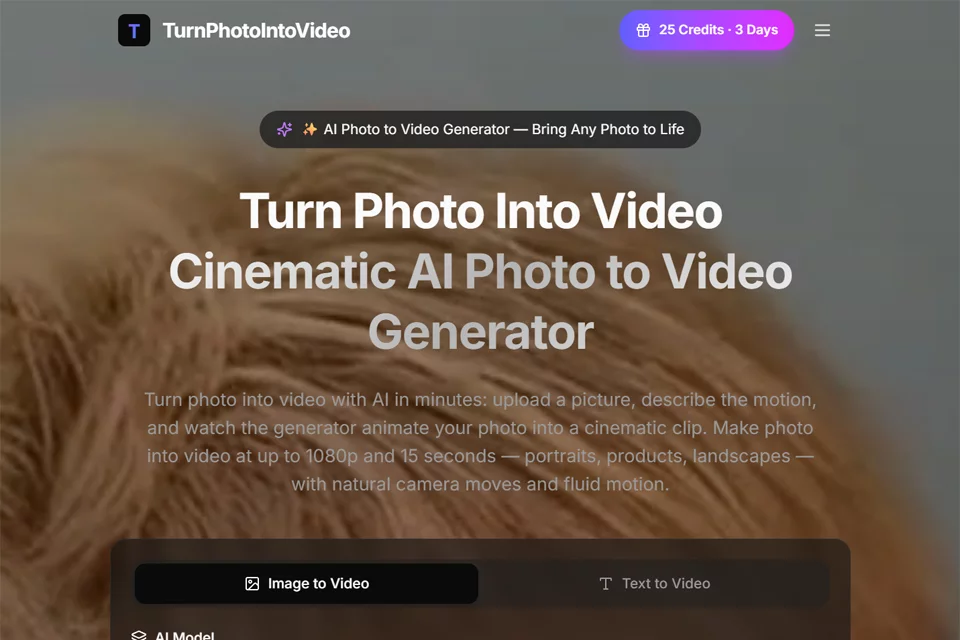
TurnPhotoIntoVideo uses a static image as the first-frame anchor and generates short videos based on user descriptions of motion, camera movement, and atmosphere. It supports photo animation, text-to-video, transitions between first and last frames, reference-image consistency control, and audio options. Users can adjust prompts, replace images, and compare multiple generated versions, with output up to 1080p and 15 seconds long.
02Who Is TurnPhotoIntoVideo For?
Social Media Marketing Teams
Quickly convert brand photos into short-form video content for platforms such as TikTok, Instagram Reels, and YouTube Shorts.
E-commerce and Brand Teams
Generate video drafts with different product angles and promotional styles from product images to explore marketing concepts.
Film Production and Creative Teams
Turn storyboards, concept art, or artwork into motion previews to validate camera movement and visual direction before filming.
Corporate and Educational Content Creators
Add motion to photos and charts used in presentations, training materials, internal updates, or educational content.
03Key Features of TurnPhotoIntoVideo
Image to Video
Upload portrait, product, landscape, or artwork images and describe camera movement, subject actions, and environmental atmosphere in natural language to generate videos with motion effects.
Text to Video
When no image is available, directly describe the subject, location, lighting, and camera movement to quickly generate video drafts for validating creative direction.
First-and-Last-Frame Control
Lock the opening and closing frames separately and let the system generate the motion between them. This is suitable for transitions, reveal shots, and advertising concepts that require fixed visual start and end points.
Reference-Image Guidance
Add image references to maintain consistency in character appearance, clothing, environments, camera style, and lighting across multiple video clips.
Version Comparison and Regeneration
Regenerate after adjusting motion prompts or replacing the original image, then compare multiple versions side by side before export to reduce the need to rebuild shots repeatedly.
Resolution and Aspect Ratio Settings
Choose the resolution and aspect ratio for the publishing context, with outputs ranging from quick previews to up to 1080p. Video duration and audio options can also be configured.
API Integration
Developers can automate video production through image, text, transition, and blend generation interfaces, setting resolution, duration, aspect ratio, and audio per request.
04TurnPhotoIntoVideo Highlights
Unified Creative Workspace
Keep photos, motion prompts, text drafts, and reference materials in one workflow, making it easy to continuously generate and revise content around a single creative brief.
First-Frame-Anchored Motion Generation
Use the original photo as the basis for the first frame, preserving the subject, lighting, and composition while generating camera movement, subject actions, and environmental motion.
Multi-Clip Consistency Control
Use reference images to lock visual elements such as characters, clothing, environments, and lighting for multi-part video projects that require a consistent style.
Output for Commercial Content
The official pricing page states that plans include commercial usage rights and provide output up to 1080p, making the tool suitable for advertising concepts, product demonstrations, and brand content drafts.
05Sources
© Disclaimer: domains and linked content may change over time. AIEZZ does not control third-party websites. Review external content and risks independently.
User reviews0