

- Monthly visits
- 0
- Pricing
- Free & Paid
- Listed
- 2026-04-01
- Updated
- 2026-08-25
01Product Positioning
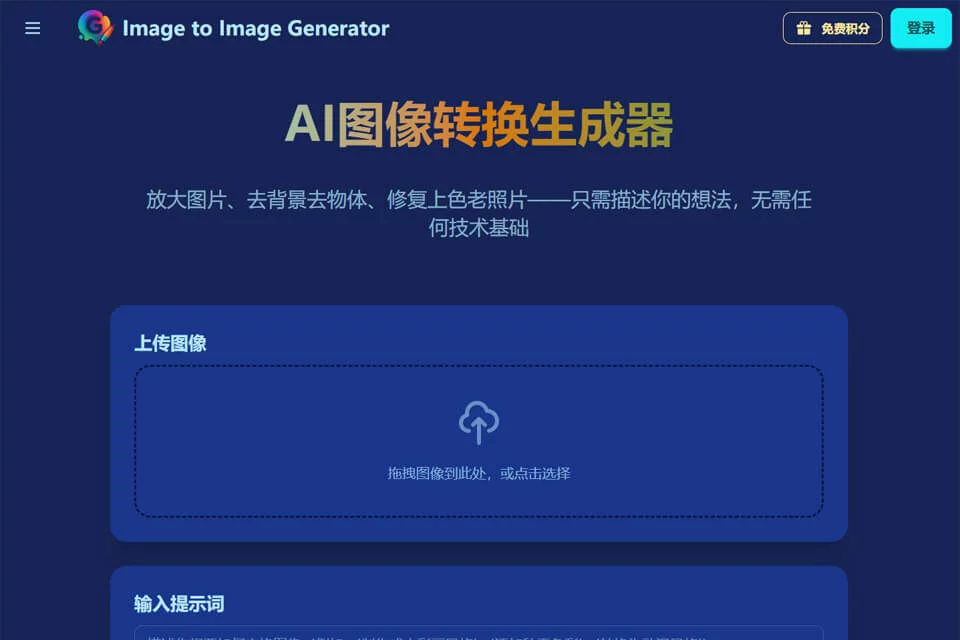
Image to Image Generator is designed for users who need to quickly modify or regenerate images, positioning itself as an AI image editing tool. Users can start with an existing image and combine processing options with text prompts to make visual adjustments. It is suitable for personal image creation as well as content and design workflows.
The product offers free and paid plans, but specific quotas, prices, and feature differences between plans should be confirmed on the actual product pages.
02Key Features
The tool supports multiple image processing tasks, including image style transfer, intelligent background or object removal, old photo restoration and colorization, and high-resolution image generation. Users can also add creative direction and modification requirements through text prompts.
Current information indicates that JPG, PNG, and WebP export formats are supported. Results may vary by task, and generated content should still be reviewed based on the original image and intended use.
03Use Cases
Content creators can use it to make social media graphics and short-video covers; photographers can try restoring old photos or improving source materials; designers can create concept visuals and draft designs; marketers can process advertising images and poster assets; and e-commerce teams can enhance product images and handle backgrounds.
Projects that require batch style consistency, precise control of brand elements, or complex compositing should still use professional image-editing software for subsequent work.
04Usage Considerations
Before processing, prepare a clear original image with a well-defined subject, and describe as specifically as possible what should be preserved or changed. The results of style transfer, object removal, and old photo restoration can be affected by image resolution, subject complexity, and prompt accuracy.
When working with portraits, product logos, or other people's work, users must independently confirm the source and permitted scope of use. For important designs, commercial assets, and publicly released content, inspect edges, text, details, and overall composition after export.
© Disclaimer: domains and linked content may change over time. AIEZZ does not control third-party websites. Review external content and risks independently.
User reviews0