

- Monthly visits
- 0
- Pricing
- Free & Paid
- Listed
- 2026-04-30
- Updated
- 2026-08-25
01Product Positioning
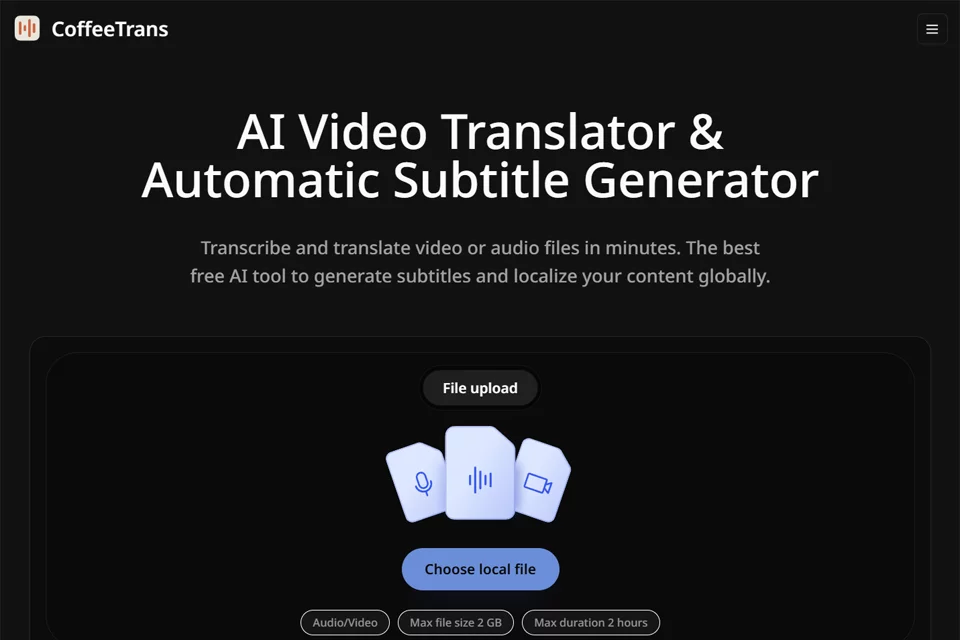
CoffeeTrans focuses on AI video translation and subtitle generation, combining audio and video upload, speech transcription, content translation, subtitle generation, and SRT export in a single workflow.
It is designed for individual creators and teams that need to produce multilingual content, including videos, podcasts, courses, interviews, and product presentations. The product offers free and paid plans; the current page rules should be consulted for specific usage limits.
02Key Features
CoffeeTrans supports common audio and video formats such as MP4, MP3, and WAV. It can generate timestamped transcripts from uploaded files and translate subtitles into a target language. The product supports more than 20 languages and can output original-language subtitles, translated subtitles, and bilingual subtitles.
Results can be exported as SRT files for uploading to video platforms or further importing into video editing software. Available information also indicates that the tool supports uploading and processing multiple audio or video files at the same time and can be used with longer audio and video files.
03Use Cases
Content creators can use it to add multilingual subtitles to videos for distribution on international platforms or in different regions. Online education teams can process courses, lectures, and tutorials to create bilingual subtitles. Podcast and interview creators can transcribe and translate audio to support short-form video editing and text organization.
Cross-border e-commerce and marketing teams can use it to process product demonstrations, advertising videos, brand introductions, and customer stories. Corporate training teams can also convert meeting recordings, internal training sessions, and product briefings into subtitle content.
04Usage Considerations
AI transcription and translation are not equivalent to a final draft. Noise, accents, multiple people speaking at the same time, proper nouns, and missing context can all affect text accuracy or subtitle quality. Before publishing, verify names, brand names, numbers, terminology, and timestamps.
If you need complex subtitle styling, translation of text appearing within the video, or complete video editing, you will still need to use video editing software after exporting the SRT file. For batch or long-video tasks, also confirm the current account usage limits based on the number and duration of files.
© Disclaimer: domains and linked content may change over time. AIEZZ does not control third-party websites. Review external content and risks independently.
User reviews0