

- Monthly visits
- 0
- Pricing
- Free
- Listed
- 2026-04-22
- Updated
- 2026-08-25
01Product Positioning
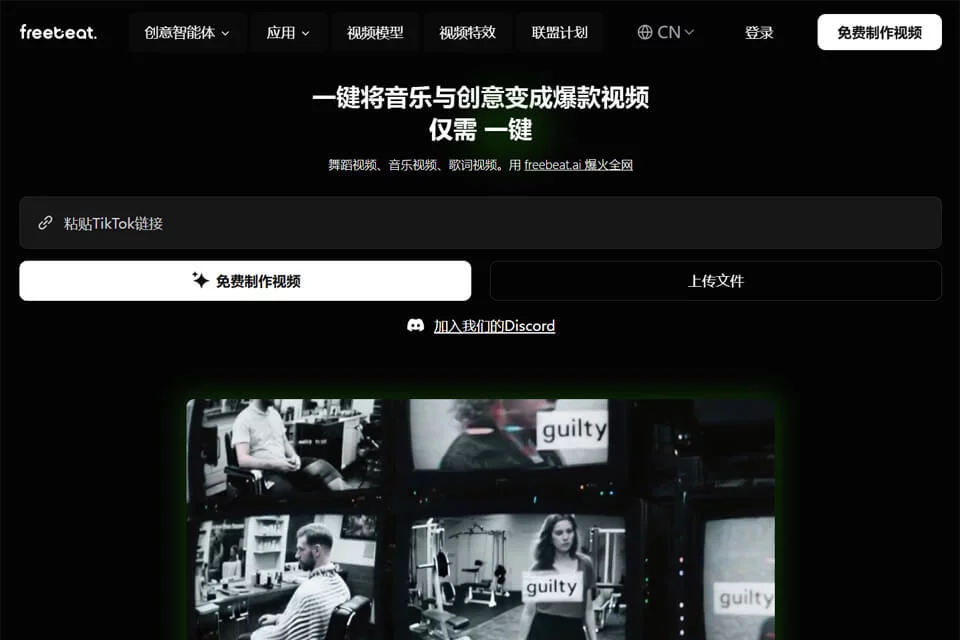
Freebeat AI is an AI video tool focused on music and visual content generation. It uses text ideas, still photos, or audio assets as creative starting points, helping users produce music videos, dance videos, lyric videos, and other short-form content.
The tool is designed for creators who are unfamiliar with traditional editing workflows, as well as individuals and small content teams that need to produce visual prototypes quickly. Its listed pricing model is free.
02Key Features
Users can enter text descriptions and have the system assist with story development, visual generation, and video arrangement. They can also upload photos and turn still images into dynamic short videos. After music is uploaded, the system can analyze the song's mood and beat and organize the visuals accordingly.
Freebeat AI also offers multiple model options. The models mentioned in the source materials include Pika, Runway, Google Veo 2, and Luma. Some features cover beat matching, character consistency, and subtitle translation.
03Use Cases
Independent musicians and composers can use it to create visual content or music video drafts for songs. Photographers and wedding video creators can turn photos into short videos for teasers or social media publishing.
Game developers can use text settings or image assets for concept trailers. Students and educators can try turning notes into animated explainer videos. Content creators, social media managers, and digital marketers can use it to produce campaign promotions and everyday short-form video assets.
04Usage Considerations
Results depend on the input assets, text descriptions, and selected model. Complex stories, multi-person scenes, and character consistency across shots may require multiple rounds of adjustment. Music-to-visual beat matching should also be reviewed manually before export to avoid timing issues or disjointed narratives.
Before publishing, confirm that the music, photos, likenesses, and other assets used have the appropriate permissions. Check subtitles, aspect ratio, and video content against the requirements of the intended publishing platform.
© Disclaimer: domains and linked content may change over time. AIEZZ does not control third-party websites. Review external content and risks independently.
User reviews0