Skip to main content On-site tutorial#AI tutorial[How to Use]
Attach one full-body image of the person, fill in the input fields below, and send it together with this instruction sheet.
Output mode and aspe[How to Use]
Attach one full-body image of the person, fill in the input fields below, and send it together with this instruction sheet.
Output mode and aspe

 On-site tutorial#AI tutorialBuild with Uncensored DeepSeek and GLM Models Using the UncensoredLabs APILearn how to create an UncensoredLabs application key, send your first chat completion, select a model, manage credits and limits, and find examples for streaming, function tools, coding clients, security research, and error handling.
 On-site tutorial#AI tutorialSafely Evaluate Claude Jailbreak Mpt on WindowsThis tutorial reviews what Claude Jailbreak Mpt claims to provide, identifies important security concerns, and outlines a safer Windows evaluation process. You will learn how to download scripts without executing them, inspect signatures and hashes, and decide whether the package is trustworthy.
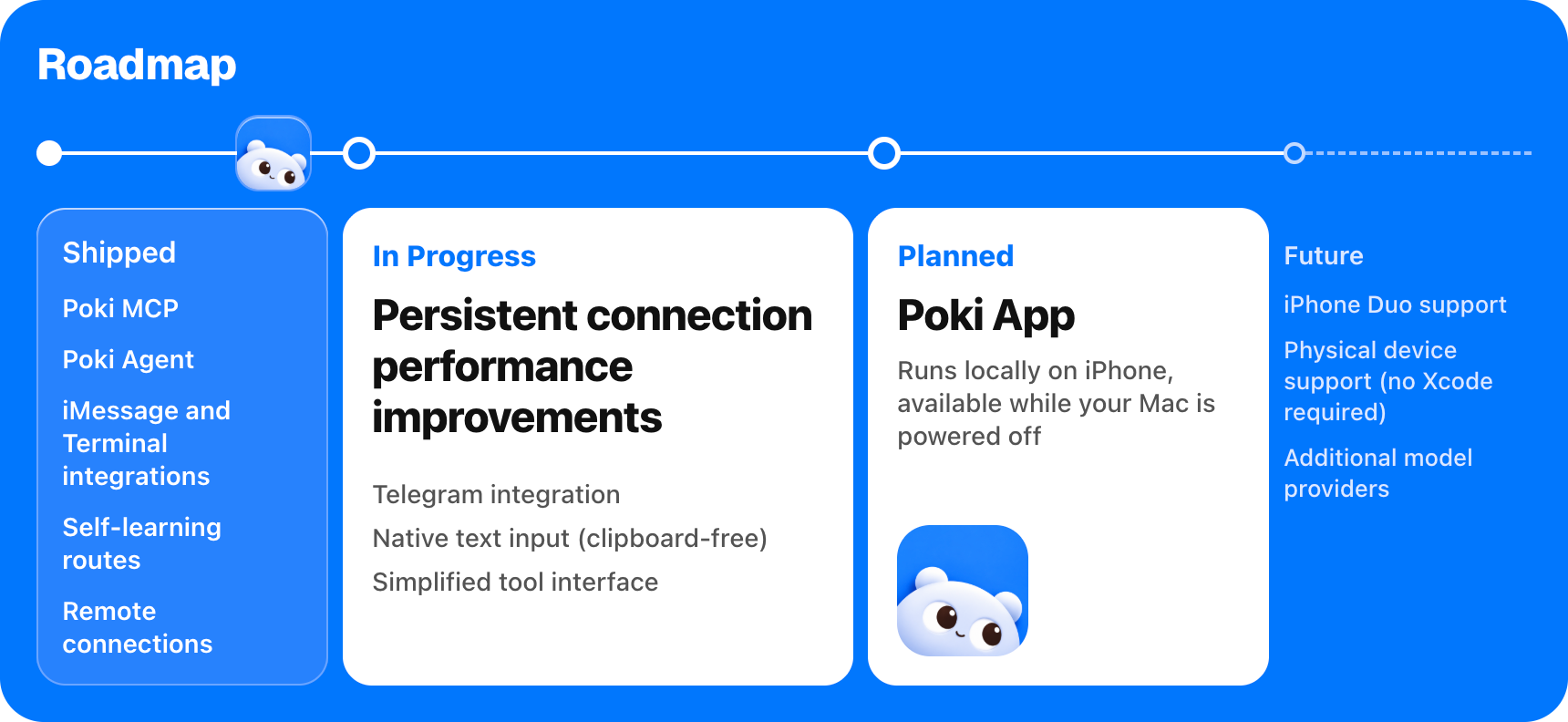 On-site tutorial#AI tutorialControl an iPhone with AI Using Poki: Setup, MCP, and Agent WorkflowsLearn how to install Poki on macOS, connect an iPhone, register its MCP server with Claude Code or Codex, and run tasks through Poki Agent. This guide also covers device selection, messaging channels, model configuration, updates, and important safety limits.
 On-site tutorial#AI tutorialSet Up and Configure the Community-Powered Discord and Telegram Server Manager on WindowsLearn how to install the self-contained Windows desktop package, connect your own Discord or Telegram bot credentials, configure permissions and modules, use core commands, export settings, and troubleshoot common issues.
 On-site tutorial#AI tutorialConnect Roblox Studio to AI Assistants with Roblox Studio MCPLearn how Roblox Studio MCP connects Roblox Studio with Claude Desktop, Cursor, Cline, and compatible ChatGPT adapters. This tutorial covers configuration, core tools, practical prompts, safe mode, environment variables, and tips for using AI to explore and modify Roblox projects.
 On-site tutorial#AI tutorialCreate a premium modern travel poster for [CITY, COUNTRY], iCreate a premium modern travel poster for [CITY, COUNTRY], i
 On-site tutorial#AI tutorialHow to Set Up Token Sniper 2026 for DEX Pair Monitoring and Scam AnalysisLearn how to download, install, configure, and use Token Sniper 2026 to monitor new liquidity pairs, review transaction behavior, apply custom risk filters, and receive alerts without executing trades.
 On-site tutorial#AI tutorialHow to Evaluate the Axie Infinity Bot Repository SafelyThis tutorial explains what the repository claims to provide, why its installation instructions are risky, and how to inspect or test the package safely on a Windows system without disabling security controls or running unknown scripts as Administrator.
 On-site tutorial#AI tutorialBuild a Reseller Workflow with the Zad Top HTTP APILearn how to connect to the Zad Top HTTP API, authenticate requests, redeem codes for players, check cards before spending them, query player details, and manage reseller stock using the documented endpoints.
 On-site tutorial#AI tutorialHow to Safely Evaluate an Unverified Aion 2 Cheat RepositoryThis safety-focused guide reviews the README’s claims, identifies risky installation practices, and explains how to inspect an unverified Windows package without executing unknown code or disabling security protections.
 On-site tutorial#AI tutorialCreate Animated GIF Sticker Packs from a Character Image with GIF Sticker StudioThis tutorial explains how to use GIF Sticker Studio with Codex to plan and produce animated sticker packs from character, person, or pet images. You will learn how to prepare a reference, request expressions and actions, choose the right resolution, review the generated GIFs, and organize the final deliverables.
