
AI tutorials
AI tutorials
Practical AI tutorials covering tools, prompting, and reusable automation workflows.
Updated regularly1286 tutorials
 On-site tutorial#AI tutorial【Theme / Exhibition Name】{Enter, e.g., Imperial Examination System / City Night Patrol / Ancient Water Conservancy / Mortise-and-Tenon Joinery}
【Main Title】{Enter}
【Core System【Theme / Exhibition Name】{Enter, e.g., Imperial Examination System / City Night Patrol / Ancient Water Conservancy / Mortise-and-Tenon Joinery}
【Main Title】{Enter}
【Core System

 On-site tutorial#AI tutorialCreate AI-Directed Films with Cinecode: Installation, Workflow, and RenderingLearn how to install Cinecode for Claude Code or Cursor, choose between Quick and Film modes, create your first code-rendered video, review drafts, and export a mastered MP4. The tutorial also covers formats, voice options, reference media, system requirements, and practical workflow tips.
 On-site tutorial#AI tutorialHow to Use Undercut to Analyze and Automate WoW Forever Auction-House FlipsLearn how Undercut evaluates auction-house deals, estimates demand and waiting time, and automates buying, posting, and cancellation for WoW Forever. This guide covers the Windows setup, source-based development, in-game addon workflow, testing, and practical risk controls.
 On-site tutorial#AI tutorialHow to Safely Evaluate the MetaTrader 5 Bot SetupThis tutorial explains what the MetaTrader 5 Bot repository claims to provide, reviews its Windows installation process, and highlights important security, licensing, and verification steps before running any downloaded installer or script.
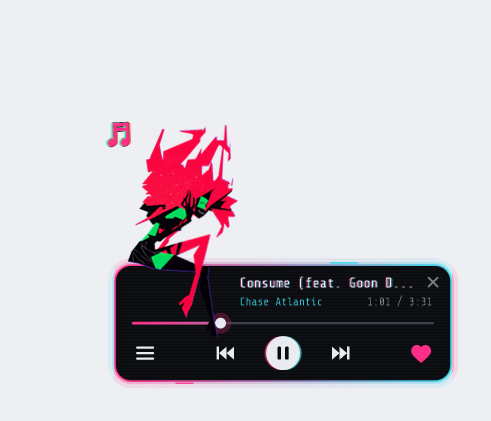 On-site tutorial#AI tutorialCapri AI Tutorial: Set Up a Desktop Agent for Claude Code, Codex, and MoreLearn how to download and configure Capri AI on Windows, connect an AI engine, approve desktop actions safely, and complete practical tasks such as organizing files, fixing code, summarizing documents, and creating automations.
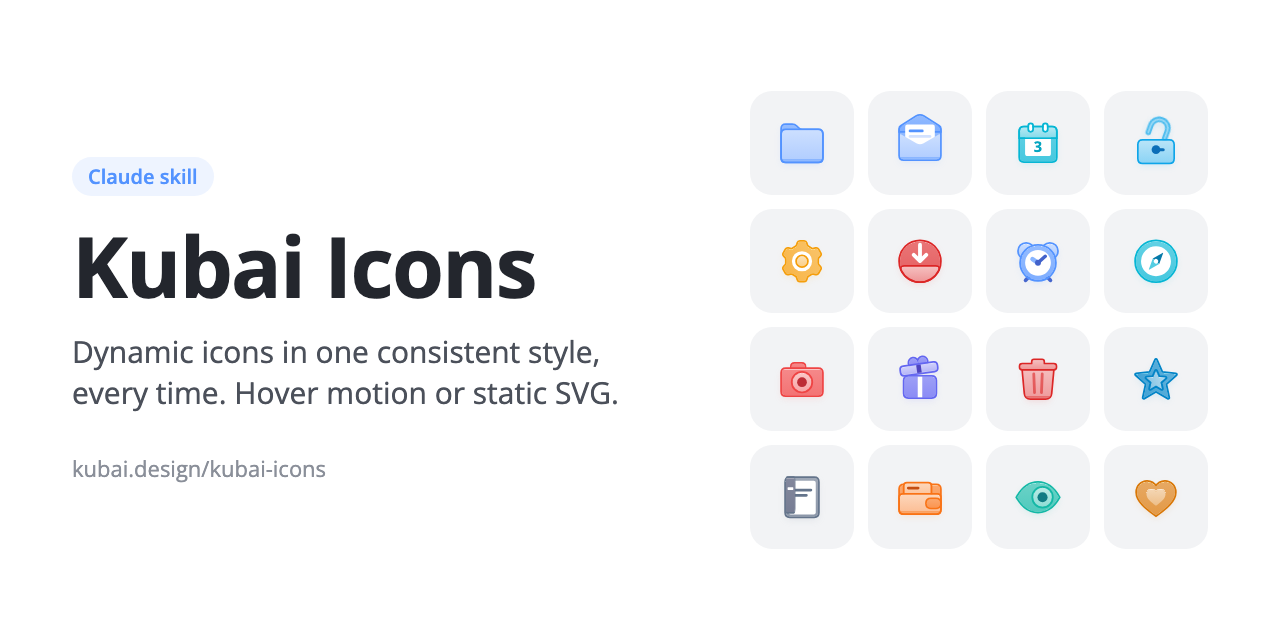 On-site tutorial#AI tutorialCreate Consistent Animated and Static SVG Icons with Kubai Icons for ClaudeLearn how Kubai Icons gives Claude a repeatable system for creating layered, animated, and static SVG icons. This tutorial covers installation, icon requests, export options, palettes, local previews, self-checks, and practical workflows for extending the set.
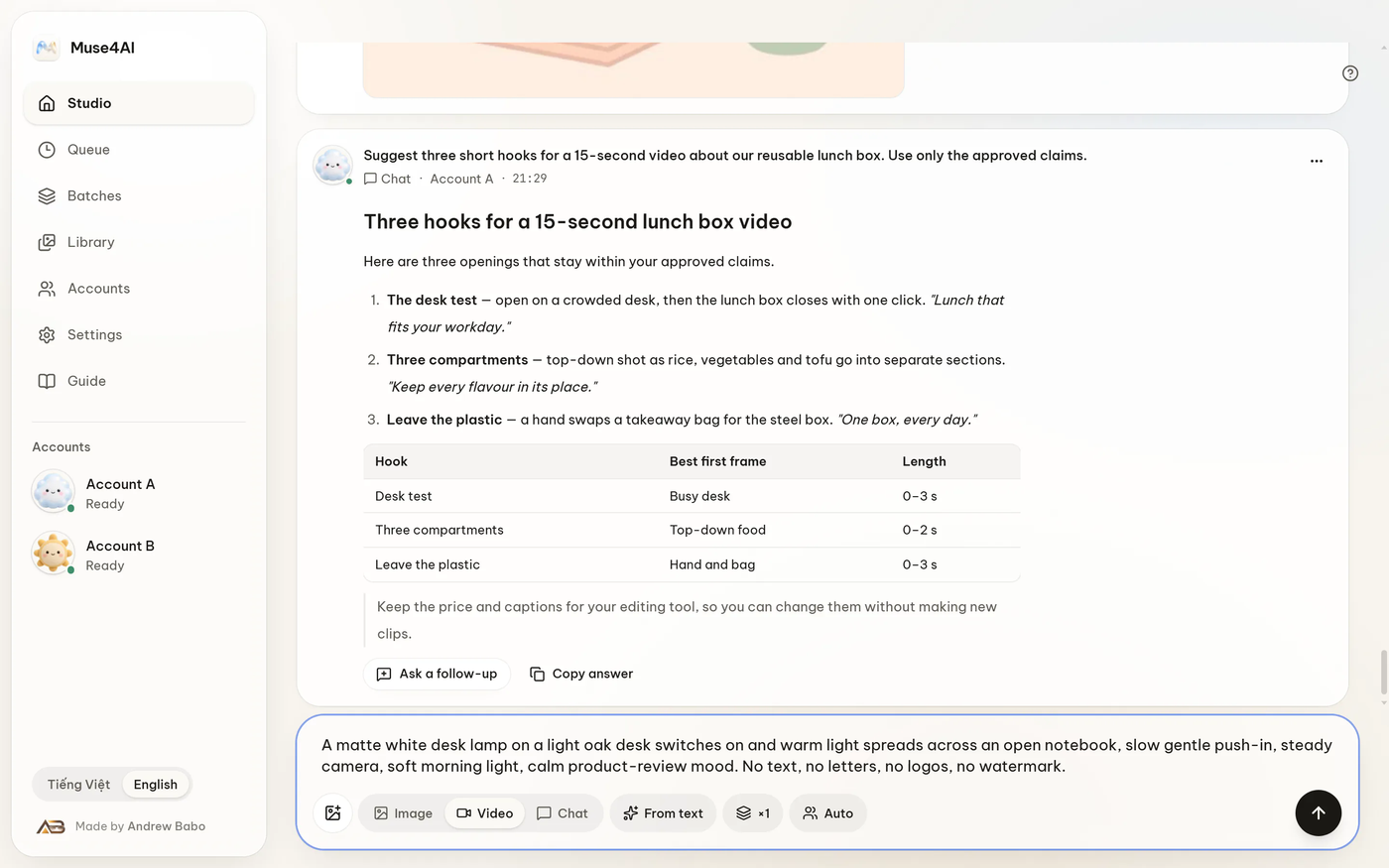 On-site tutorial#AI tutorialConnect AI Agents to Muse with Muse4AILearn how to install Muse4AI on Windows, connect an AI agent through MCP, OAuth, or REST, and submit Muse image and video jobs from your local machine. This guide also covers job management, security controls, development commands, and practical usage tips.
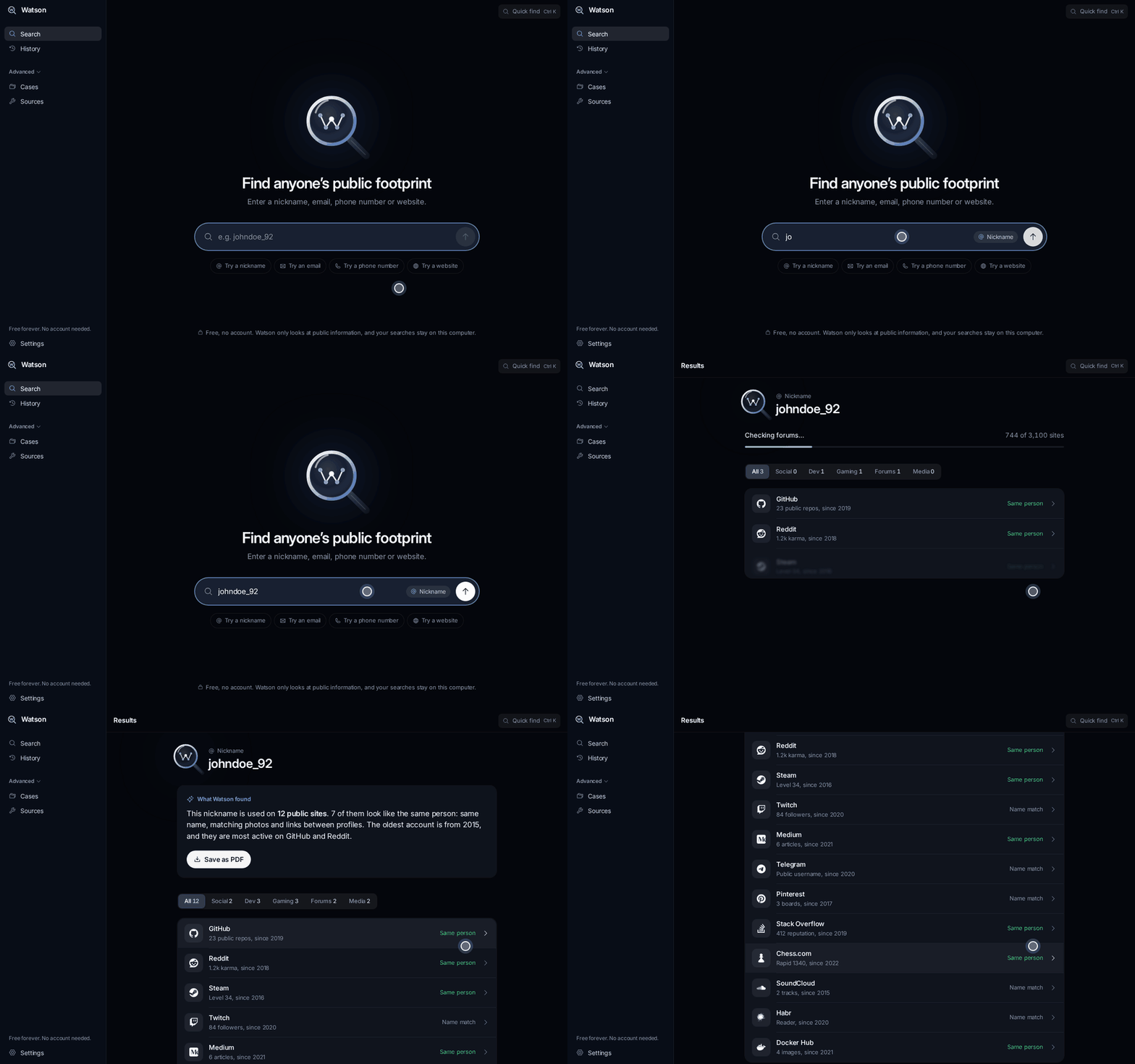 On-site tutorial#AI tutorialHow to Use Watson for Fast, Free OSINT Searches on WindowsThis tutorial explains how to install and use Watson, a free Windows OSINT tool that searches more than 3,100 public sources for nicknames, email addresses, phone numbers, and websites. You will learn how to interpret results, apply filters, revisit history, map cases, export PDFs, and run the project from source.
 On-site tutorial#AI tutorialSafely Evaluate the Axie Infinity Bot Standalone InstallerThis tutorial explains what the Axie Infinity Bot README claims to provide, identifies missing verification details, and outlines a security-conscious evaluation process. It also clarifies why the supplied remote PowerShell installer and antivirus-bypass advice should not be followed without independently verifying the source.