

- Monthly visits
- 0
- Pricing
- Free & Paid
- Listed
- 2025-10-25
- Updated
- 2026-08-25
01Product Positioning
JetBrains serves software developers and technical teams. Its core products are integrated development environments designed for different programming languages and development scenarios. The product portfolio also extends to AI-assisted development, continuous integration, team collaboration, and issue tracking, forming a set of tools that covers everything from writing code to managing teams.
IntelliJ IDEA, Kotlin, and other language-specific IDEs are part of its development tool ecosystem. Different products serve different purposes, so JetBrains should not be understood simply as a single code editor.
02Key Features
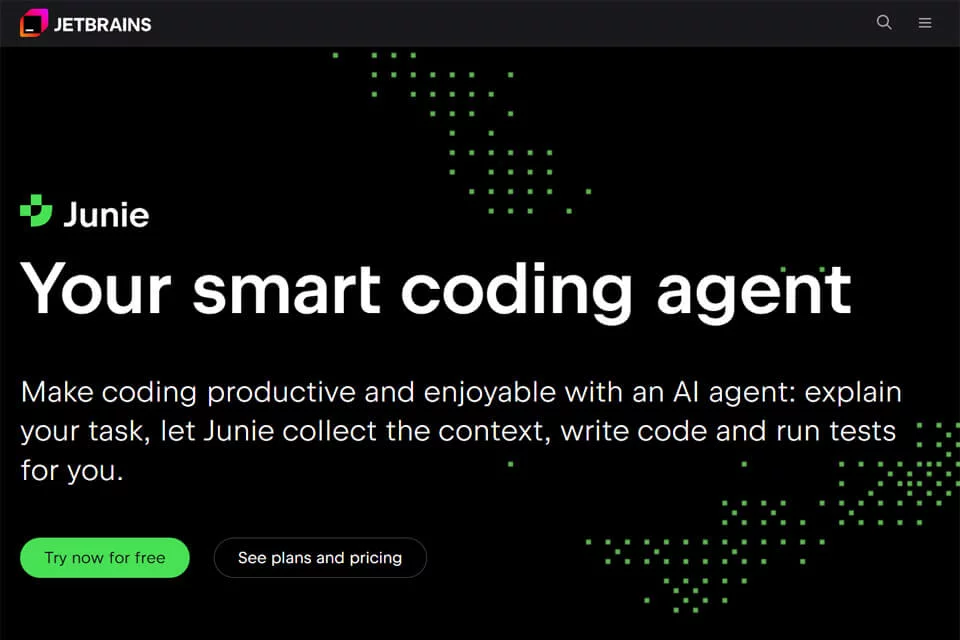
Language-specific IDEs support common development tasks such as code completion, real-time error checking, quick navigation, and code refactoring, while providing development environments tailored to each language. AI assistants can explain code, generate documentation, write tests, and answer context-based questions.
Team tools include Space, TeamCity, and YouTrack, covering collaboration platforms, continuous integration, and issue tracking respectively. Capabilities vary by product and version, so users should refer to the features provided by the relevant product.
03Use Cases
Developers working with Java, Python, PHP, C++, Go, and other languages can choose an IDE based on their project stack for everyday coding, code checking, debugging, and maintenance. Technical teams that need standardized development workflows or need to manage continuous integration, tasks, and issues can also combine the relevant tools.
Data scientists and analysts can use them for Python development, data analysis, and scientific computing. Students and educators can use the relevant IDEs for programming education and instruction.
04Usage Considerations
JetBrains offers different licensing models, including free and paid options, but the specific rules vary by product, version, and user type. Before choosing, users should confirm the target language, project size, team collaboration needs, and licensing terms.
Explanations, documentation, or tests generated by AI assistants still require human review in the context of the code. Code completion, refactoring, and static analysis also cannot replace compilation, testing, and code review. For users who only need lightweight editing or a single-purpose tool, a full IDE and team tool combination may exceed their actual needs.
© Disclaimer: domains and linked content may change over time. AIEZZ does not control third-party websites. Review external content and risks independently.
User reviews0