

- Monthly visits
- 0
- Pricing
- Free & Paid
- Listed
- 2026-07-09
- Updated
- 2026-07-10
01Product Positioning
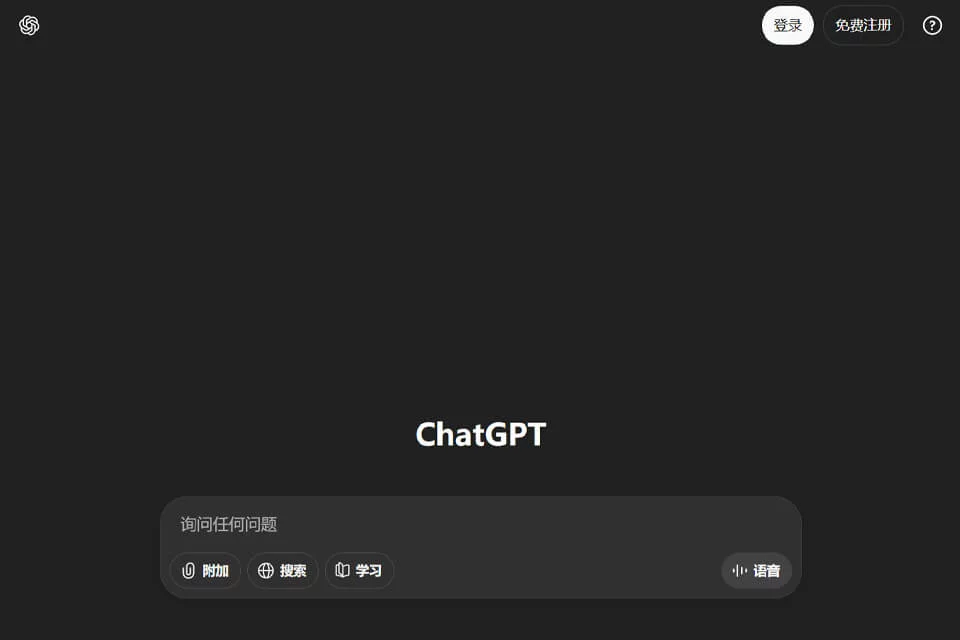
ChatGPT is more than a one-off question-and-answer tool. OpenAI's official documentation positions it as a unified platform for organizing projects, retaining long-running conversations, and combining external context to advance work.
Users can add web pages, files, images, and plugins to chats. In supported interfaces, they can also create scheduled tasks or ongoing goals, keeping research, analysis, creation, and subsequent revisions within the same workflow.
02Key Features
Capabilities currently listed by the official documentation include web search and browsing, file processing, image input, image generation, voice, plugins, and browser or computer use under authorized conditions. The platform can also create and edit documents, spreadsheets, and presentations.
Projects and long-running work help organize context and ongoing tasks, while scheduled tasks, notifications, and visualizations help turn conversation results into verifiable outputs.
03Use Cases
Knowledge workers can use it to research and synthesize public information, analyze data files, and produce documents or presentation materials. Content teams can use it for ideation, editing, and visual content creation, while developers can discuss code and technical solutions.
Users who need to process information across multiple applications can use browser operation, computer operation, or plugins after defining clear permissions. Repetitive work can be organized through scheduled tasks or long-running goals.
04Usage Considerations
The models, tools, usage limits, and permissions available vary by account, plan, region, and organizational policy. Capabilities in one interface should not be assumed to be available to all users. When browsers, computer operation, or plugins interact with external systems, users should apply least-privilege access and require human confirmation at critical steps.
Search, research, and file analysis may still produce factual or citation errors. Important conclusions must be checked against the original sources.
© Disclaimer: domains and linked content may change over time. AIEZZ does not control third-party websites. Review external content and risks independently.
User reviews0