

- Monthly visits
- 1
- Pricing
- Free & Paid
- Listed
- 2025-08-30
- Updated
- 2026-02-08
01Product Positioning
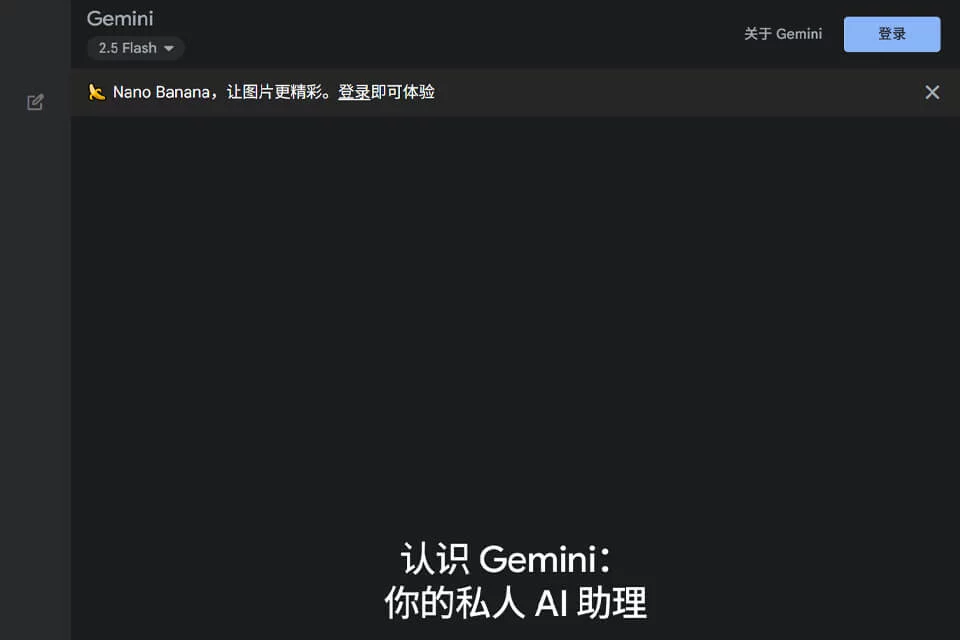
Gemini is Google's general-purpose AI assistant, available on the web and in mobile apps. It supports instant answers and content creation, while also helping with ongoing work through research, personalization, and task management features.
Google's official Help Center documents Gemini separately for mobile devices, work or school accounts, and other Google products, so the actual experience varies by entry point and account environment.
02Key Features
Current official Help topics include Gemini Live for natural voice conversations, image generation and editing, Connected Apps and other integrated services, Gems that users can create and share, and personalization settings.
Gemini Spark, plans, and skills help manage tasks. Users can also edit, share, or review responses. Specific creation, learning, and research tools should be confirmed in the current account interface.
03Use Cases
Individuals can use Gemini to organize questions, draft content, generate or edit images, and communicate by voice through Gemini Live. After connecting apps, users can advance tasks with existing services and information within the scope of their authorization.
Students, researchers, and knowledge workers can use it to organize and explain information, while team users should follow the management rules for work or school accounts when using related features.
04Usage Considerations
Gemini's features and models vary by device, language, region, age, account type, and Google AI plan. The product should not be characterized using a single context length or fixed model. Connected Apps and personalization may use more account context, so users should review authorization scope before enabling them.
Generated content may contain errors. Facts, citations, image details, and professional conclusions require human review.
© Disclaimer: domains and linked content may change over time. AIEZZ does not control third-party websites. Review external content and risks independently.
User reviews0