
- Monthly visits
- 2
- Pricing
- Not set
- Listed
- —
- Updated
- 2026-09-04
01What Is Pi
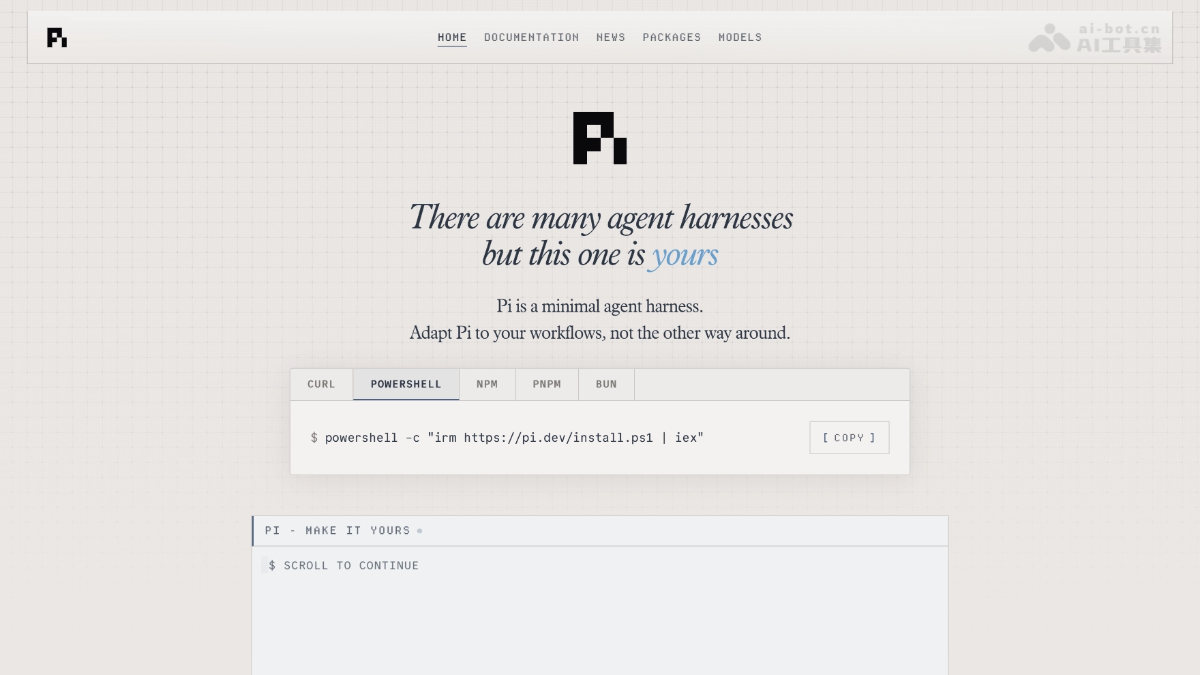
Pi (Agent Harness) is a minimal open-source terminal coding agent created by Mario Zechner and the underlying coding agent for OpenClaw. It gives the model only four basic tools: read, write, edit, and bash. Its system prompt is under 1,000 tokens, while all other functionality is handled by TypeScript extensions. Pi supports more than 15 model providers, tree-structured branching sessions, and switching models across providers.
02Pi's Main Features
Follow on WeChat and reply “开源” to join the AI open-source project community.
Minimal toolset: By default, the model receives only four tools: read, write, edit, and bash. It handles operations such as searching with grep/find on its own, while the system prompt stays under 1,000 tokens.
Multi-model access: Includes more than 15 providers, including Anthropic, OpenAI, Kimi, DeepSeek, and MiniMax. Supports both OAuth subscription login and API key authentication.
Tree-structured session history: Sessions are stored as trees. You can return to any historical node to ask new questions or branch off and experiment, with all branches stored in one file.
Cross-provider model switching: Use /model or Ctrl+L during a session to switch between models from different providers. Context is automatically handed off and converted.
Four runtime modes: Interactive TUI, Print/JSON scripting mode, RPC protocol, and Node.js SDK, covering scenarios from daily coding to program integration.
Custom extensions: Drop TypeScript extension modules into a directory for hot loading. Extensions can register custom tools and commands, intercept events, and even let Pi write extensions for itself on the spot.
Skills and prompt templates: Supports the Agent Skills standard, allowing Markdown files to become parameterized / commands directly.
Community package ecosystem: Extensions, Skills, templates, and themes can be packaged as Pi packages and installed or shared with one command through pi install npm:xxx or a Git repository.
Compatible with existing configuration: Automatically searches up the directory tree for and recognizes AGENTS.md and CLAUDE.md, so existing Claude Code configuration requires no migration.
Context engineering: Supports SYSTEM.md overrides for the system prompt, automatic compaction summaries, and dynamic context injection, giving users precise control over every token entering the context window.
03How to Use Pi
Install: Run npm install -g --ignore-scripts @earendil-works/pi-coding-agent or curl -fsSL https://pi.dev/install.sh | sh in your terminal to install Pi.
Start: After installation, enter pi in the terminal to open the interactive TUI.
Login and configuration: On first use, run /login and choose OAuth subscription login or enter an API key to configure a model provider.
Open a project: Enter your project directory and run pi. Pi automatically loads AGENTS.md or CLAUDE.md from the current and parent directories as context.
Start a conversation: Describe your needs in natural language in the interactive interface. Use @ to fuzzy-search files, ! to execute Shell commands, and Ctrl+V to paste images.
Switch models: To change models, enter /model or press Ctrl+L at any time to switch between models from different providers. Context is handed off automatically.
Branch through history: Use /tree to view the tree-structured session history and return to any node to ask new questions or branch off and experiment.
Extend functionality: To add features, write TypeScript extension modules in ~/.pi/agent/extensions/. Save the file, then enter /reload to hot-load the changes.
Export and share: After a session, use /export to export it as HTML or /share to generate a GitHub Gist sharing link.
Exit and resume: Press Ctrl+C or Ctrl+D to exit the current session. Use pi -c next time to continue the previous conversation.
04Pi's Core Advantages
Minimal and efficient: The system prompt and tool definitions total under 1,000 tokens, and the model receives only four basic tools, enabling extremely fast responses.
Precise context control: Supports SYSTEM.md, AGENTS.md, dynamic context injection, and automatic compaction, letting you decide how every token enters the context.
Highly extensible: TypeScript extensions take effect through hot loading, and Pi can even write extensions for itself on the spot. Community packages fill the gaps left by the official project.
Tree-structured session history: Sessions are stored as trees, so you can return to any node and branch off to experiment, avoiding the sunk cost of linear conversations.
Seamless cross-provider switching: Includes more than 15 providers, allowing you to switch between models from different providers during a session while context is handed off and converted automatically.
Zero migration cost: Automatically recognizes CLAUDE.md and AGENTS.md. The Skills standard is compatible with Claude Code and Codex, so existing configuration can be reused directly.
Friendly to Chinese-developed models: Includes DeepSeek, Kimi, Zhipu, Qwen, MiniMax, MiMo, and other Chinese-developed models, with separately configured China-region endpoints.
Fully open source under MIT: The code is public, the supply chain is hardened, and the community has produced ports in Go, Rust, Python, and other languages.
Four runtime modes: Interactive TUI, Print/JSON, RPC, and SDK cover use cases ranging from daily coding to enterprise integration.
Self-explanatory capabilities: Pi can explain its own features and documentation, and can even look up documentation and write configuration for you, lowering the learning curve.
05Pi Project Links
Project website: https://pi.dev/
GitHub repository: https://github.com/earendil-works/pi
06Pi Use Cases
Rapid scripting and prototyping: Generate, debug, and run scripts directly in the terminal using natural language. Tree-structured sessions support quickly testing different implementation approaches.
Codebase refactoring and maintenance: Use Pi's code editing capabilities and cross-model switching to perform large-scale refactoring in major projects, while documenting project conventions in AGENTS.md.
Custom development workflows: Write TypeScript extensions to turn Pi into a toolchain tailored to your team or personal needs, such as automated code review, documentation generation, or scaffolding for a specific framework.
Open-source collaboration and knowledge sharing: Use /share to export a GitHub Gist or /export to generate HTML, then share the complete debugging and development process with collaborators or use it in a technical blog.
Remote servers and containerized development: Run Pi on an SSH server or in a Docker container. Combined with tmux, it provides persistent background sessions suitable for cloud development, CI/CD pipeline integration, and other headless environments.
© Disclaimer: domains and linked content may change over time. AIEZZ does not control third-party websites. Review external content and risks independently.
User reviews0