
- Monthly visits
- 0
- Pricing
- Free
- Listed
- 2026-07-23
- Updated
- 2026-08-25
01About pen.dev
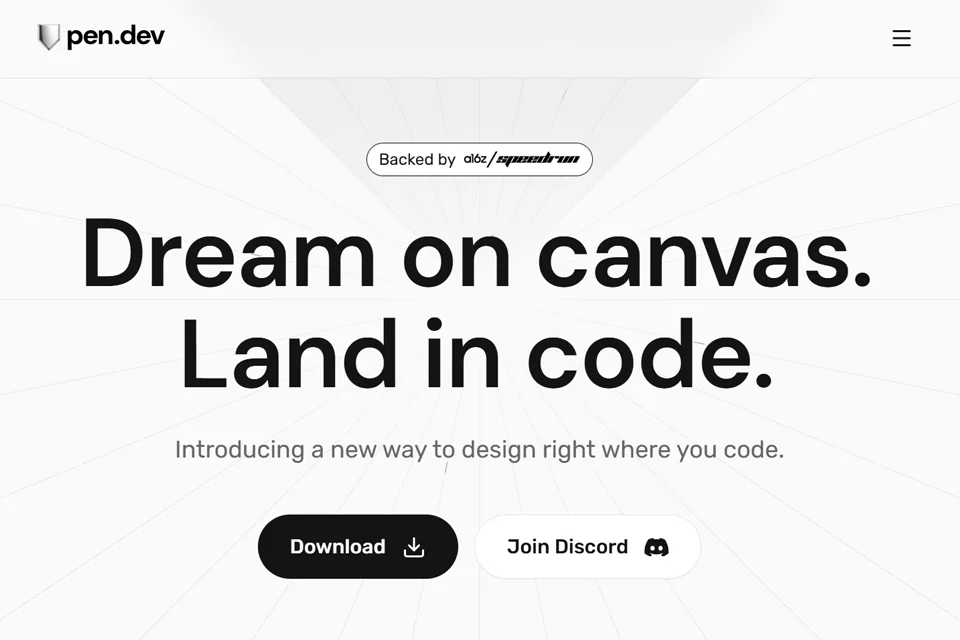
pen.dev is a design canvas that runs in a coding environment. Developers can create product interfaces, explore page flows, and keep design connected to code. Design files are stored in .pen format within a code repository, where Git can be used for versioning, branching, and merging. Designs can also be converted to HTML, CSS, or React. Through MCP, pen.dev supports reading from and writing to the canvas.
02Who Is pen.dev For?
Frontend developers
Design pages and components directly in an IDE and convert the results to HTML, CSS, or React, reducing the need to switch between design tools and coding environments.
Developers using AI coding tools
Use Cursor, VSCode, Claude Code, or OpenAI Codex to access canvas capabilities, generate interfaces, or explore multiple page directions in parallel.
Development teams with design systems
Connect an existing design system from the codebase to the canvas, build interfaces with a component-based design kit, and maintain consistency between design and implementation.
03Key Features of pen.dev
Infinite design canvas
Create and refine product interfaces inside an IDE with pixel-level positioning, keeping design and code in adjacent working environments.
AI-generated pages and flows
Generate complete pages or full interface flows from prompts, or have multiple AI assistants explore different design directions in parallel.
Context-aware design operations
Enter requirements for a complete screen or a specific area, use preset operations for quick adjustments, or write custom operations from scratch.
Design to frontend code
Convert canvas designs to HTML, CSS, or React, helping developers move visual concepts forward into usable application implementations.
Design file version control
Save designs as .pen files in a code repository and use Git for versioning, branching, and merging just as you would with development code.
Figma design import
Copy and paste Figma designs directly to bring their vectors, text, and styles into pen.dev for continued editing.
Bidirectional MCP canvas operations
Read from and write to the design canvas through MCP, while connecting external sources such as databases, APIs, chart data, Playwright, and Puppeteer.
04What Sets pen.dev Apart
Design files live in the code repository
Designs are not isolated in a separate tool. They are stored as files within the project repository and can be versioned alongside the code.
Open file format
Design files can be read, debugged, and extended. The official documentation emphasizes that the format is not a black box, allowing developers to process files with their own tools.
Bidirectional MCP capabilities
Beyond reading canvas information, pen.dev provides full write access, allowing external MCP tools, data sources, and other agents to participate in canvas operations.
Design and code on the same screen
By bringing a pixel-level design canvas into the coding environment, pen.dev lets developers switch quickly between design and implementation, reducing the traditional design handoff process.
05Sources
© Disclaimer: domains and linked content may change over time. AIEZZ does not control third-party websites. Review external content and risks independently.
User reviews0