

- Monthly visits
- 0
- Pricing
- Free & Paid
- Listed
- 2026-07-05
- Updated
- 2026-08-25
01Introduction to Banani
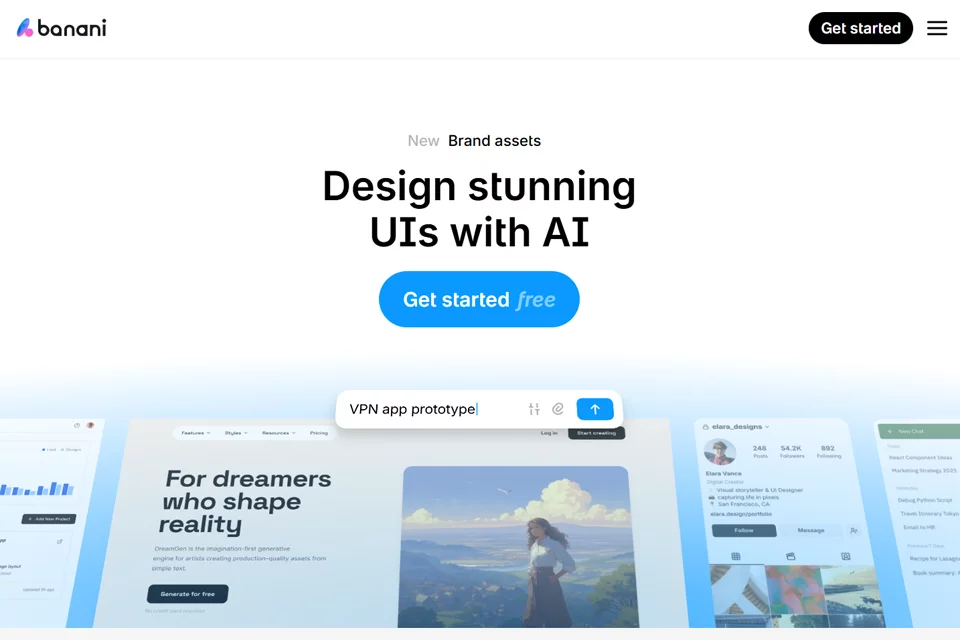
Banani transforms text descriptions, image references, or product requirements into multi-screen, interactive UI designs and prototypes. Users can view mobile and desktop interfaces on a canvas, ask the AI to adjust layouts, colors, and components through chat, and share results with their team or export them to Figma, HTML/CSS, and images.
02Who Banani Is For
Product Managers
Quickly turn product ideas or requirements into wireframes and multi-screen prototypes for communicating product concepts, user flows, and interface direction.
Entrepreneurs and Non-Designers
When dedicated design resources are unavailable, generate initial app, website, or SaaS interface concepts from text descriptions and continue refining the designs.
Designers
Use Banani as an AI design assistant to extract visual and layout direction from reference images, screenshots, or Figma links, then edit the generated interfaces.
Developers and Engineering Teams
Export designs to Figma or code, or connect MCP-enabled AI coding agents through MCP to access design content.
03Banani Key Features
Text-to-UI Generation
Describe one or more pages in natural language, and Banani generates editable, multi-screen UI designs and interactive prototypes for quickly exploring interface concepts.
Reference Image to Design
Upload images, screenshots, or Figma links. The tool extracts their visual style and layout to generate new design directions or recreate interfaces.
Natural-Language Editing
Request changes through AI chat to adjust layouts, colors, components, and other design elements, then continue viewing and editing the results on the canvas.
Brand Style Application
Upload brand assets and colors as project references, and Banani applies them to the generated interface designs.
Interactive Prototypes
Generate clickable, multi-screen prototypes, review interactions between pages, and invite team members to view and provide feedback through a shared project link.
Design Export
Export designs as images, Figma designs, or code. Paid plans support direct import into Figma with editable layers and auto layout.
MCP Connectivity
Configure an MCP connection in Banani to let MCP-enabled AI coding agents access selected design interfaces for subsequent development work.
04What Makes Banani Stand Out
Canvas-First Multi-Screen Design
View multiple mobile and desktop interfaces on the same canvas while generating, reviewing, and editing the overall product interface.
Start with Multiple Reference Inputs
In addition to text prompts, Banani supports images, screenshots, Figma links, and PRDs, making it suitable for design exploration and transformation tasks at different stages.
Editable Rather Than Static Output
Generated results can be edited directly on the canvas and further modified through AI chat, positioning Banani as an iterative UI design and prototyping tool.
Design Delivery Integrations
Banani supports output to Figma, HTML/CSS, images, and code, and provides MCP connectivity so AI coding agents can directly access design content.
05Sources
© Disclaimer: domains and linked content may change over time. AIEZZ does not control third-party websites. Review external content and risks independently.
User reviews0