

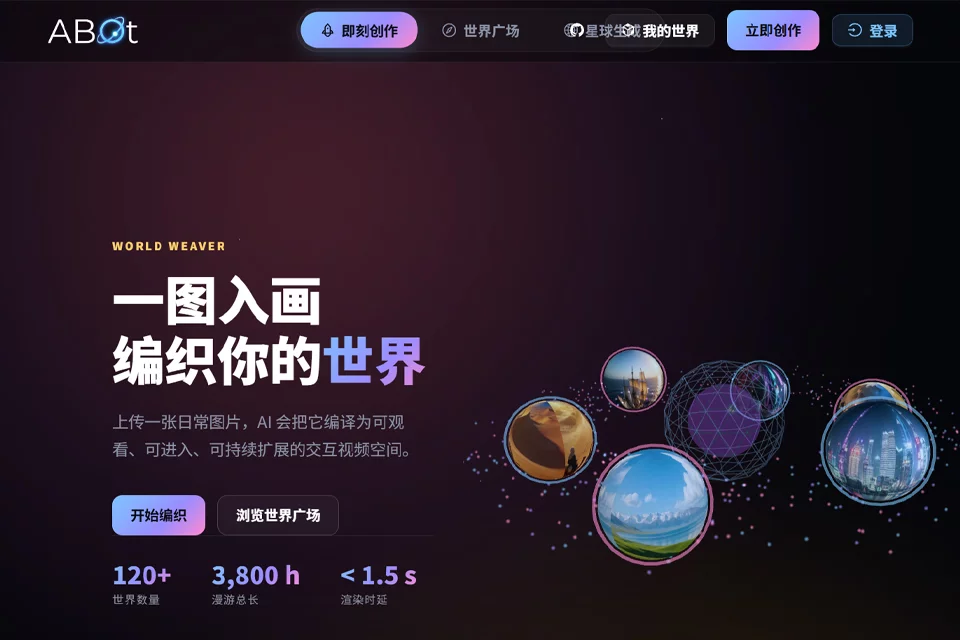
- Monthly visits
- 0
- Pricing
- Free
- Listed
- 2026-07-22
- Updated
- 2026-08-25
01About ABot World Studio
ABot World Studio uses text-to-world and image-to-world features to transform text descriptions or landscape reference images into video-based interactive worlds. The platform provides creation tools, a World Plaza, and displays of woven worlds, allowing users to generate content and explore other worlds.
02Who ABot World Studio Is For
Visual content creators
Use text or reference images to generate video worlds with a strong sense of place for expressing personal creativity and visual ideas.
Interactive content explorers
Browse and explore interactive video worlds on the platform through the World Plaza, viewing scene creations on a variety of themes.
Concept and scene designers
Upload landscape reference images to transform everyday photos or visual concepts into world spaces that can be entered and continuously expanded.
03Key Features of ABot World Studio
Text-to-world
Generate video worlds from text descriptions, transforming abstract scene concepts into watchable, enterable interactive spaces.
Image-to-world
Upload a landscape reference image to weave a corresponding video world. JPG, JPEG, and PNG formats are supported, with a maximum size of 25M per image.
Real-time world generation
Use the platform's real-time world generation entry point to create worlds. The page displays rendering latency information of less than 1.5 seconds.
World Plaza
Browse world creations on the platform and enter different worlds to explore themes such as canyon streams, beach dogs, and snowy village lanes.
Create 3D models
Enter the related creation workflow through the platform's “Create 3D Models” entry point. The page does not provide further details about its specific purpose.
Woven world management
View woven world creations in the World Laboratory, including video-based thematic content and the corresponding work names.
04ABot World Studio Highlights
Bring one image to life
Use an everyday image as a reference to compile flat visual material into a watchable, enterable interactive video space.
Two creation entry points: text and images
Offers both text-to-world and image-to-world creation methods, covering text concepts and image references as two input types.
An explorable World Plaza
In addition to world generation, the platform provides a public World Plaza where users can directly browse and enter existing world creations.
05Sources
© Disclaimer: domains and linked content may change over time. AIEZZ does not control third-party websites. Review external content and risks independently.
User reviews0