
- Monthly visits
- 1
- Pricing
- Free & Paid
- Listed
- 2026-07-16
- Updated
- 2026-08-25
01Introduction to Image to 3D AI
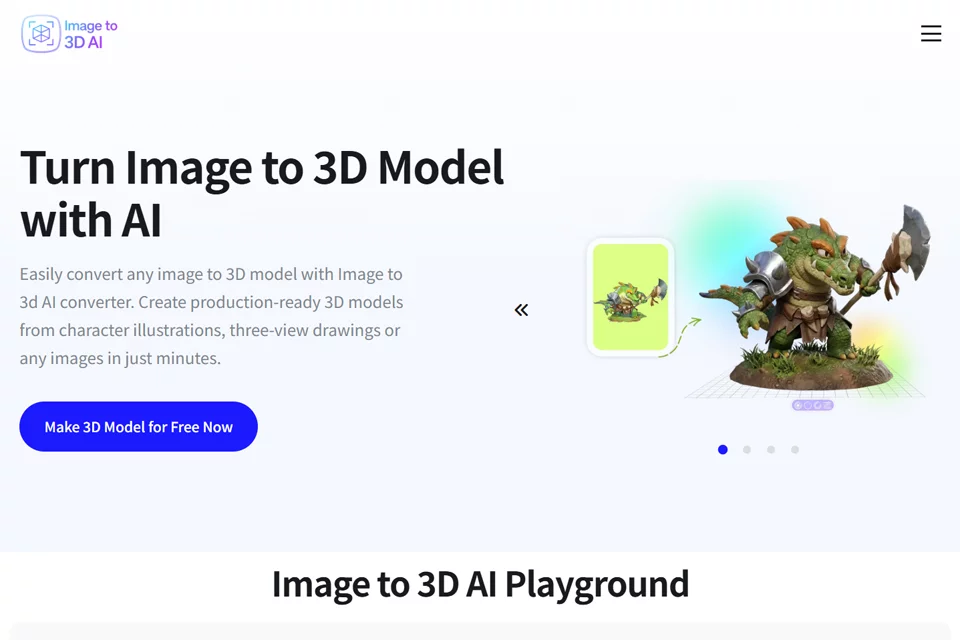
Image to 3D AI converts images or text descriptions into 3D models, allowing users to generate models online without installing professional modeling software. After uploading a JPG, PNG, or WebP image, the system reconstructs the object's shape, depth, and texture. Users can also choose text-based generation and select between textured meshes and pure geometry models, then preview and export files in GLB format.
02Who Needs Image to 3D AI
Game Developers
Convert character, prop, or environment reference images into 3D assets for prototyping and workflows involving game engines such as Unity and Unreal.
3D Designers and Artists
Generate base models from sketches, concept art, or visual references, then continue editing, retopologizing, or refining details in tools such as Blender.
3D Printing Users
Convert product concepts or object images into 3D models, scale and adjust them before printing, and use them to create physical prototypes.
Interior Designers
Generate 3D models from furniture, decor, or space reference images for testing layouts, design styles, and client presentation concepts.
Educators and Students
Convert visual materials related to science, history, or design into interactive 3D content for lessons and exploratory learning.
03Key Features of Image to 3D AI
Image-to-3D Model Generation
Upload a single JPG, PNG, or WebP image, and the system generates a corresponding 3D model based on the subject's shape, depth, and texture.
Text-to-3D Model Generation
Submit modeling requirements using a text description to quickly generate 3D models of characters, concepts, and creative assets when no image reference is available.
Textured and Pure Geometry Modes
Choose between a textured mesh with UV mapping or a pure geometry model suited to editing, retopology, and animation workflows.
Online Model Preview and Adjustment
After generation, preview the model directly in the browser from multiple angles and make necessary adjustments online before export.
GLB Export
Export generated models as editable standard GLB files for continued use in Blender, Unity, Unreal, or other 3D tools.
Online Format Conversion
Process format conversions for generated models in the browser, reducing the steps needed to organize files across different modeling and real-time rendering tools.
04Image to 3D AI Highlights
Image and Text Entry Points
Supports generating 3D models from both single images and text descriptions, covering reference-image modeling and concept prototyping.
Two Model Output Types
Offers textured mesh and pure geometry output options for realistic rendering, editing, animation, and game pipelines.
Complete Workflow in the Browser
Upload or enter a description, generate the model, preview it online, and export it as a GLB file entirely in the browser without installing desktop software.
Supports Multiple 3D Workflows
Generated results can be exported as GLB files for use in tools such as Blender, Unity, and Unreal, supporting design, game development, and further editing.
05Sources
© Disclaimer: domains and linked content may change over time. AIEZZ does not control third-party websites. Review external content and risks independently.
User reviews0