

- Monthly visits
- 0
- Pricing
- Free & Paid
- Listed
- 2026-02-09
- Updated
- 2026-08-25
01Product Positioning
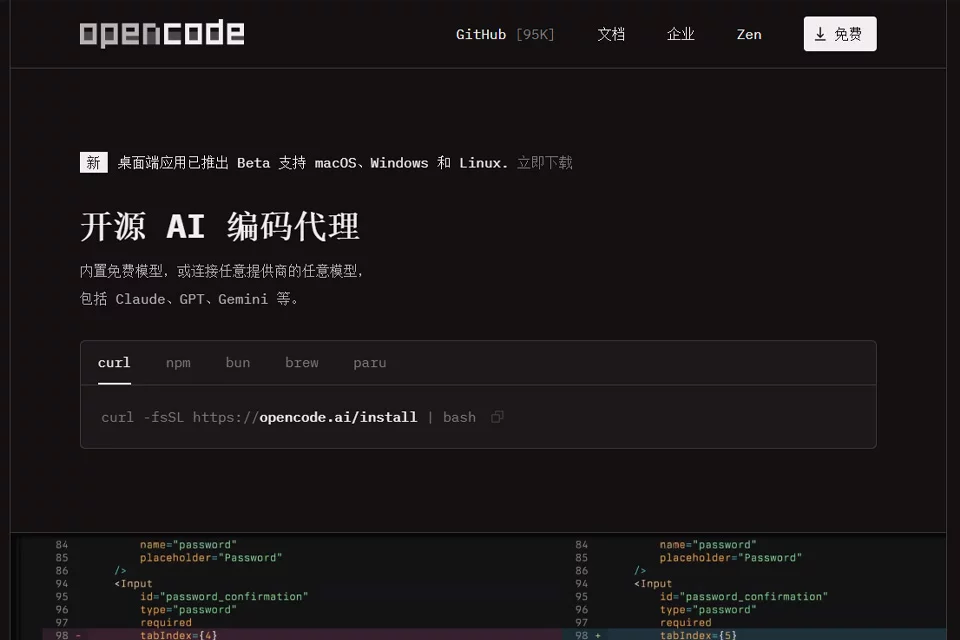
OpenCode is an AI coding tool developed by the SST team, with the terminal as its primary working environment. It brings conversational development, code editing, and command execution into a single workflow, making it suitable for developers who prefer the command line, keyboard-driven operation, or lightweight editors.
The tool supports connecting to multiple model services, allowing users to choose a model by project or task and reduce reliance on a single provider.
02Key Features
OpenCode can assist with creating files, modifying code, running system commands, and executing tests. It also supports managing multiple independent development sessions at the same time. For example, one session can be used to write tests while another adjusts business logic.
Through LSP integration, OpenCode can access syntax structures, definitions, and references in code to assist with structured refactoring such as renaming symbols and extracting functions. According to available information, it supports model services from Anthropic, OpenAI, Google, and others, and provides a terminal user interface.
03Use Cases
It is suitable for programmers who regularly code, debug, and test in the terminal, as well as full-stack engineers handling cross-file changes, project-level refactoring, or additional tests.
For developers who want to compare the performance of different models within the same project and adjust model selection according to the task, OpenCode can also serve as a unified terminal entry point.
04Usage Considerations
OpenCode's primary interaction method is the terminal, so users need basic command-line, project configuration, and code-reading skills. The integration methods, availability, and output quality of different model services may vary, and users should not rely solely on the tool to complete complex changes automatically.
When file changes, system commands, or test results are involved, confirm the execution scope first, then review the generated code, dependency changes, and test output. Model configuration and related services may incur charges, depending on the services used.
© Disclaimer: domains and linked content may change over time. AIEZZ does not control third-party websites. Review external content and risks independently.
User reviews0