

- Monthly visits
- 0
- Pricing
- Free & Paid
- Listed
- 2025-10-25
- Updated
- 2026-08-25
01Product Positioning
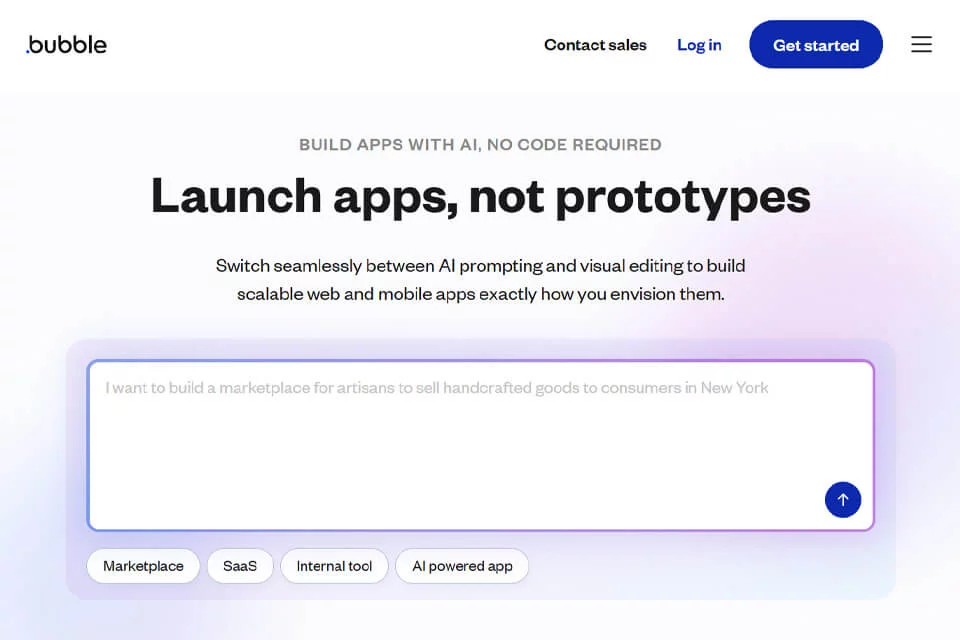
Bubble brings front-end interfaces, back-end workflows, and data management together in one visual development environment. It is positioned not merely as a website builder, but as a platform for building web applications.
Users can complete the primary development process without directly writing traditional code, but complex projects still require an understanding of page structure, data relationships, and business rules.
02Key Features
The platform provides a visual canvas where users can drag and drop interface elements such as text, buttons, and images, then adjust the layout. Conditions and trigger rules can be used to configure workflows that handle application logic such as user registration and data calculations.
The built-in database supports creating data types, defining fields, and managing application data. The plugin marketplace and API connectors extend integration with third-party services, while JavaScript can supplement certain custom functions.
03Use Cases
Bubble is suitable for startup teams building MVPs to validate product ideas and business processes. Product managers and designers can also turn high-fidelity prototypes into interactive applications.
Small and midsize businesses can use it to create custom internal management tools, customer relationship management systems, or project management applications. Individuals who want to build applications themselves without following a traditional coding workflow can also use it as an application development tool.
04Usage Considerations
Visual development reduces the need to write code, but it does not eliminate the need for technical planning. As an application grows, its data model, permissions, workflow dependencies, and plugin configurations all require ongoing organization.
Plugins and API connectors can extend the platform's capabilities, but the results of a specific integration depend on the service itself and how it is configured. When starting a project, it is recommended to define the core processes and data model first, then gradually add pages and features.
© Disclaimer: domains and linked content may change over time. AIEZZ does not control third-party websites. Review external content and risks independently.
User reviews0