

- Monthly visits
- 0
- Pricing
- Free & Paid
- Listed
- 2026-01-22
- Updated
- 2026-08-25
01Product Positioning
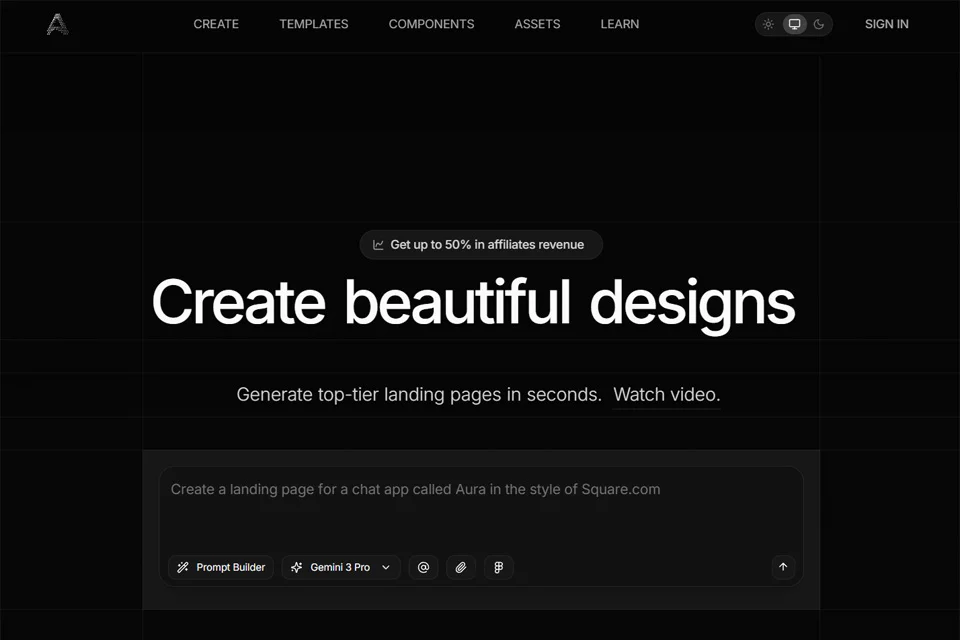
Aura is positioned as an AI web design and coding tool that connects page ideation, visual design, and frontend implementation. Users can start with a natural-language description to generate a webpage, continue refining it in a visual editor, and finally export code for development or deployment.
It is designed for indie developers, startup teams, UI/UX designers, and web frontend engineers who want to reduce repetitive interface-building work.
02Key Features
Aura can generate complete web interfaces from text prompts, including landing pages with common modules such as hero sections, pricing tables, and FAQs. Its visual editor supports adjustments to layouts, colors, and fonts, as well as managing multi-page sites with navigational links.
The tool provides more than 1,700 templates and more than 1,400 UI components covering use cases such as SaaS, portfolios, and e-commerce. Generated results can be exported as HTML, Tailwind CSS, JavaScript, or Figma files, with support for Figma interoperability.
03Use Cases
Indie developers can use Aura to quickly build product landing pages and reduce the work of writing interface styles from scratch. Startup teams can turn product ideas into page prototypes for early solution validation and content organization.
UI/UX designers can use text generation and the component library to create high-fidelity page drafts, while frontend engineers can use exported HTML, Tailwind CSS, and JavaScript as a starting point for further development.
04Usage Considerations
Aura is useful for quickly generating and organizing web interfaces, but generated results should not replace manual review. Before production use, check the page structure, responsive behavior, interaction logic, and whether the code meets project requirements.
Templates and components can shorten setup time, but each page still needs adjustment according to brand guidelines, content completeness, and the actual deployment environment. For complex sites, define the page hierarchy and functional boundaries first, then generate and edit in stages.
© Disclaimer: domains and linked content may change over time. AIEZZ does not control third-party websites. Review external content and risks independently.
User reviews0