

- Monthly visits
- 0
- Pricing
- Free & Paid
- Listed
- 2025-10-25
- Updated
- 2026-08-25
01Product Positioning
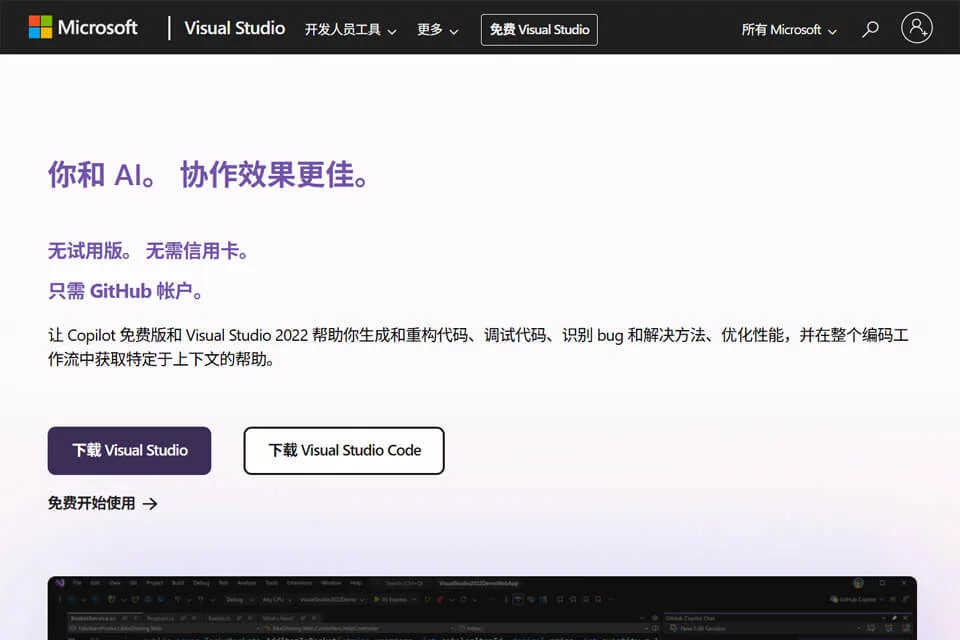
Visual Studio is an integrated development environment covering the software development lifecycle, including coding, project builds, program debugging, performance diagnostics, and deployment. It is suitable for developers who need graphical development tools, comprehensive debugging capabilities, and a unified project management environment.
The product is closely integrated with Microsoft's development ecosystem. It is especially suitable for projects using .NET and C++, while also supporting development with other supported languages and platforms.
02Key Features
Visual Studio provides a code editor, graphical designers, a debugger, and performance analysis tools. Developers can use breakpoints, memory analysis, profiling, and other capabilities to help identify problems.
With GitHub Copilot, developers can get code autocompletion, natural-language code explanations, refactoring suggestions, and conversational assistance with build and testing tasks. The product supports languages including .NET, C++, Python, and JavaScript, and can be used to build web, cloud, mobile, Windows, and game projects.
03Use Cases
It is suitable for developers whose primary technology stacks are .NET or C++, as well as teams building Windows desktop applications, commercial software, and games. For enterprise projects, its debugging, performance diagnostics, and team development support can help manage large codebases.
Developers who need a unified toolchain for web, cloud, or mobile projects can also use Visual Studio as their primary development environment, selecting components according to the project's language and platform.
04Usage Considerations
Visual Studio offers broad functionality and is suitable for complete project development. However, a full integrated development environment may be unnecessary for tasks that only require quickly editing a small number of files. When installing it, choose components based on the project's language, target platform, and team toolchain.
Code and explanations provided by GitHub Copilot are assistive content and may not fully match the project context or actual requirements. Changes involving business logic, dependency upgrades, performance, or security should be reviewed by developers and validated through builds, tests, and debugging.
© Disclaimer: domains and linked content may change over time. AIEZZ does not control third-party websites. Review external content and risks independently.
User reviews0