

- Monthly visits
- 0
- Pricing
- Free & Paid
- Listed
- 2025-10-25
- Updated
- 2026-08-25
01Product Positioning
Airtable combines the structured capabilities of databases with the intuitive operation of spreadsheets to turn business data into collaborative applications. It does more than record data: it supports relationships between tables and lets teams configure views and workflows around the same dataset.
The product is designed for team managers, marketing and operations professionals, product and engineering teams, and non-technical users who need to build internal tools themselves.
02Key Features
Airtable supports field types such as attachments, checkboxes, and links, and lets users create relationships between different tables. The same data can be displayed as a grid, calendar, kanban board, gallery, or Gantt chart to support different ways of viewing and managing work.
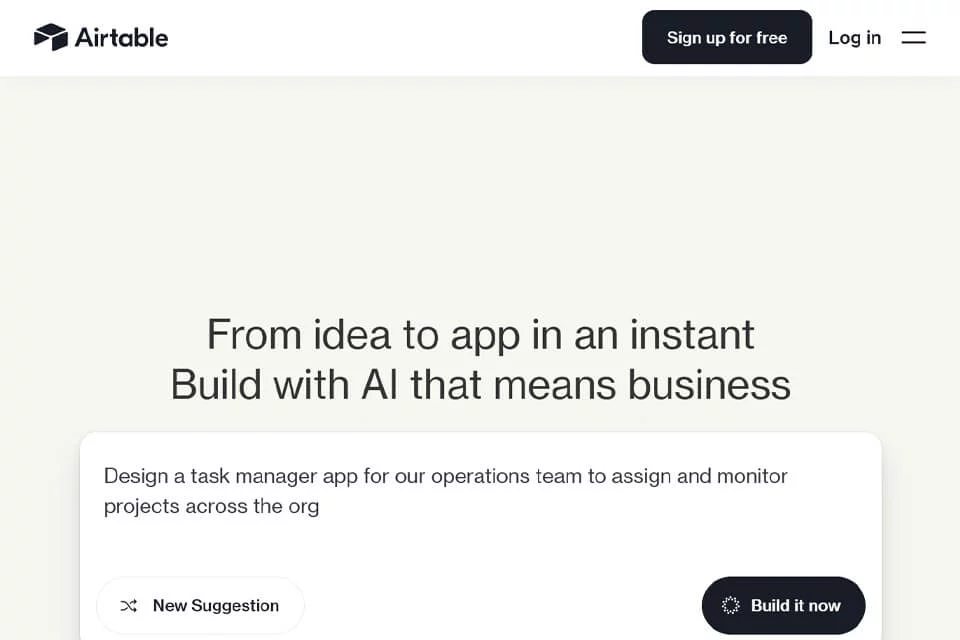
Its Omni feature supports building apps, analyzing data, and creating workflows with natural language. The platform also provides automation capabilities that can trigger tasks based on “if...then...” rules.
03Use Cases
Teams can use Airtable to track project progress, assign tasks, and manage workflows, while using kanban boards or Gantt charts to monitor progress. Marketing and operations teams can use it for content calendars, marketing campaigns, customer relationship management, and organizing user feedback.
Product and engineering teams can maintain product roadmaps, manage feature iterations, and track bugs. Business users can also build lightweight internal tools or applications based on their specific needs.
04Usage Considerations
Before using Airtable, clarify the relationships between tables, field definitions, workflow stages, and collaboration permissions, especially when multiple teams or complex business rules are involved. Changing views does not alter the underlying data, but different views suit different management tasks and should be configured to match actual working practices.
Apps, analyses, and workflows generated through Omni should still be reviewed and adjusted by users. Natural-language descriptions cannot replace business process definition or result validation.
© Disclaimer: domains and linked content may change over time. AIEZZ does not control third-party websites. Review external content and risks independently.
User reviews0