

- Monthly visits
- 0
- Pricing
- Free
- Listed
- 2025-10-23
- Updated
- 2026-05-16
01Product Positioning
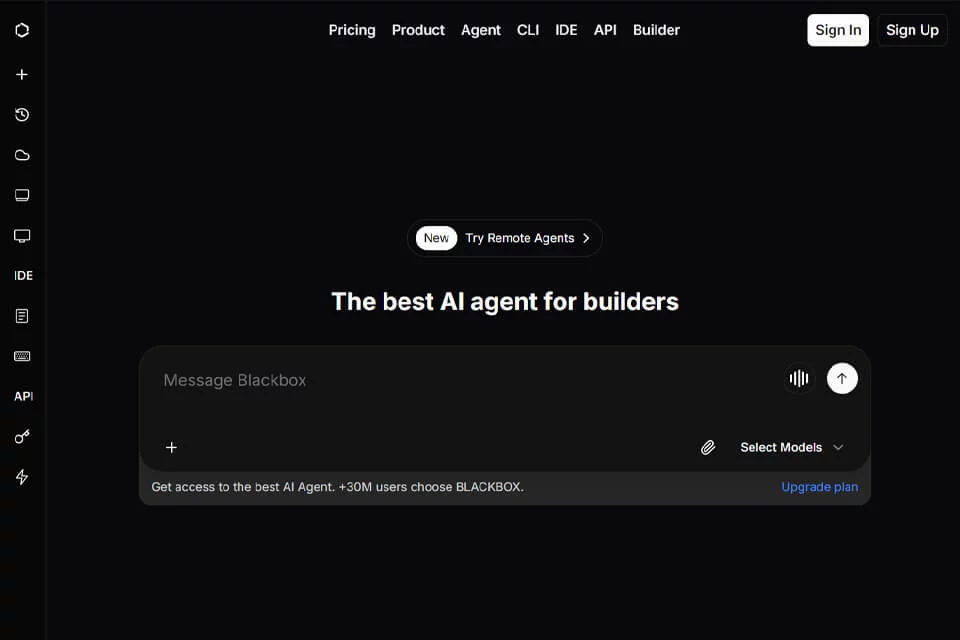
blackbox is positioned as an AI coding assistant for the software development workflow, supporting code writing, debugging, testing, and understanding. It is suitable for individual developers as well as programming education, software testing, and the daily development work of enterprise technology teams.
The product can provide assistance in standalone use cases or within editor workflows, with the goal of reducing repetitive coding and analysis work.
02Key Features
The product supports more than 20 programming languages and can generate code from requirements, detect issues in code, write unit and integration test cases, and generate code comments.
In addition, blackbox supports image-to-code conversion, identifying interfaces from screenshots and generating corresponding code. Real-time search helps users find technical resources and related information, while intelligent agents handle specific project tasks. The product can also be integrated with mainstream editors such as VS Code.
03Use Cases
Software developers can use it to quickly build features, analyze existing code, and assist with troubleshooting. Programming students can use code explanations, comments, and examples to understand syntax and implementation approaches.
QA engineers can use it to generate test cases and assist with code validation. Enterprise technology teams can apply it to repetitive development tasks and code maintenance. Users working across multiple languages or development environments can also benefit from its multilingual coding assistance.
04Usage Considerations
Generated code, test cases, and issue analysis results must be reviewed against the actual project. In particular, users should verify dependencies, interfaces, edge cases, and the runtime environment. These outputs cannot replace manual testing and code review.
Image-to-code results may require further adjustment based on the original design and project structure. Information obtained through real-time search should also be checked for version compatibility and source reliability. Free usage options are suitable for initial evaluation; the specific available scope depends on the product's current page and the permissions of the actual account.
© Disclaimer: domains and linked content may change over time. AIEZZ does not control third-party websites. Review external content and risks independently.
User reviews0