

What Is Lemo-Opuscar?
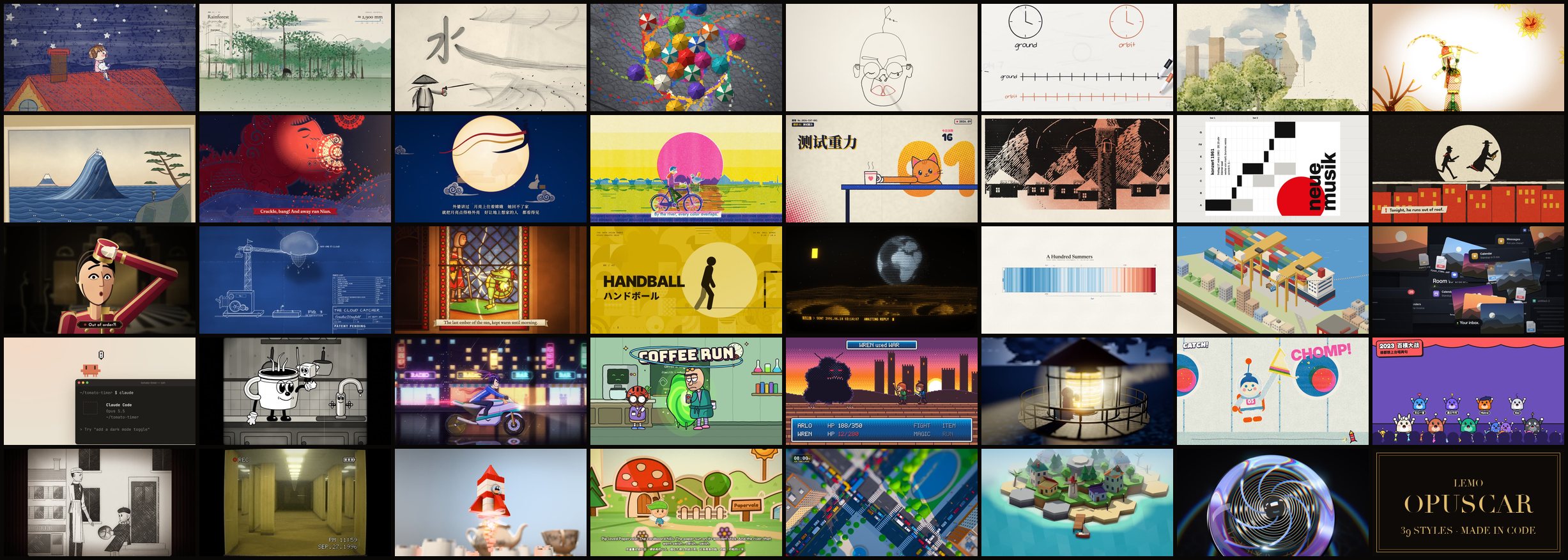
Lemo-Opuscar is a collection of 39 carefully defined film styles and 39 accompanying short films created entirely through code. You choose a style, provide a story, and ask a compatible coding agent to direct and build the film.
The project does not use generative video or stock footage. Its films are made from Canvas and WebGL pages rendered frame by frame. The workflow can also create original music from free sample libraries, generate narration with local text-to-speech, and mix the resulting audio.
The styles were developed for Claude Opus 5.5. Other models and agents may be able to read the project instructions, but they are not guaranteed to reproduce the same results.
Key Features
- 39 distinct styles: Options range from watercolor, ink wash, woodcut, and paper-cut art to pixel RPGs, silent films, data storytelling, product renders, and anime.
- Code-based filmmaking: Visuals are drawn and rendered programmatically rather than generated with a video model.
- Agent-directed workflow: The coding agent handles story development, visual construction, camera decisions, performance, sound, rendering, and self-checks.
- Human approval points: The agent pauses for approval of the story and storyboard, then pauses again for approval of the visual look.
- Style-specific guidance: Every style includes a
STYLE.mdfile describing how it should look and sound. - Integrated production guidance: Dedicated documents explain both creative direction and technical implementation.
- Local voice and audio workflow: Narration can be generated with local text-to-speech, while music can be assembled from free sample libraries.
- Reusable instructions: You can use the included guides inside the repository or point an agent in another project to the same files.
Choose a Film Style
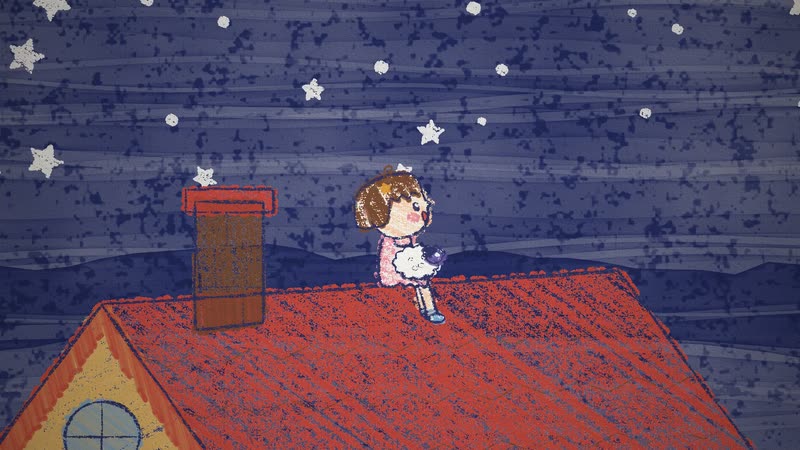
Before installing the project, explore the online gallery. Each example demonstrates how one of the available styles behaves in motion.
The collection is organized into broad creative families:
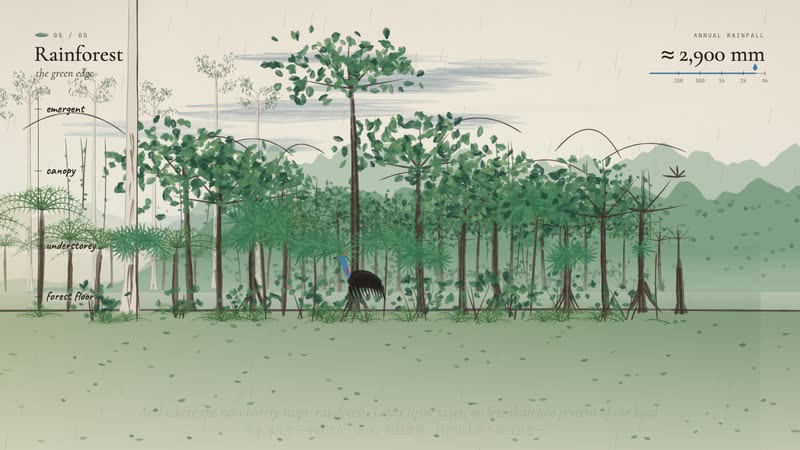
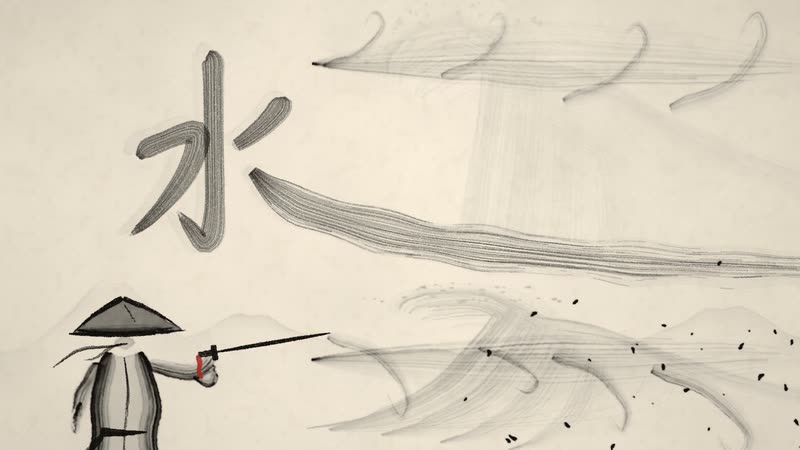
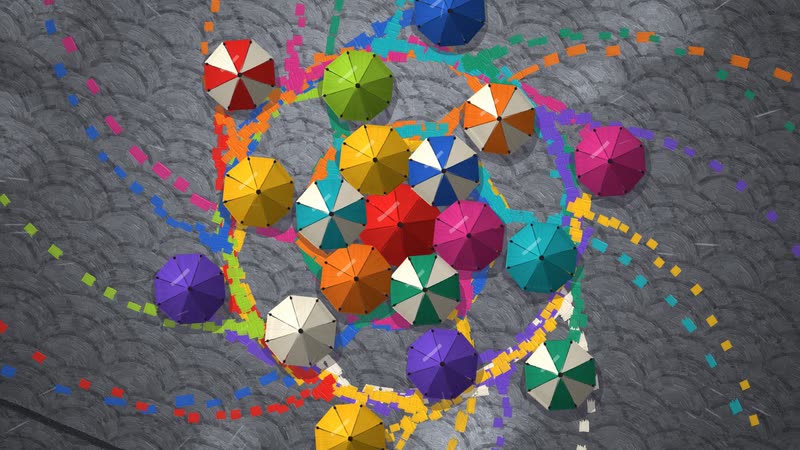
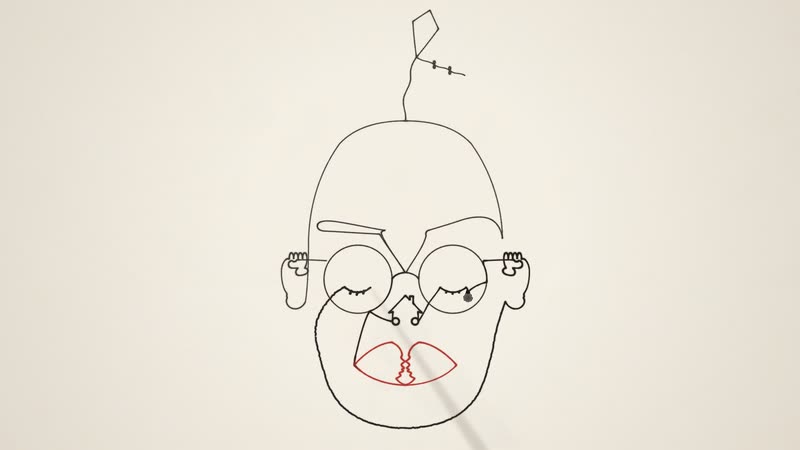
- Hand-drawn and painting: Crayon picture book, watercolor, Chinese ink wash, impasto oil painting, one-line drawing, whiteboard explainer, and urban sketch.
- East Asian traditions: Shadow puppetry, ukiyo-e, red paper-cut, and paper-cut lightbox.
- Print and graphic design: Risograph, halftone dossier, woodcut, Swiss motion graphics, Art Deco, blueprint, stained glass, and pictogram motion.
- Information and presentation: Data storytelling, isometric infographic, dark technology keynote, and living screencast.
- Cartoon, anime, and games: Rubber-hose cartoon, 1980s cel anime, science-fiction sitcom cartoon, pixel RPG, HD-2D, microgame, and game-show styles.
- Cinema, materials, and 3D: Silent film, liminal found footage, brick toy, paper pop-up book, tilt-shift miniature, low-poly island, and glass product rendering.
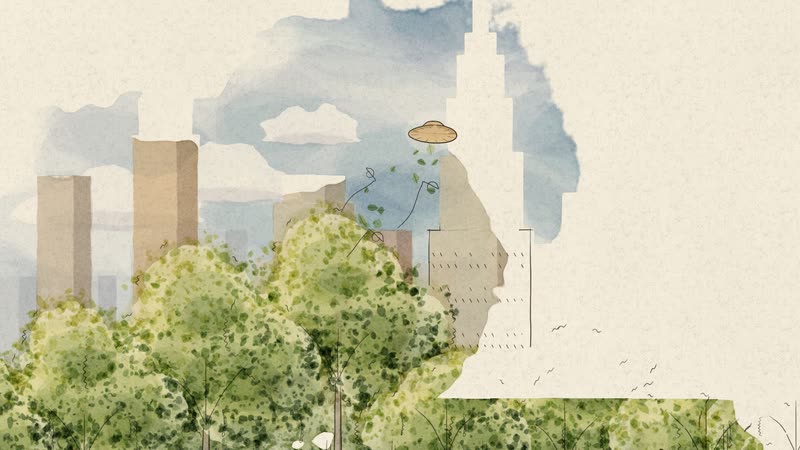
Choose a style that supports the subject and pacing of your story. For example, watercolor can suit a warm journey through a landscape, while isometric infographic can explain a process such as how coffee travels from a farm to a cup.
Prerequisites
Install the following software before starting:
- Node.js 20 or newer
- Google Chrome
- ffmpeg
- Python 3.11 or newer
- A coding agent that can read
AGENTS.md, such as Claude, Codex, or Cursor
Large resources such as voice models and sample libraries are not necessarily downloaded during initial setup. The workflow downloads them only when a production step requires them.
Install Lemo-Opuscar
Clone the repository and enter its directory:
git clone https://github.com/lemomo-ai/lemo-opuscar.git
cd lemo-opuscar
Start your coding agent. The README demonstrates the Claude command:
claudeYou may instead use Codex, Cursor, or another agent capable of reading the repository's AGENTS.md instructions.
Understand the Three Production Guides
The agent uses three main sources of direction:
DIRECTOR.md: Covers story, sound, rhythm, camera, performance, and self-checks.TECHNIQUE.md: Explains frame-by-frame rendering, voice production, music, and mixing.styles/<style>/STYLE.md: Defines the selected style's visual and audio characteristics and explains how its demonstration film was made.
The first two guides are also available in Chinese under docs/zh-CN/. The style guide changes according to the style you request. For watercolor, for example, the relevant file is styles/watercolor/STYLE.md.
Create Your First Film
Step 1: Write a Clear Brief
Tell the agent the desired duration, style, subject, and narration direction. The README provides this example:
Make a 45-second film in the watercolor style about the coffee farm my family runs. Warm female narrator.
A concise brief gives the agent four important constraints:
- The film should last approximately 45 seconds.
- It should follow the watercolor style guide.
- The story should focus on a family coffee farm.
- The narration should use a warm female voice.
Step 2: Review the Story and Storyboard
The agent first develops the story and storyboard, then stops for your approval. Use this checkpoint to verify the narrative structure, shot sequence, tone, timing, and whether the film communicates the intended message.
If the concept is not yet right, request revisions before approving it. Changes are easier to make while the film is still at the planning stage.
Step 3: Approve the Visual Look
The agent pauses a second time to confirm the appearance of the film. Compare the proposed visuals with the selected STYLE.md guidance and the corresponding gallery example.
Check composition, colors, typography, textures, character treatment, and overall fidelity to the chosen style. Approve the look only when it supports both the style and your story.
Step 4: Let the Agent Complete Production
After the two approvals, the agent proceeds with rendering, narration, music, and mixing. The completed project is written to:
films/<name>/A typical film takes the agent approximately 30 to 60 minutes to create and can consume a substantial number of model tokens.
More Prompt Examples
You can adapt the basic prompt structure to different kinds of films. Keep every request aligned with an existing style name.
Make a 30-second film in the whiteboard style explaining how GPS uses atomic clocks. Use clear, educational narration.Create a 40-second film in the 16-bit pixel RPG style about a traveler reaching the final checkpoint after a long journey.Make a short data storytelling film about a century of summer temperatures. Let the chart carry the narrative.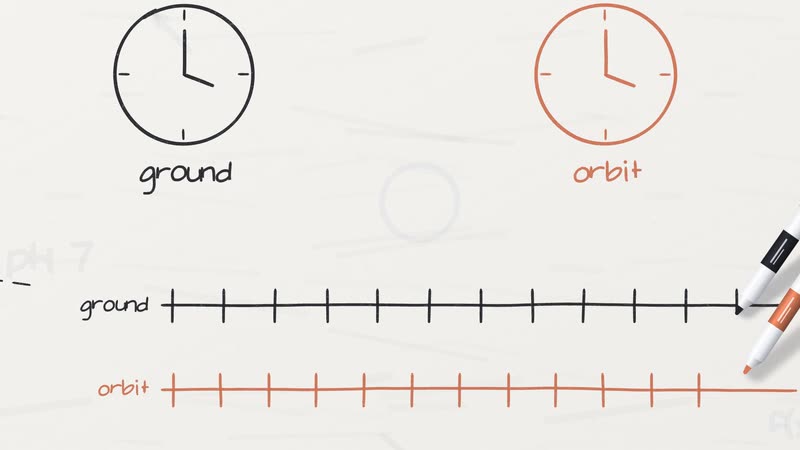
These examples specify a style, topic, and creative direction without dictating every implementation detail. The agent can use the project's direction and technique guides to plan the production.
Advanced Tips
Match the Style to the Story
Do not select a style only because it looks attractive. Consider how its visual language supports the subject. A whiteboard explainer or isometric infographic is suited to educational processes, while silent film, cel anime, or shadow puppetry may work better for character-driven stories.
Use the Approval Stages Deliberately
Treat the two pauses as production gates. At the first gate, focus on narrative and timing. At the second, focus on visual consistency. Separating these decisions helps prevent a polished visual treatment from hiding weaknesses in the underlying story.
Read the Style Guide Yourself
Although the agent reads the relevant files, reviewing styles/<style>/STYLE.md can help you provide better feedback. It describes what the style should look and sound like and documents how the demonstration film was produced.
Reuse the Workflow in Another Project
You do not have to create the film inside the cloned repository. If you prefer your own project structure, point your coding agent to DIRECTOR.md, TECHNIQUE.md, and the selected style's STYLE.md.
Budget Time and Tokens
Plan for roughly 30 to 60 minutes of agent work per film, as well as significant token usage. More detailed productions may require careful monitoring at each approval stage.
Check Asset Licences
The code is licensed under MIT. The guides, style files, and films use CC BY 4.0. Third-party samples, fonts, and music retain their respective licences, including CC0, CC BY, and OFL. Consult each demonstration project's CREDITS file for itemized attribution and licence information.
Conclusion
Lemo-Opuscar provides a structured way to turn a story into a complete, code-generated short film. Install the repository, select one of its 39 styles, give your agent a focused brief, and review the story and visual direction at the two approval checkpoints. The agent can then render the film frame by frame and assemble its narration, music, and final mix.