

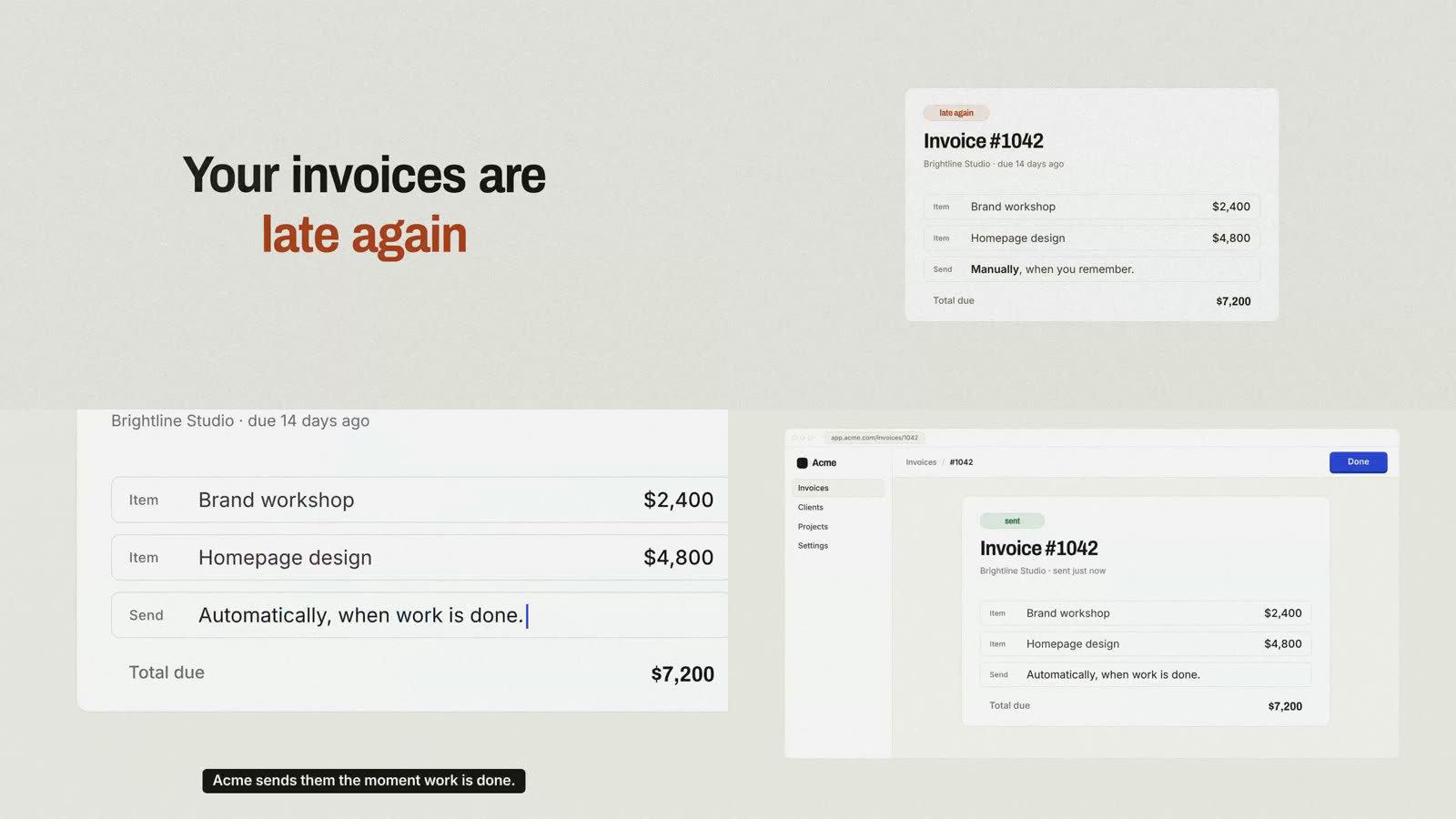
What is no-slop-motion?
no-slop-motion is an agent skill for producing launch and brand films that feel intentionally directed rather than assembled from common AI-video patterns. It grounds creative decisions in customer pain, existing brand assets, narrator delivery, and the structure of the soundtrack.
Instead of immediately generating a montage, the skill moves through ten production gates: inputs, pain, script, voice, world, hero, animatic, build, sound, and quality assurance. You review important decisions before the agent commits to a full render.
Key features
- Structured production process: The main
SKILL.mdfile defines the ten gates, standing rules, and default banned patterns. - Gate-specific guidance: The
references/directory contains a guide for each stage of production. - Reusable planning documents: Templates cover the brief, pain bank, script, design specification, shot list, cue sheet, and a file documenting creative loves and hates.
- HyperFrames starter project: The included film engine provides one seekable timeline, a shared timing table, cameras, word-timed captions, sound cues, and actors that can move “on twos” for a stop-motion-like effect.
- Production scripts: Utilities support Cartesia voiceover takes, take scoring, splitting speech at real silences, joining music on downbeats, cue-sheet validation, pattern linting, pop and flash detection, contact sheets, mixed renders, and social exports.
- Flexible visual protagonist: A film can use a mascot or follow an existing hero object such as a logo mark, signature button, cursor, or sound.
Prerequisites
Prepare the following tools before installing the skill:
- Node.js 22 or newer.
ffmpeg.- Google Chrome or the HyperFrames headless shell.
- Python 3.10 or newer.
- The packages listed in
scripts/audio/requirements.txtandscripts/render/requirements.txt. - A Cartesia text-to-speech key configured as
CARTESIA_API_KEY. - A music source such as Suno or a licensed track.
Installation
Option 1: Install with the skills CLI
The simplest installation method uses the skills CLI:
npx skills add ferndesk/no-slop-motionOption 2: Copy the skill manually
Clone the repository and copy the skill into your agent’s skills directory. The following example targets Claude Code:
git clone https://github.com/ferndesk/no-slop-motion
cp -r no-slop-motion/skills/no-slop-motion ~/.claude/skills/
If you use another agent, copy the directory to that agent’s corresponding skills folder.
Install the HyperFrames skills
no-slop-motion builds on HyperFrames, so install its skills as well:
npx hyperframes skillsIf Chrome is unavailable or you want to use the HyperFrames headless shell, ensure the browser environment is installed:
npx hyperframes browser ensureUnderstand the project structure
The installed skill is organized around both creative planning and technical production:
SKILL.mdis the primary process definition.references/explains how to approach each gate.templates/provides the documents used to lock decisions before production.starter/contains the HyperFrames project and film engine.scripts/contains audio, rendering, validation, and export utilities.
This separation helps prevent scripting, visual design, animation, and sound decisions from being attempted simultaneously.
Create your first launch film
1. Gather useful source material
Give the agent evidence it can use instead of relying on generic creative defaults. Useful inputs include your website, customer call transcripts, brand assets, product interface elements, and visual references.
2. Ask the agent for a film
A basic request can follow the pattern from the project README:
Make a launch video for our product for X. Our site is acme.com, call transcripts are in ./calls, and I like the look of <reference>.
Replace X with the intended audience or context, and replace <reference> with a relevant creative reference.
3. Complete Gate 0
The skill begins at Gate 0 by identifying the inputs it can find and asking for anything essential that is missing. Answer these questions with concrete information about the product, audience, customer problem, available assets, and desired references.
4. Review the brief and script
Expect the agent to produce a one-page brief and a script for approval. Use these checkpoints to verify that the story reflects real customer pain and that the message is appropriate for the intended audience.
5. Approve the voice and visual direction
The process asks you to sign off on the voice and five still frames before full production. The voice should support the script, while the stills establish the world, hero, composition, and overall visual language.
6. Review the animatic
The animatic lets you evaluate structure and timing before the complete build. Check whether the sequence communicates a coherent story and whether important moments have enough time to register.
7. Build, score, and validate
After the core creative decisions are locked, the workflow proceeds through the build, sound, and QA gates. The included tooling can coordinate the film through a shared timing table, align captions and cues, process voice and music, detect unwanted patterns or visual issues, render the mix, and create social exports.
Advanced workflow tips
Use customer evidence to shape the story
Call transcripts and other customer research should do more than provide marketing phrases. Use them to clarify the pain that drives the film. This gives the script a narrative reason to exist and reduces the chance of producing a generic feature tour.
Choose a hero the brand already owns
A mascot is optional. If the brand does not have one, select a recognizable object already present in its identity or product, such as the logo mark, cursor, signature button, or a distinctive sound. Keeping the hero connected to the brand makes the visual concept more specific.
Treat approvals as production locks
The brief, script, voice, five stills, and animatic are deliberate checkpoints. Avoid rushing past them. According to the project’s approach, story and style require the most iteration, especially when they are developed at the same time as the rest of the film.
Keep timing centralized
The starter engine uses one seekable timeline and a timing table read by the entire film. Use this architecture to keep animation, cameras, captions, and sound cues coordinated rather than maintaining unrelated timing values across the project.
Use the QA utilities before exporting
Take advantage of the included cue-sheet checks, banned-pattern linter, and pop and flash detector before final delivery. Contact sheets can help you inspect the film’s visual progression, while the render and social-export scripts support final output preparation.
Preserve natural audio structure
The repository includes tools for scoring voice takes, splitting voice only at real silences, and joining music on downbeats. These capabilities help preserve performance and musical structure rather than forcing audio into arbitrary edit points.
Conclusion
no-slop-motion turns AI-assisted filmmaking into a staged direction process rather than a one-shot generation task. By grounding the work in customer pain and brand assets, then locking the script, voice, visual world, and animatic before production, it helps agents create launch films with a clearer story and more intentional craft.