

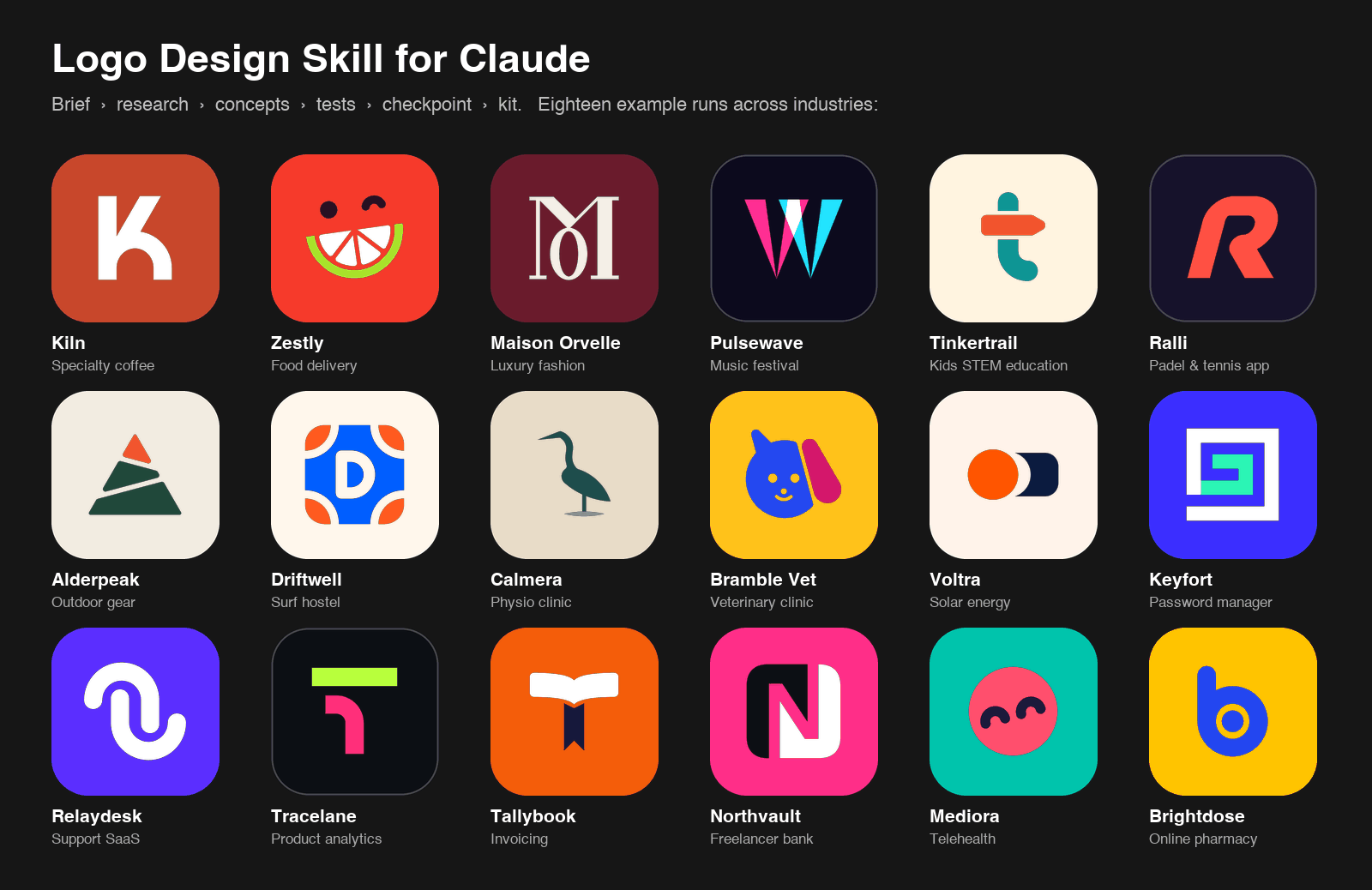
The Logo Design Skill for Claude turns Claude into a structured identity-design assistant. It guides a project from the initial brief through research, concept development, SVG construction, testing, presentation, and delivery.
The skill is designed to encourage deliberate design decisions rather than instant, untested concepts. It can help create wordmarks, monograms, letterforms, pictorial marks, abstract symbols, emblems, mascots, combination marks, app icons, and favicons.
How the workflow works
The process follows five broad stages:
- Brief: Claude asks discovery questions or works from clearly stated assumptions.
- Research: The reference library helps identify category conventions and possible visual territory.
- Concepts: The skill develops eight to twelve one-line directions, then builds three of them as SVG concepts.
- Testing and refinement: Concepts are audited and tested at small sizes, in one colour, in reverse, and in practical contexts.
- Checkpoint: Claude presents an overview of the concepts, recommends a direction, and waits for your choice before producing the complete kit.
The checkpoint is an important part of the workflow. The skill does not automatically generate every brand asset before a direction is approved. Once you choose a concept, it can continue with colour, lockups, presentation boards, icons, and guidelines.
What the project includes
- Design principles and process guidance: discovery briefs, word mapping, mark-type selection, geometry, optical corrections, colour, typography, lockups, testing, presentation, delivery, redesigns, and identity systems.
- A reference library: more than 1,400 real-world SVG logos classified by mark type, technique, geometry, subject, typography, mood, and industry.
- SVG analysis tools: audit structure, colours, complexity, centring, near-miss angles, and tiny details.
- Testing tools: create concept overviews and test sheets for small sizes, one-colour versions, reversed versions, squint tests, mirror tests, contexts, and competitor shelf tests.
- Presentation tools: build client boards with industry-specific mockups.
- Export tools: render PNGs and create black, white, monochrome, square, favicon, app-icon, and web-manifest variants.
Install the skill
Install through the Claude Code marketplace
The recommended Claude Code installation uses the plugin marketplace:
/plugin marketplace add kaankiziltug/logo-design-skill
/plugin install logo-design@logo-design-skill
Install manually in Claude Code
Clone the repository, then copy the skill folder into your personal skills directory or into the current project:
git clone https://github.com/kaankiziltug/logo-design-skill.git
cp -r logo-design-skill/skills/logo-design ~/.claude/skills/logo-design
# Or install it for one project:
cp -r logo-design-skill/skills/logo-design .claude/skills/logo-design
Use Claude.ai or Claude Desktop
Download logo-design.zip from the project’s Releases page and upload it under Settings → Capabilities → Skills. You can also create the package locally with python3 tools/package_skill.py. If upload size is restricted, use logo-design-lite.zip, which excludes the SVG files themselves.
Use another compatible agent
The project follows the open Agent Skills format. An agent that supports skills can load the skills/logo-design/ directory and its SKILL.md file.
Design your first logo with Claude
After installation, ask Claude for a logo or identity task. Include the brand name, audience, industry, desired personality, practical uses, and visual restrictions when you know them.
Design a logo for Harbor, a savings app for first-time savers. It should feel calm and safe.
You can also request a critique, a focused set of directions, or an asset conversion:
- “Here’s our current logo,
logo.svg. Critique it and suggest a refresh.” - “Give me three wordmark directions for a specialty coffee roaster called Kiln.”
- “Turn this symbol into favicon, app icon, and one-colour versions, plus a one-page usage guide.”
Claude should first establish the brief or state its assumptions, then research relevant category conventions and produce concepts. At the checkpoint, review the concepts and recommendation before asking for the complete identity kit.
Review concepts and real-world applications
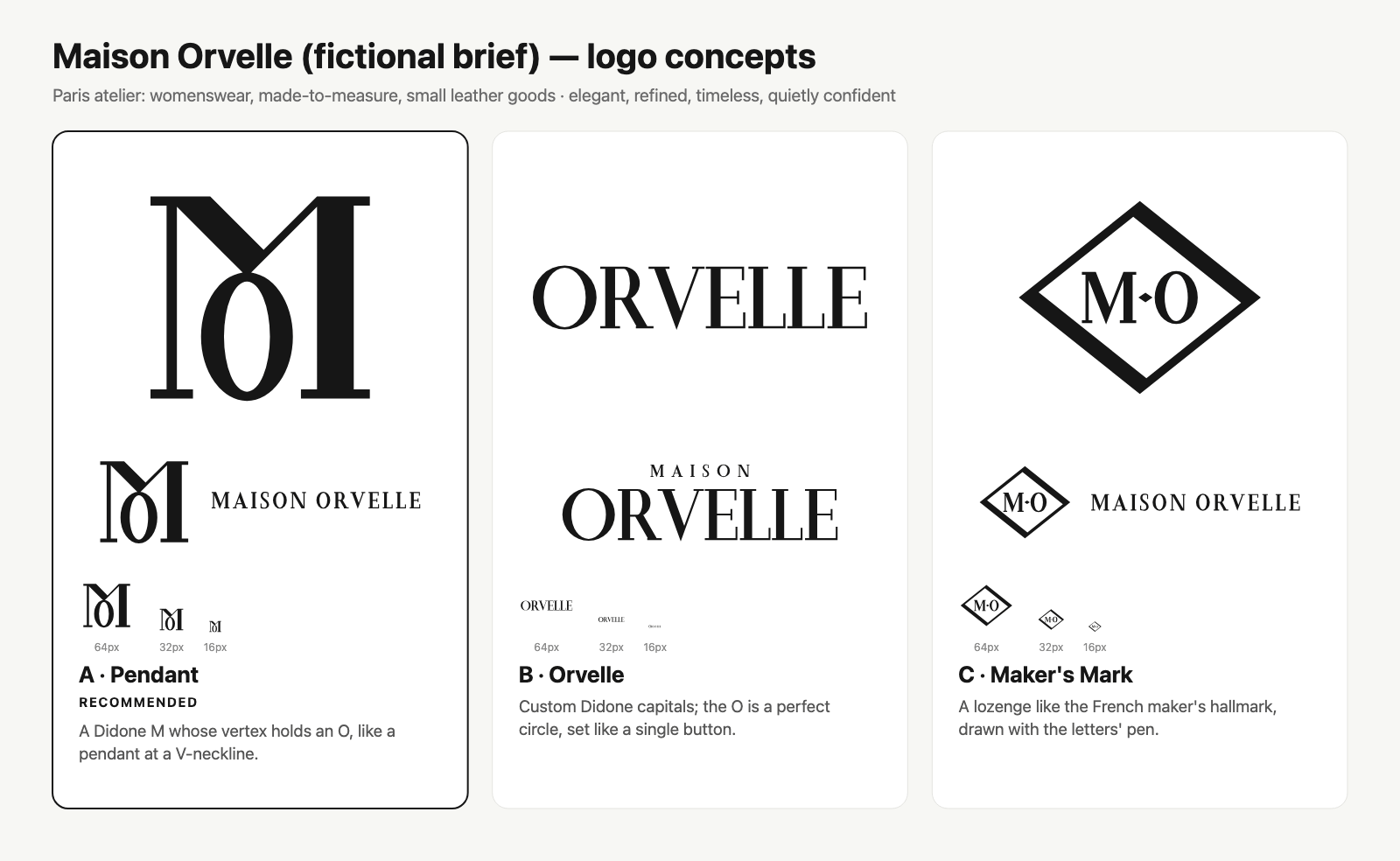
The repository includes fictional end-to-end examples across coffee, food delivery, fashion, festivals, education, sports, outdoor gear, hospitality, healthcare, finance, and SaaS.
Compare concept directions
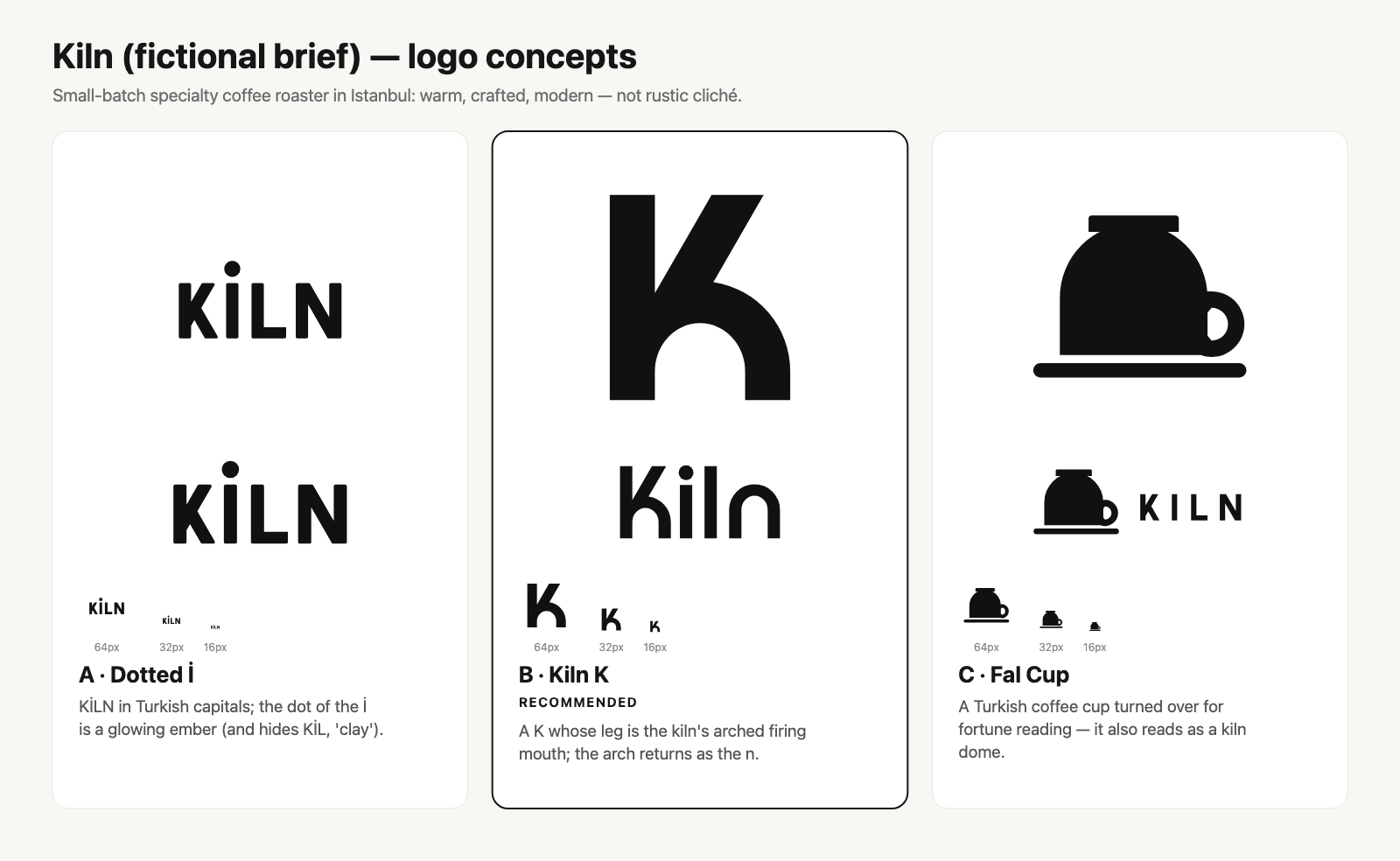
For the fictional specialty coffee brand Kiln, the recommended direction combines a custom letterform and wordmark. The concept uses the K’s leg as a kiln arch and repeats the arch in the wordmark. The skill also identifies issues before presentation, including an incorrect diagonal angle and an off-centre symbol.
See the selected direction in context
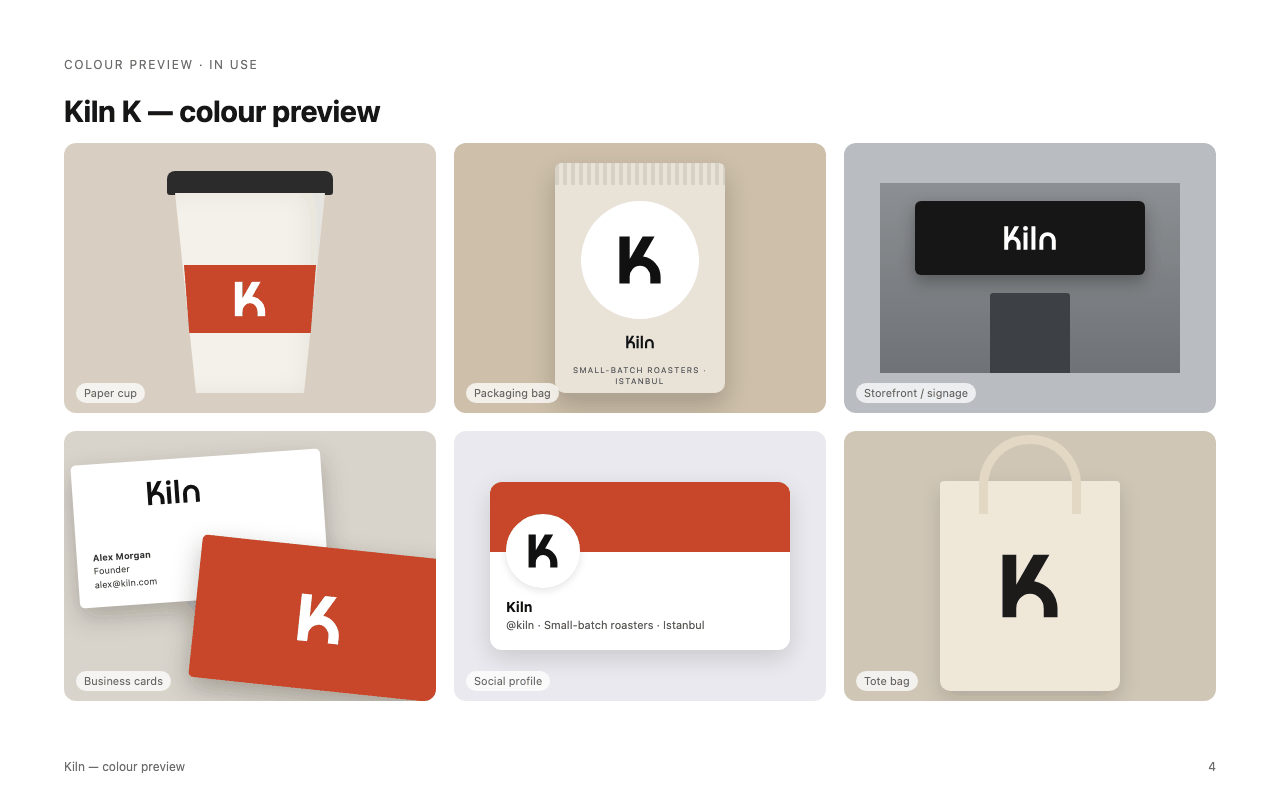
Once a direction is selected, the presentation stage shows how it may work on relevant brand materials. This helps separate a visually interesting concept from a usable identity that can survive packaging, signage, social avatars, and other applications.
Use category-aware constraints
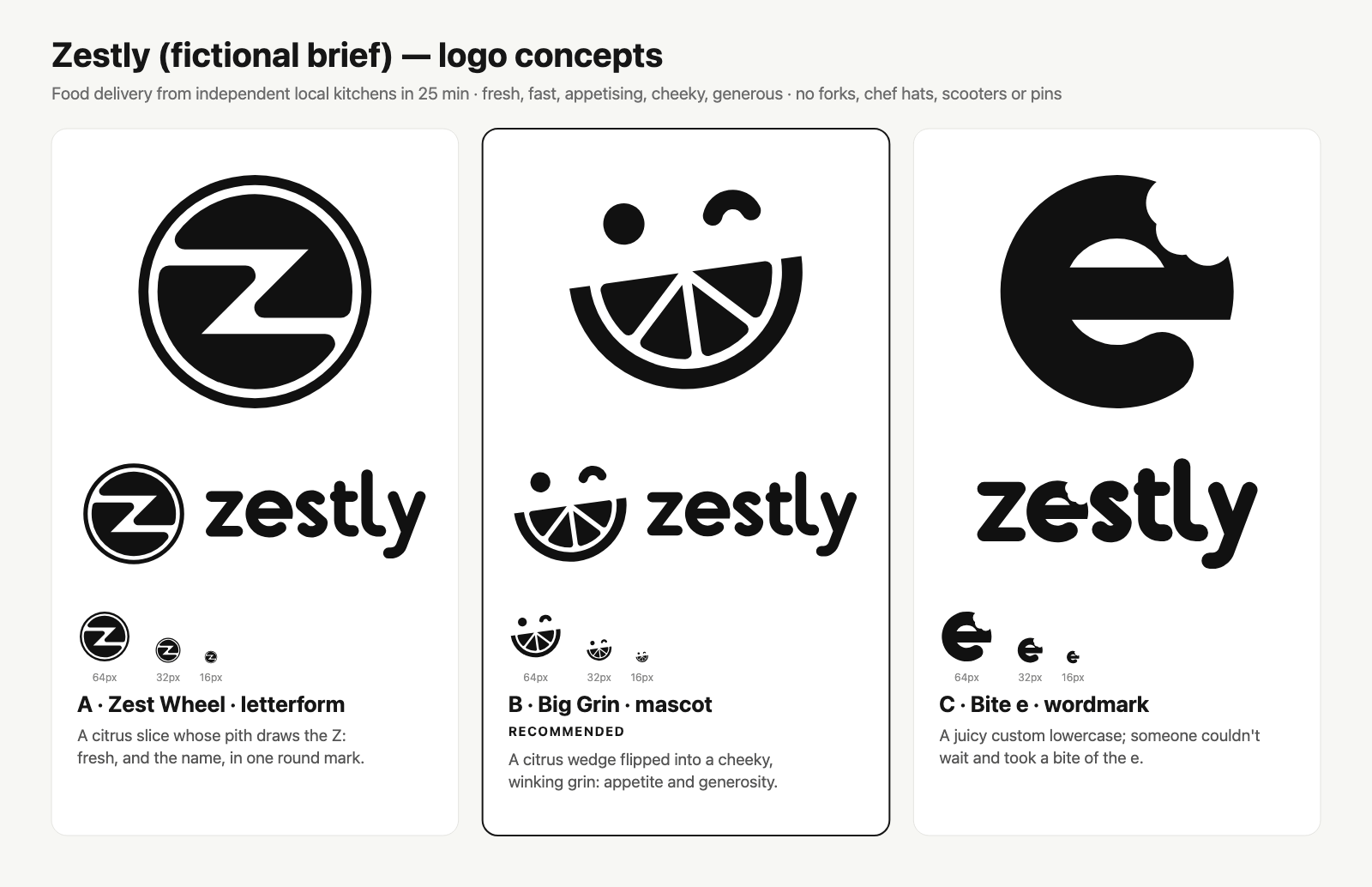
The Zestly example demonstrates how a brief can rule out overused imagery. The food-delivery brand avoids forks, chef hats, scooters, and map pins. Its recommended mark turns a citrus wedge into a cheeky grin, while the skill explicitly records the risk that some viewers may read it as a watermelon.
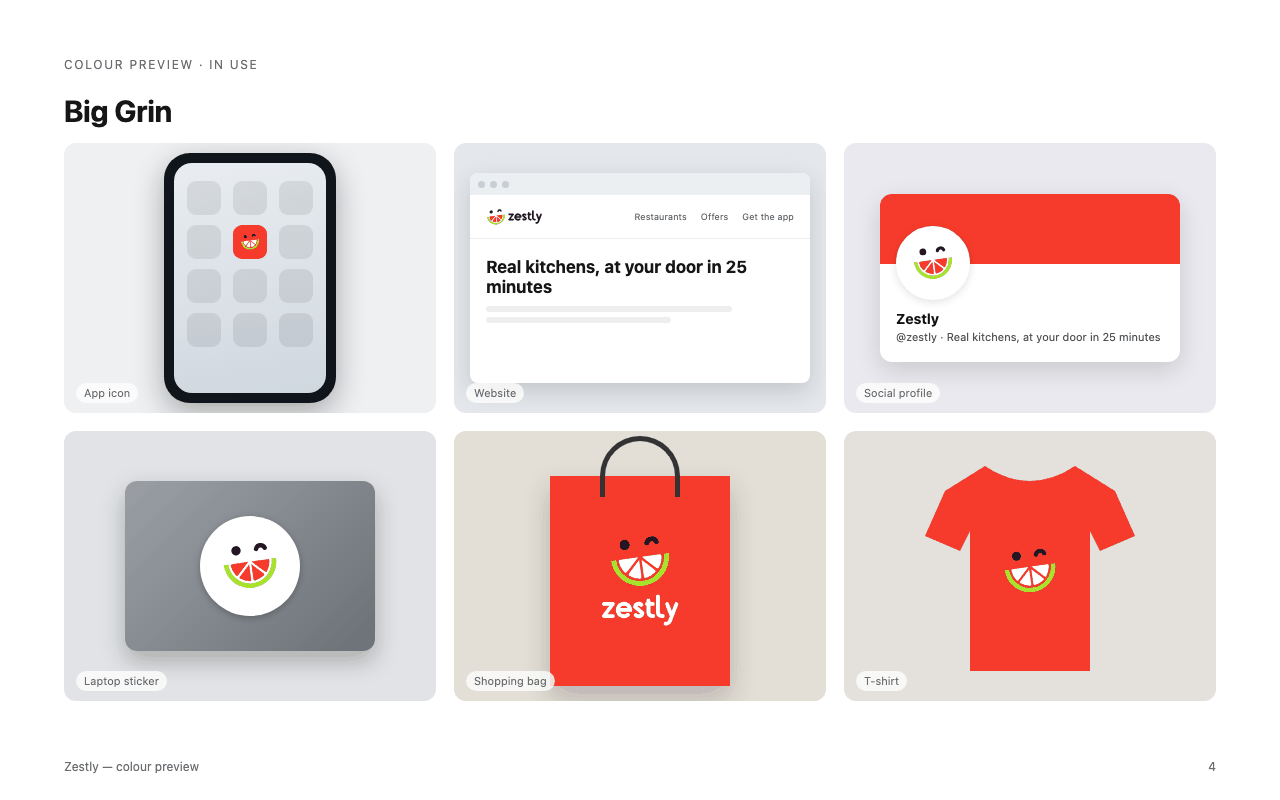
These examples show how the skill balances concept appeal with clarity, distinctiveness, and practical limitations.
Run the tools directly
The project requires Python 3.8 or newer and uses the Python standard library. From the skill directory, you can run the included scripts without relying on a separate design framework.
Search the logo reference library
Search by visual technique or industry. The following commands find exemplary negative-space references and summarize payment and fintech examples:
cd skills/logo-design
python3 scripts/search_library.py --technique negative-space --exemplary
python3 scripts/search_library.py --industry payments-fintech --summary
The library is intended for study: use it to understand construction, category conventions, and differentiation. The reference logos are not a source for copying.
Audit an SVG
python3 scripts/svg_audit.py my-logo.svgThe audit reports details such as the SVG viewBox, aspect ratio, colour count, anchor count, complexity warnings, near-miss angles, tiny sub-shapes, and production-readiness score.
Create a concept sheet
python3 scripts/concept_sheet.py a.svg b.svg c.svg \
  --names "A" "B" "C" \
  --recommend 1 \
  -o concepts.png
Use a concept sheet to present multiple directions together with a recommended option at the checkpoint.
Generate a preview test sheet
python3 scripts/preview_sheet.py my-logo.svg \
  --refs-industry developer-tools \
  -o preview.html
The preview sheet compares sizes, backgrounds, treatments, contexts, and shelf-test references. It is especially useful for checking whether a mark remains recognizable when reduced.
Render and export assets
python3 scripts/render_png.py my-logo.svg --size 512 -o my-logo.png
python3 scripts/export_variants.py my-logo.svg \
  --mono "#0F7C80" \
  --icon-bg "#0F7C80" \
  --web-icons
PNG and ICO output uses whichever supported renderer is available, including CairoSVG, rsvg-convert, Inkscape, a Chromium-based browser, or macOS Quick Look.
Test the logo before approval
The skill tests concepts at 96, 32, and 16 pixels, as well as in one colour and reversed treatments. These checks reveal when a wordmark needs a companion symbol or when fine detail disappears at small sizes.
For example, a complex emblem may receive warnings for excessive anchor points, near-miss angles, or sub-shapes that are too small relative to the canvas. Those warnings do not automatically reject a logo, but they identify areas that need a designer’s review.
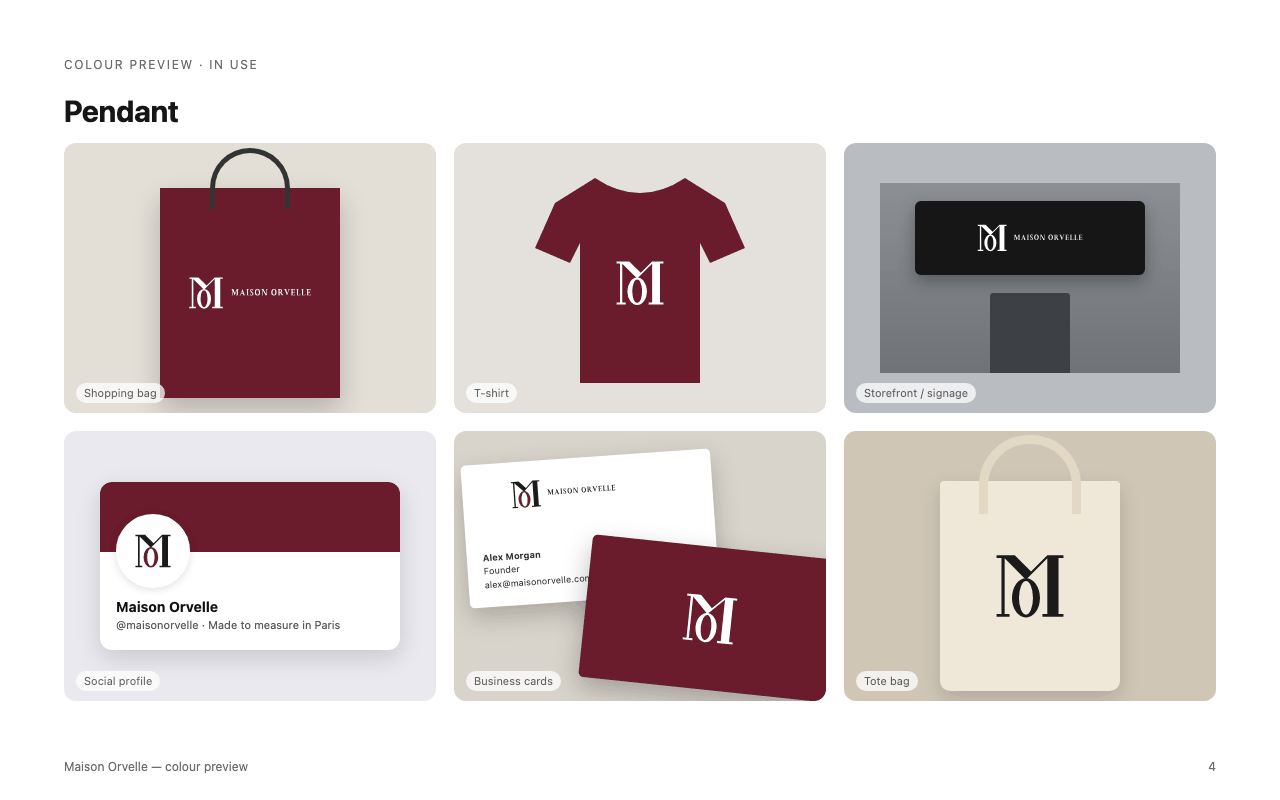
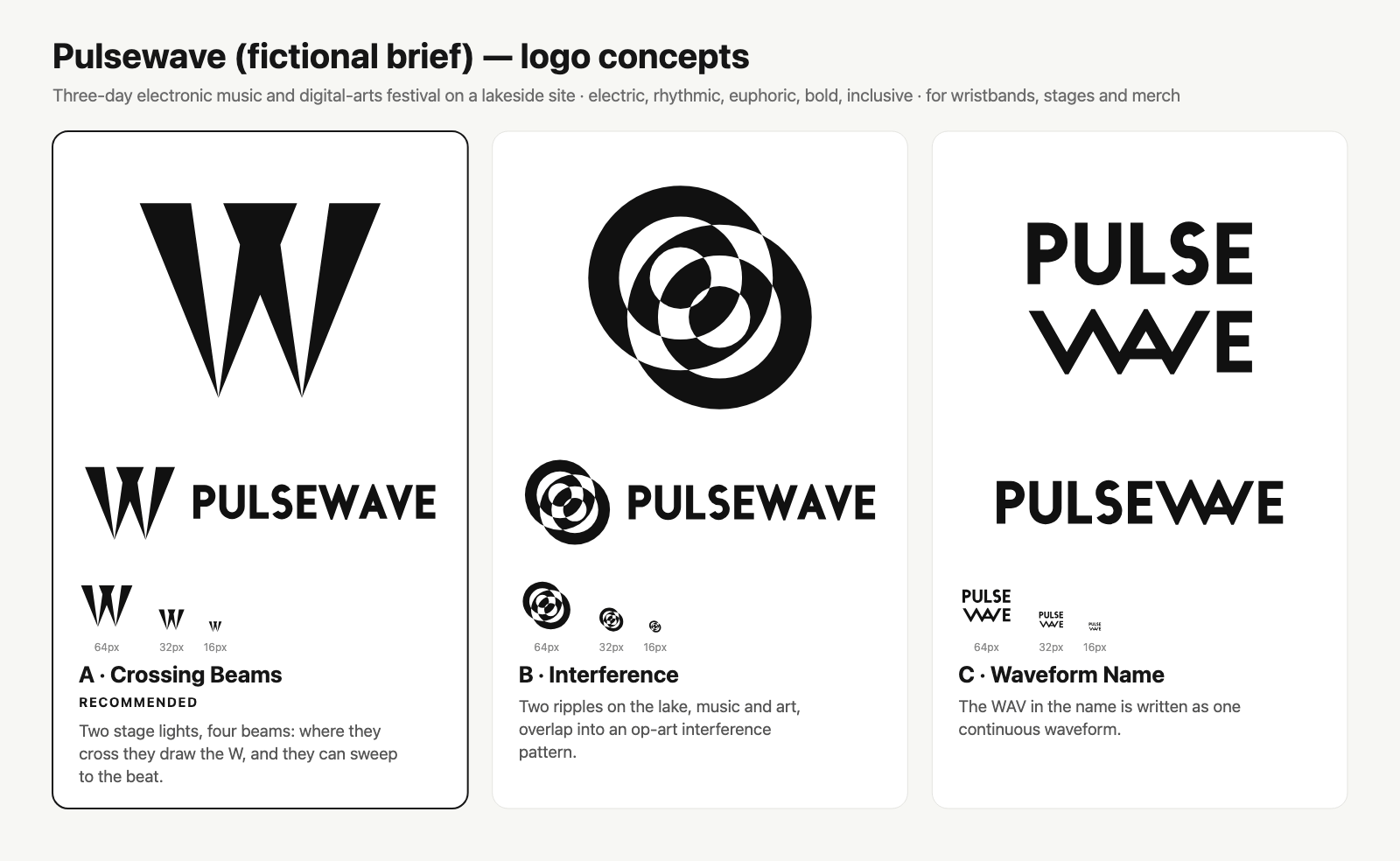
Colour should also be tested by surface and contrast. In the Pulsewave example, cyan is kept for dark backgrounds because it does not provide sufficient contrast on white. Similar decisions help preserve legibility across applications.
Advanced tips for better results
Write constraints into the brief
Specific exclusions can prevent generic results. State what the brand must not resemble, such as avoiding padlocks for a security product, crosses for a healthcare brand, or generic mountains for outdoor gear. Also mention where the logo must work, such as packaging, app icons, clothing, signage, or social avatars.
Ask for a recommendation, not just options
The skill is designed to explain why one direction is stronger. Request the checkpoint overview and recommendation, then evaluate the reasoning against your brief. If the chosen direction is not right, ask for changes before requesting the full kit.
Use the reference library for differentiation
Search by industry and technique to learn what competitors commonly use. The library contains more than 1,400 files representing approximately 1,200 brands, including examples classified as abstract, combination, pictorial, letterform, wordmark, emblem, mascot, and lettermark designs.
Inspect SVG structure, not only appearance
A logo can look acceptable while containing unnecessary points, tiny details, inconsistent angles, or centring problems. Run svg_audit.py before delivery and investigate warnings rather than treating the score as a substitute for design judgment.
Keep colour decisions functional
Check one-colour and reversed versions early. The examples show that vivid colours can work when they pass the required contrast checks, while some colours need to be reserved for dark surfaces or replaced with a single colour in specific applications.
Understand the repository structure
The main skill directory contains the workflow, references, scripts, templates, and library assets:
skills/logo-design/
├── SKILL.md
├── references/
├── scripts/
├── templates/
└── assets/library/
The reference documents cover principles, discovery briefs, mark types, visual techniques, colour, typography, SVG construction, testing, presentation, delivery, identity systems, redesign, critique, and library usage. The scripts include concept_sheet.py, search_library.py, svg_audit.py, preview_sheet.py, presentation_board.py, render_png.py, export_variants.py, and build_catalog.py.
Licensing and reference-logo restrictions
The skill text, scripts, templates, and catalog data are available under the MIT license. The SVG logo files in assets/library/svg/ are trademarks of their respective owners and are included for reference and education only; they are not covered by the MIT license. The repository’s examples use fictional briefs.
Conclusion
The Logo Design Skill for Claude provides a disciplined path from brand brief to tested identity assets. Install it in Claude Code, Claude.ai, Claude Desktop, or another compatible agent, describe the brand and its constraints, and use the checkpoint to select a direction. For more control, run the Python tools directly to search references, audit SVGs, compare concepts, test applications, render files, and export a complete icon set.