
AI tutorials
AI tutorials
Practical AI tutorials covering tools, prompting, and reusable automation workflows.
Updated regularly1302 tutorials
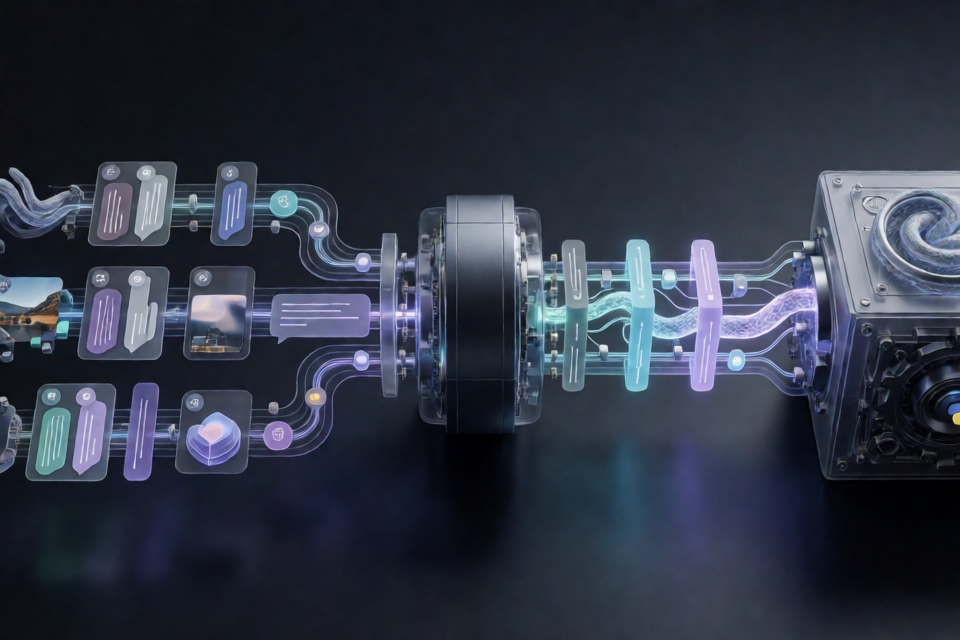 On-site tutorial#AI tutorialConvert Multi-Format AI Requests into DeepSeek V4.1 Prompts with deepseek-recipeLearn how to install and use deepseek-recipe from Python or Rust, convert Chat Completions requests into conversations, render DeepSeek V4.1 prompts, and explore streaming, tokenization, image preprocessing, and output parsing.

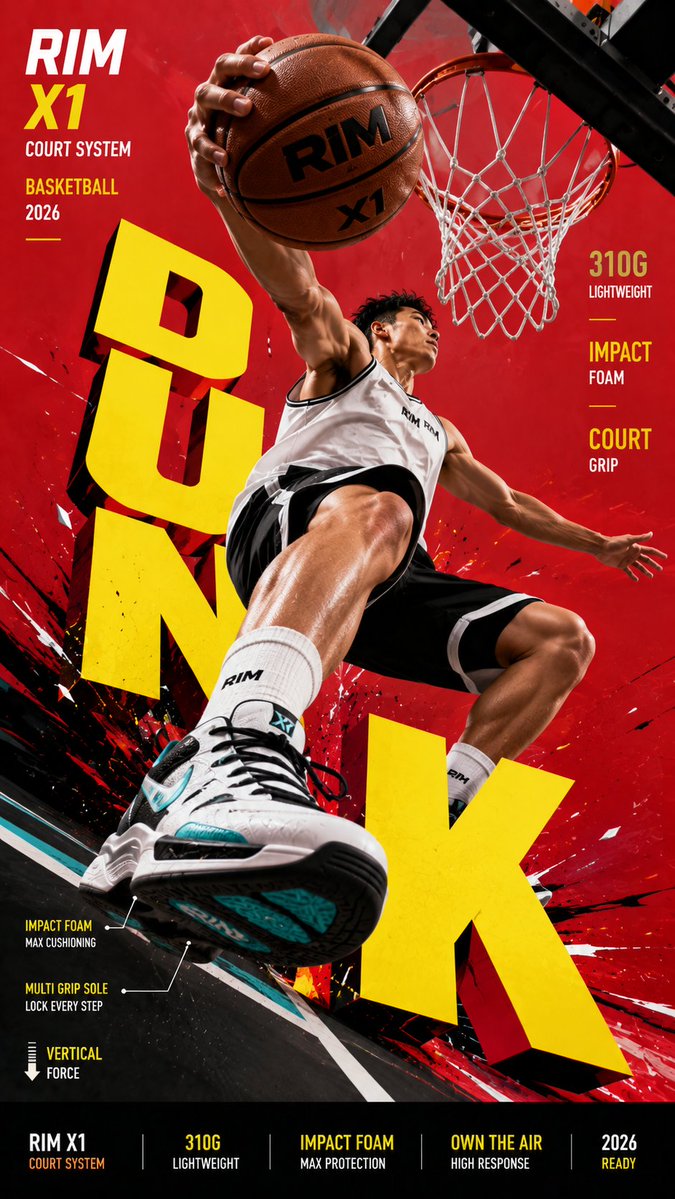 On-site tutorial#AI tutorialBrand: [Brand Name]
Product/Event: [Product or Event Name]Brand: [Brand Name]
Product/Event: [Product or Event Name]
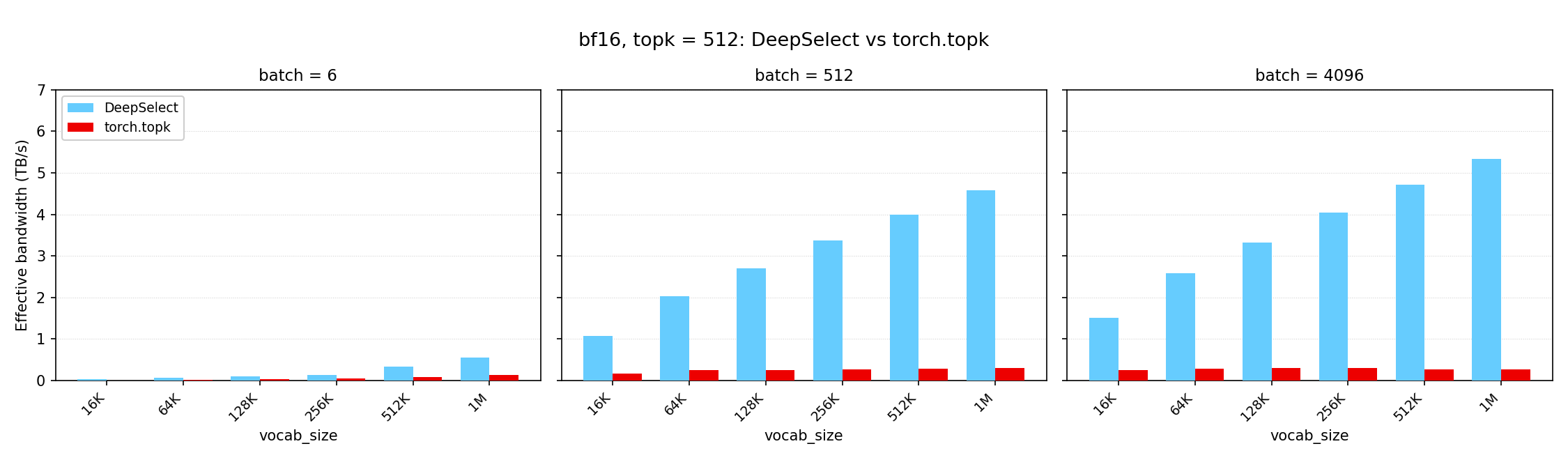 On-site tutorial#AI tutorialAccelerate PyTorch TopK Operations with DeepSelectLearn how to install DeepSelect, replace compatible torch.topk workloads, handle aligned tensors and variable-length rows, configure outputs, and optimize performance for DeepSeek Sparse Attention and sampling scenarios.
 On-site tutorial#AI tutorialHumanize AI-Generated Text with the Open-Source text-Humanizer PipelineLearn how to install, configure, and run text-Humanizer, an open-source Python project that rewrites AI-generated content with more natural structures and varied phrasing while preserving its meaning across supported languages.
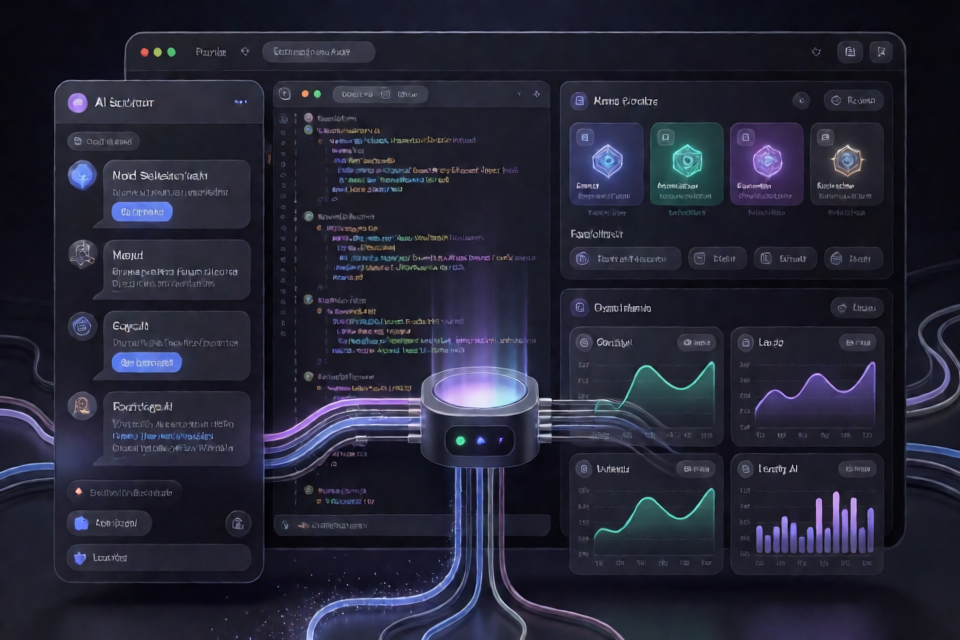 On-site tutorial#AI tutorialSwitch GitHub Copilot Chat Models Instantly with 9Router Model ConnectorLearn how to install 9Router Model Connector, connect it to GitHub Copilot Chat, and switch among supported AI models from a web dashboard or the VS Code status bar. This guide also covers the proxy architecture, useful commands, model comparison tools, custom models, and common setup problems.
 On-site tutorial#AI tutorialAutomate UAE Corporate Tax Registration on EmaraTax with an AI AgentLearn how to use the UAE Corporate Tax Registration Skill with Claude Code, OpenAI Codex, or another browser-capable agent. This tutorial covers preparation, setup, guided form entry, document uploads, common portal issues, and the final human review required before submission.
 On-site tutorial#AI tutorialGemini Omni 1.1 Flash just made a Louis Vuitton Neverfull fGemini Omni 1.1 Flash just made a Louis Vuitton Neverfull f
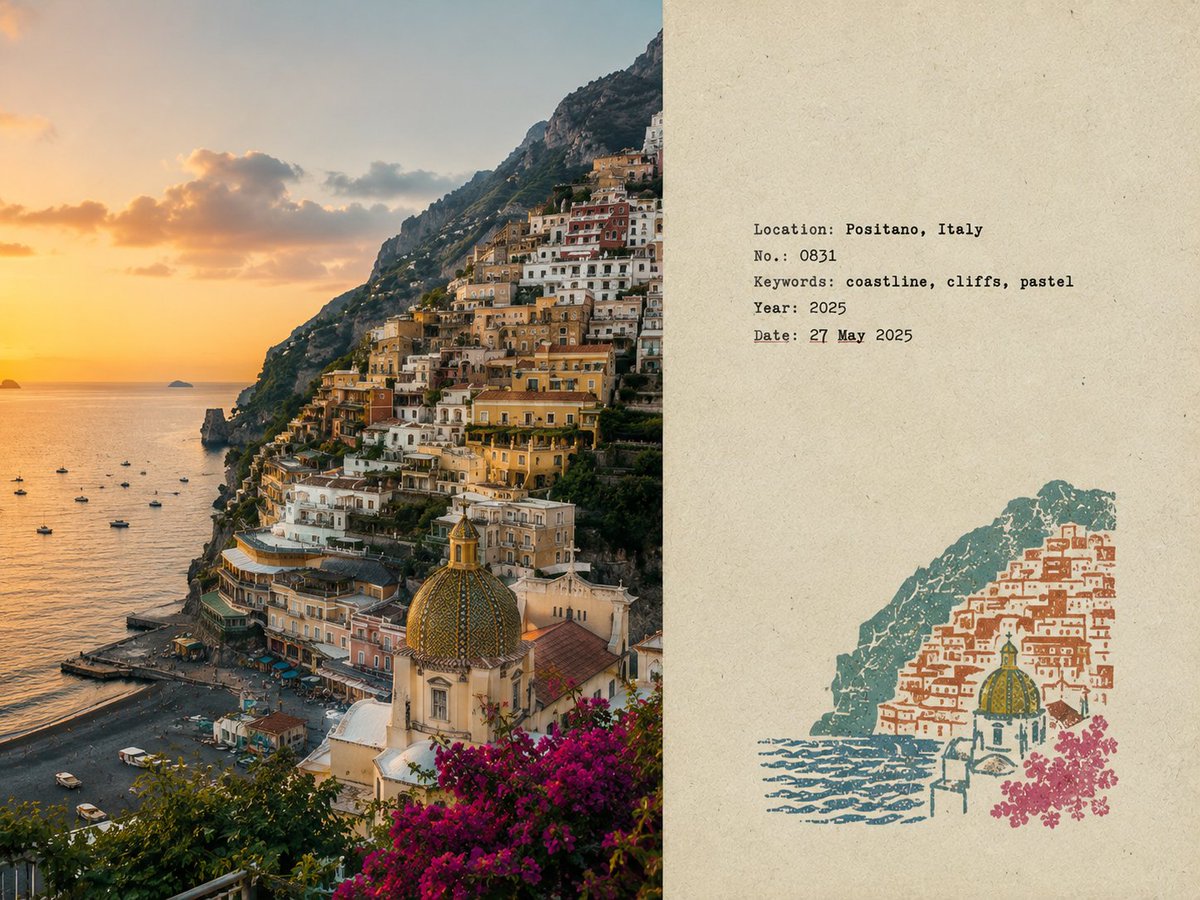 On-site tutorial#AI tutorialCreate a Separate 4:3 Landscape Poster for Each Uploaded PhotoCreate a Separate 4:3 Landscape Poster for Each Uploaded Photo
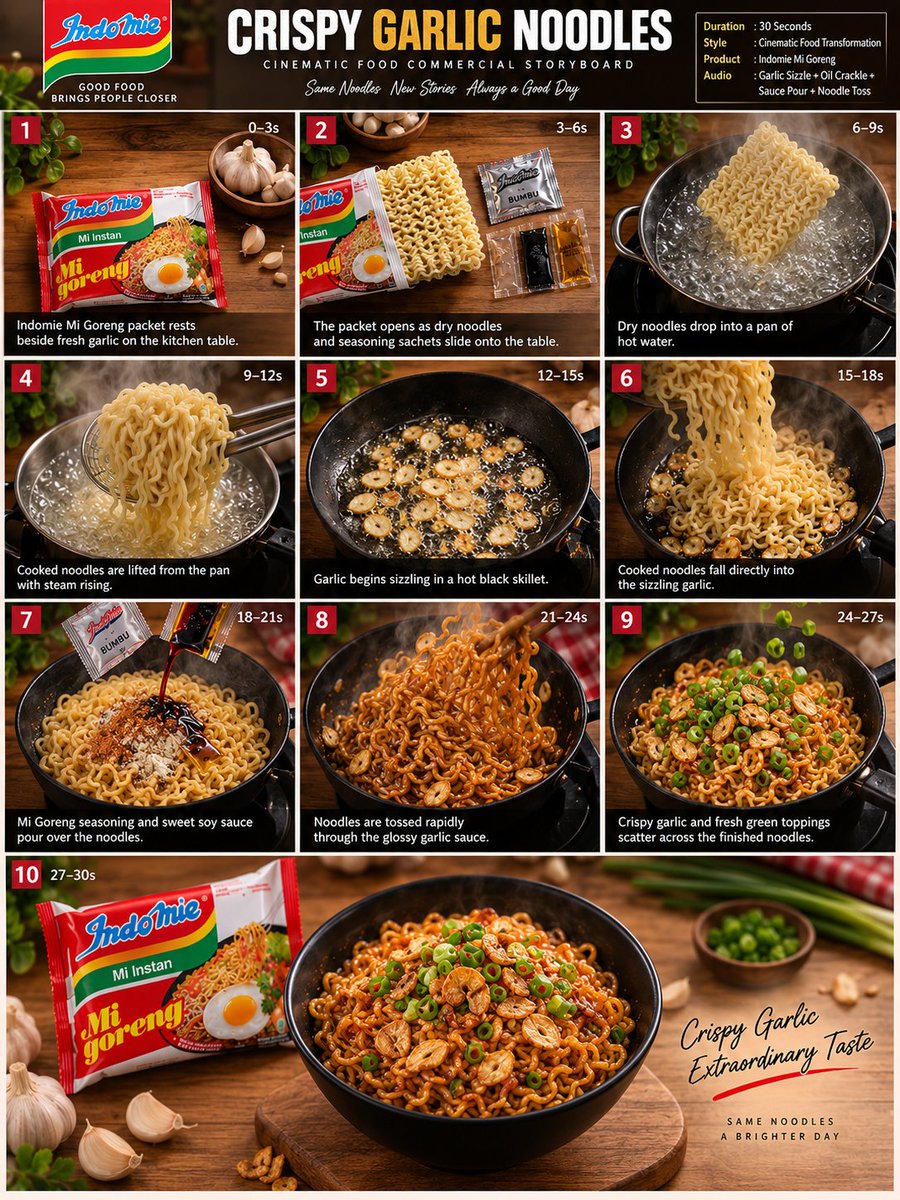 On-site tutorial#AI tutorialNano Banana 2nd Gen × Gemini Omni flash 1.1
Prompt - Title: InitialsNano Banana 2nd Gen × Gemini Omni flash 1.1
Prompt - Title: Initials
 On-site tutorial#AI tutorialI first generated the video's opening frame. Next, I used GPT Image 2.5 to generate a second image as the final frame, keeping the same woman and atmosphere, but showing her leaving the café and walking along the street outside. Grok Imagine Video generated all the motion in between.!!!!!!!!!!!!!!!!!!!!!!!!!!!!!!!!!!!!!!!!!!!!!!!!!!!!!!!!!!!!!!!!!!!!!!!!!!!!!!!!!!!!!!!!!!!!!!!!!!!!!!!!!!!!!!!!!!!!!!!!!!!!!!!!!!!!!!!!!!!!!!!!!!!!!!!!!!!!!!!!!!!!!!!!!!!!!!!!!!!!!!!!!!!!!!!!!!!!!!!!!!!!!!!!!!!!!!!!!!!!!!!!!!!!!!!!!!!!!!!!!!!!!!!!!!!!!!!!