
AI tutorials
AI tutorials
Practical AI tutorials covering tools, prompting, and reusable automation workflows.
Updated regularly1302 tutorials
 On-site tutorial#AI tutorialTransform the reference photo into a refined Japanese styleTransform the reference photo into a refined Japanese style

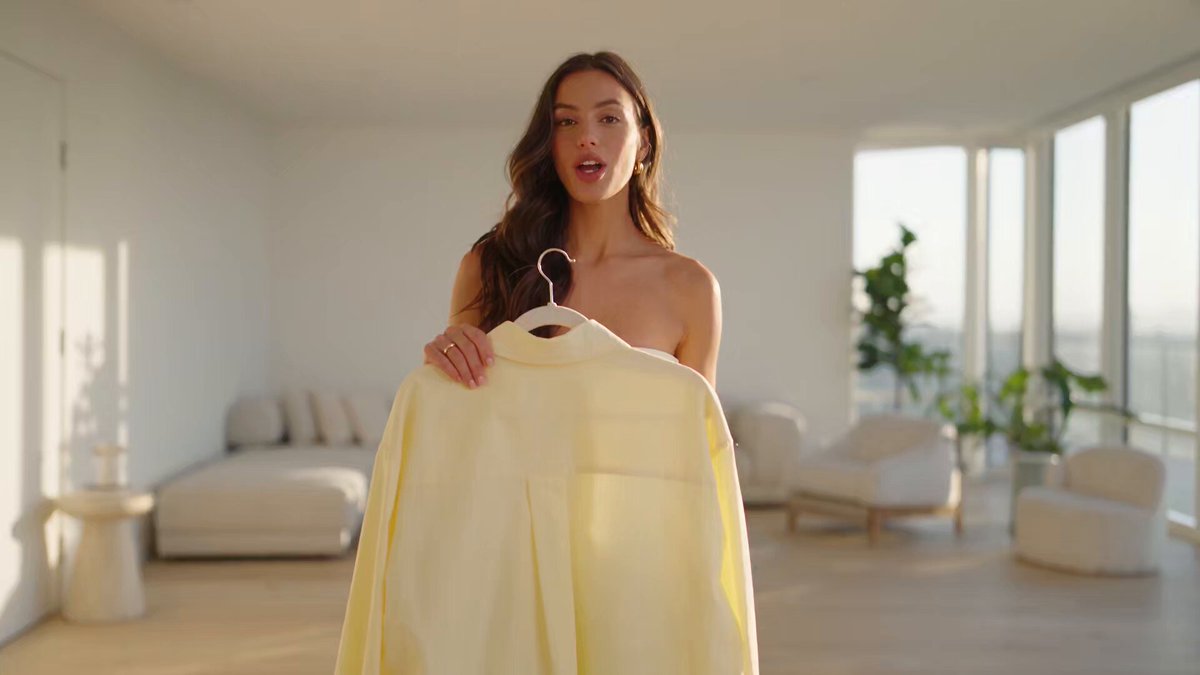 On-site tutorial#AI tutorialCreate a stylish, hyper-realistic 30-second fashion short video in style tCreate a stylish, hyper-realistic 30-second fashion short video in style t
 On-site tutorial#AI tutorialPhotorealistic ultra-wide-angle selfie-style portrait with dPhotorealistic ultra-wide-angle selfie-style portrait with d
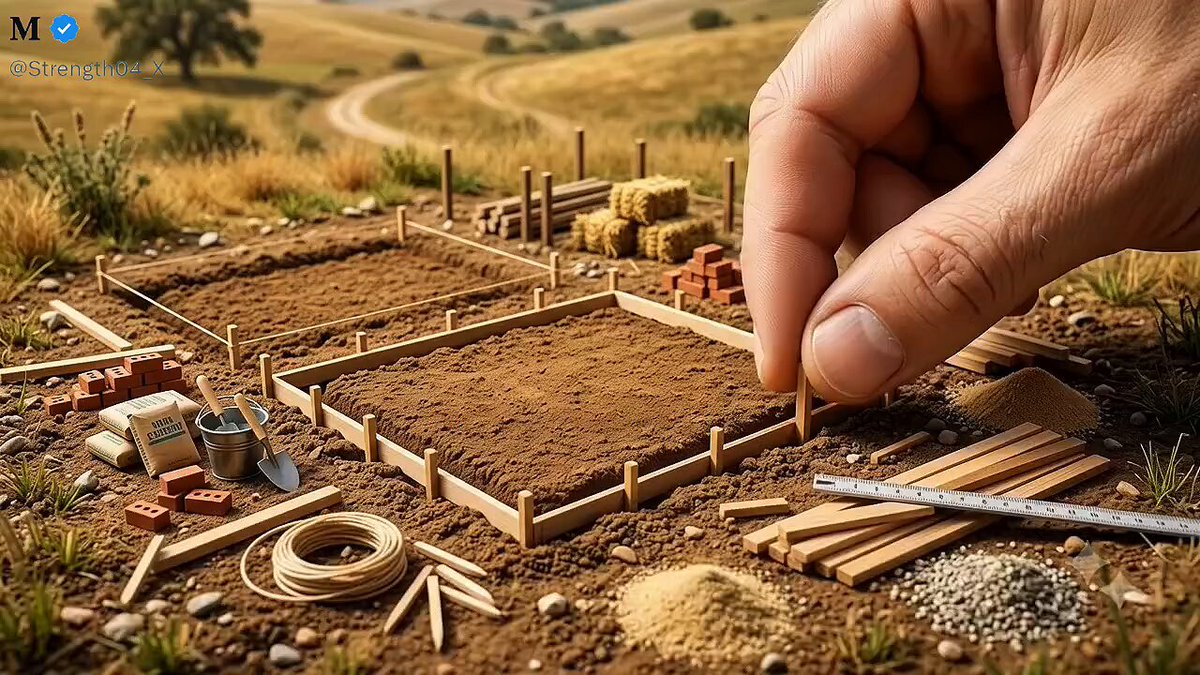 On-site tutorial#AI tutorialNano Banana 2 × Gemini Omni Flash: Building a MicronationNano Banana 2 × Gemini Omni Flash: Building a Micronation
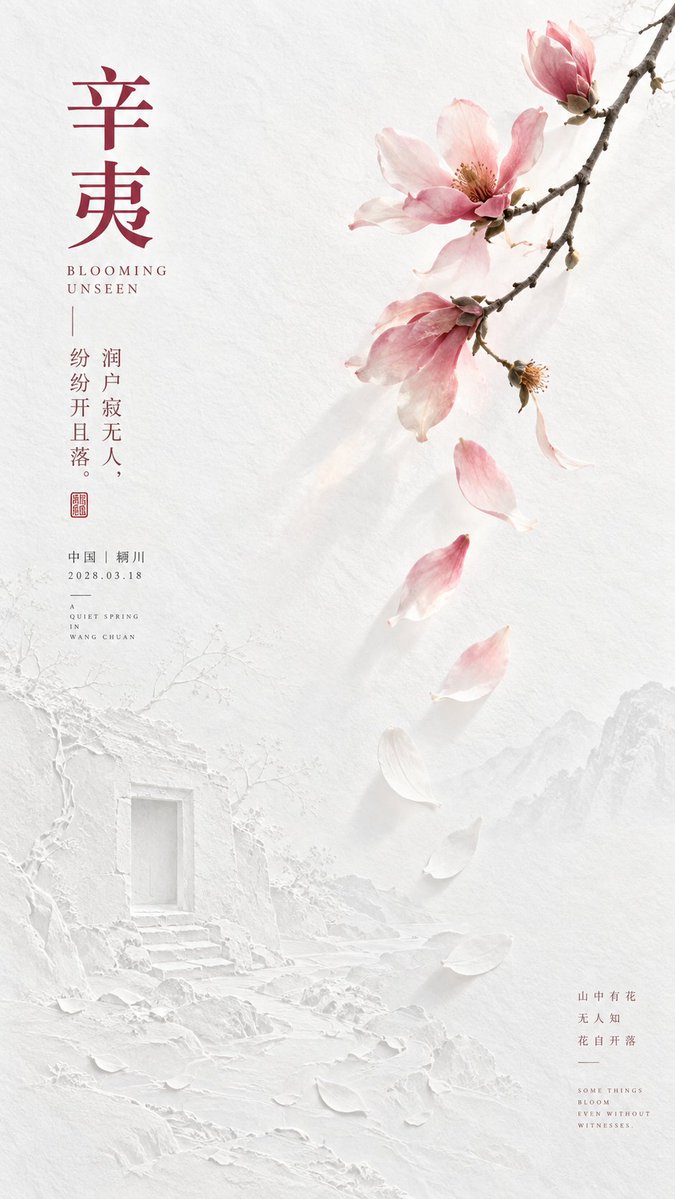 On-site tutorial#AI tutorialCreate a 9:16 vertical Eastern poetic minimalist art poster.
Do not directly recreate the complete classical scene from 【original poem lines】. First identify the poem’s most distinctive 【poetic dominant color】, then let that color carry the emotion and narrative through the 【core subject】 and 【coloCreate a 9:16 vertical Eastern poetic minimalist art poster.
Do not directly recreate the complete classical scene from 【original poem lines】. First identify the poem’s most distinctive
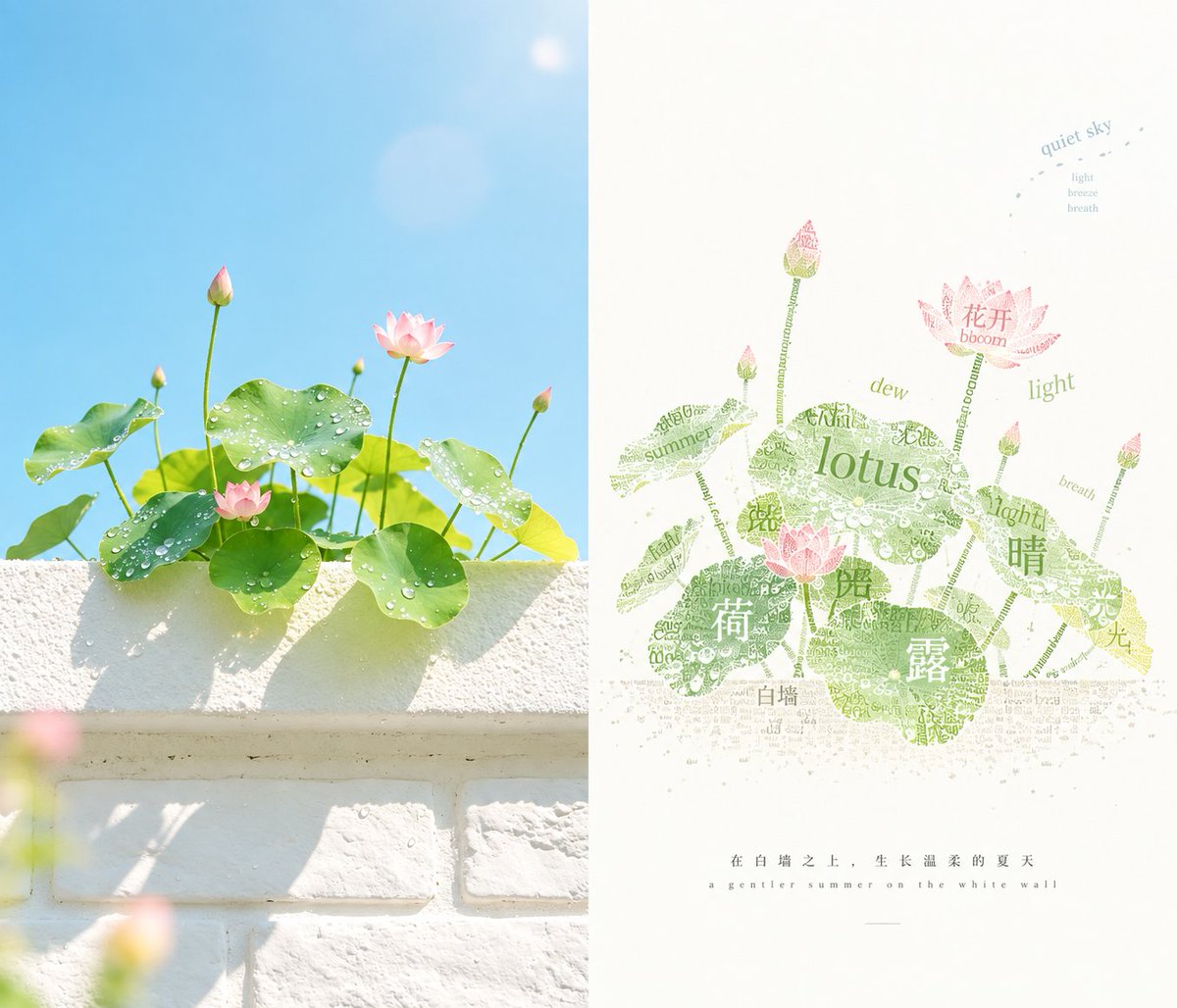 On-site tutorial#AI tutorialCreate a separate premium designed poster from each uploaded photo, with no multi-photo collages. Output each photo individually. Use a 3:4 portrait layout divided into two strictly equal-height sections, each occupying 50% of the frame.
Keep the original photo in the upper half, preserving the subCreate a separate premium designed poster from each uploaded photo, with no multi-photo collages. Output each photo individually. Use a 3:4 portrait layout divided into two
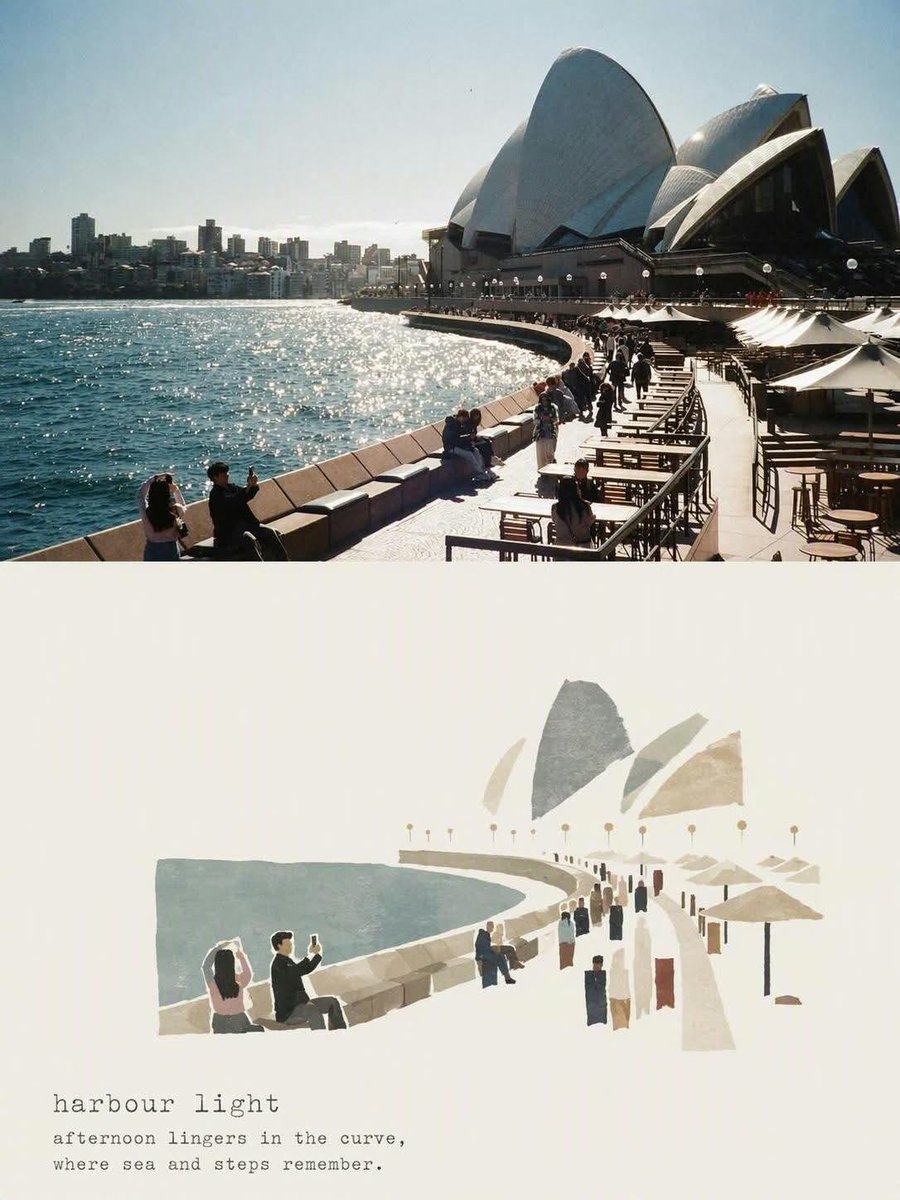 On-site tutorial#AI tutorialTurn a Reference Photo into a Minimalist Editorial MasterpieceTurn a Reference Photo into a Minimalist Editorial Masterpiece
 On-site tutorial#AI tutorialTurn YouTube Videos into AI-Generated Shorts with PythonLearn how to install and use AI Shorts Generator, an open-source Python tool that turns YouTube or local videos into vertical clips. This tutorial covers LLM and Whisper configuration, command-line options, local web setup, highlight generation, aspect ratios, hooks, and practical optimization tips.
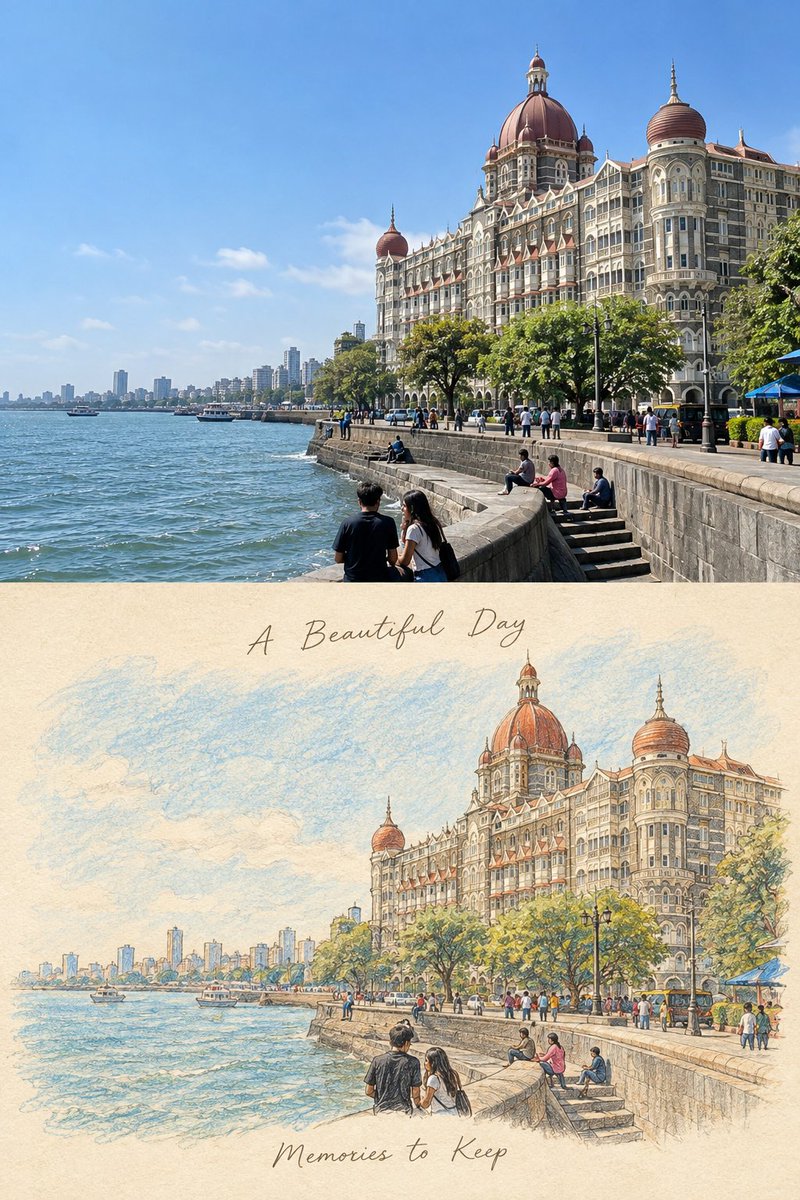 On-site tutorial#AI tutorialCreate a premium vertical travel-journal poster with an exact 50/50 split. Top: preserve the original photo unchanged, including composition, architecture, people, color, lighting, perspective, and detail. Bottom: turn the same photo into a delicate hand-drawn…Create a precise premium vertical travel-journal poster
 On-site tutorial#AI tutorialBuild Order-Ready PCBs with the PCB Skill for Claude Code and CodexLearn how to install and use PCB Skill with Claude Code or Codex, EasyEDA Pro, and browser automation. This tutorial explains its gated workflow for defining requirements, sourcing parts, creating and routing a board, independently verifying fabrication files, and preparing orders without allowing the agent to purchase anything.
 On-site tutorial#AI tutorialHow to Set Up and Use Gemini Pro Activator on WindowsThis tutorial explains the workflow documented by the Gemini Pro Activator project, including Windows requirements, installation, profile activation, rollback, custom installation paths, and troubleshooting. It also highlights important precautions to take before running a third-party executable that modifies local application settings.
 On-site tutorial#AI tutorialHow to Find and Connect to Remote MCP ServersLearn how to use the Awesome Remote MCP Servers directory to discover hosted Model Context Protocol endpoints, understand authentication requirements, configure compatible AI clients, and choose services for development, databases, content, finance, productivity, and other workflows.