

- Monthly visits
- 0
- Pricing
- Free & Paid
- Listed
- 2026-05-19
- Updated
- 2026-08-25
01Product Positioning
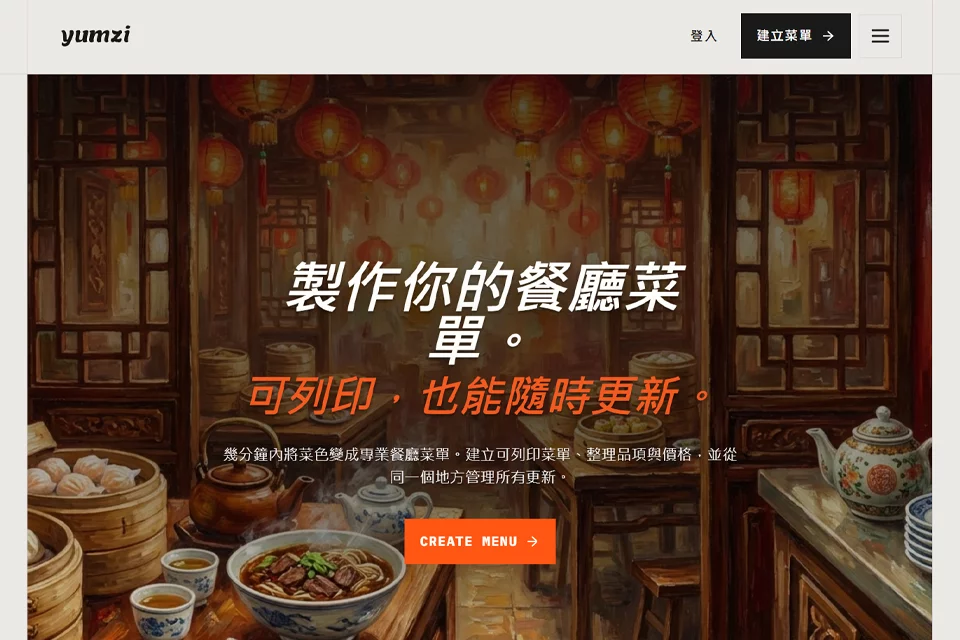
Yumzi brings menu importing, layout design, and content maintenance together in one tool for food service businesses that need to create both printed and digital menus.
Users can start with existing menu files, dish photos, screenshots, or text, then organize the content into menus suitable for printing, QR code access, or online display, reducing the need to make repeated edits across multiple files.
02Key Features
The tool extracts dish information from photos, PDFs, screenshots, and text, and supports menu layout design. The resulting menus can be used for print menus, QR code menus, and online menus.
For content management, Yumzi supports centralized maintenance of dishes, prices, categories, and descriptions, along with multilingual translation and bulk editing for making consistent updates to multiple dishes.
03Use Cases
Cafes, bars, and restaurants can use it to organize daily menus, drink menus, wine lists, seasonal menus, or takeaway menus. Teams that update menus frequently or need to maintain print and digital versions simultaneously can also use it as a day-to-day editing tool.
For multi-location food service operators, centralized menu management helps handle dish and price changes across different locations. Food establishments serving tourists or multilingual customers can use it to create menus in multiple languages.
04Usage Considerations
After importing a menu from a photo, screenshot, or file, review the extracted dish names, prices, categories, and descriptions item by item to avoid errors caused by the clarity or layout of the original image. Before publishing a multilingual menu, translations should also be reviewed in the context of the actual dishes and service.
If prices, availability, or dish content change frequently, it is recommended to maintain the source data consistently first, then check the print, QR code, and online versions separately to ensure that the information shown to customers is consistent.
© Disclaimer: domains and linked content may change over time. AIEZZ does not control third-party websites. Review external content and risks independently.
User reviews0