
- Monthly visits
- 1
- Pricing
- Free & Paid
- Listed
- 2026-01-06
- Updated
- 2026-06-11
01Product Positioning
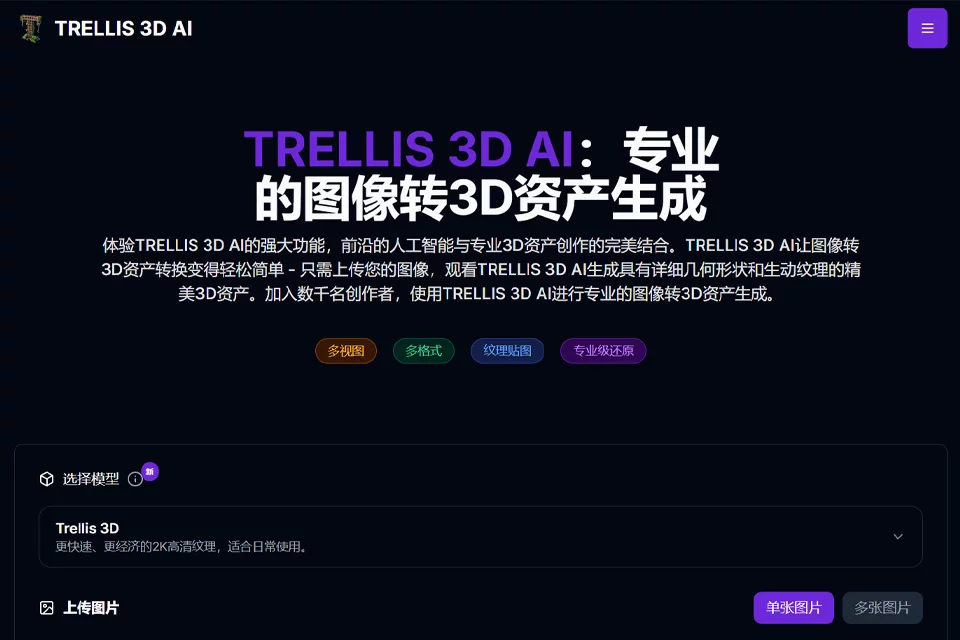
TRELLIS 3D is positioned as an online image-to-3D tool. Its core function is to generate viewable and exportable 3D assets from a single flat image. The workflow centers on image upload, model generation, browser preview, and format export, making it suitable for rapid prototyping and early-stage 3D content production.
The product offers free and paid plans, primarily serving game, design, education, and personal creative users who need to reduce model preparation time.
02Key Features
The tool supports common image formats such as JPG, PNG, and WEBP. It processes structural and texture information in images through an SLAT-based representation to generate corresponding 3D models.
Generated results can be previewed in a browser, with support for multi-angle viewing, local adjustments, and manipulation. Export formats include GLB, OBJ, STL, GLTF, USDZ, and PLY. These files can be used in subsequent workflows with software such as Blender, Unity, and Unreal, or as model sources for 3D printing.
03Use Cases
Indie game developers and level designers can use it to quickly create prototypes of scene props. Concept artists can turn sketches or reference images into solid objects for design discussions and visual exploration.
Industrial design presentations, VR/AR content experiments, teaching demonstrations, and model preparation for 3D printing enthusiasts are also suitable use cases. For projects requiring strict topology control, precise dimensions, or complex animation rigging, it is better suited as an early-stage asset generation tool.
04Usage Considerations
The quality of generated models is affected by the content and visible information in the input image. A single image cannot fully show all angles of an object, so users should check hidden surfaces, mesh structure, texture alignment, and model proportions before production use.
After export, formats, materials, dimensions, and geometric details may also need to be adjusted according to the requirements of the target software or printing device. Although the product provides a browser-based workflow, generated results cannot replace every professional modeling, topology cleanup, and engineering validation step.
© Disclaimer: domains and linked content may change over time. AIEZZ does not control third-party websites. Review external content and risks independently.
User reviews0