

- Monthly visits
- 0
- Pricing
- Free & Paid
- Listed
- 2026-02-25
- Updated
- 2026-06-11
01Product Positioning
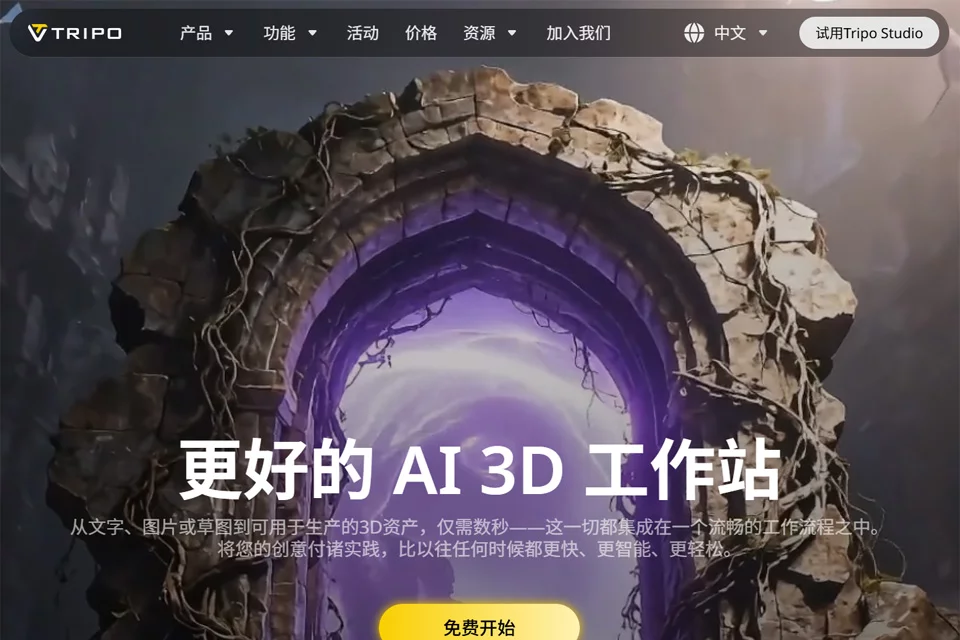
Tripo is designed for creators who need to produce 3D content quickly. Its core purpose is to convert text descriptions, a single image, or a doodle into 3D models. It is best suited as an auxiliary tool for proof-of-concept work, rough modeling, and content production, helping users shorten the preparation time from idea to model.
02Key Features
The platform supports text, single-image, and doodle inputs for generating 3D models with geometric structures and PBR materials. Generated results can be exported in formats such as glb, fbx, obj, usd, and stl, making it easier to continue into game development, 3D printing, animation production, or product design workflows. Materials also indicate that the platform provides scene templates and community resources for creative reference.
03Use Cases
Game developers can use it to create early models of characters, props, or environments; product designers can quickly generate prototypes for presentations and discussion. 3D printing users can first generate a model draft and then modify it according to printing requirements. Animators, educators, museums, and cultural institutions can also use generated models in the early preparation of content demonstrations, teaching materials, or virtual exhibitions.
04Usage Considerations
AI-generated models are suitable for rapid drafting, but output quality depends on the completeness of the information in the input text, images, and doodles. Before formal use, check the model's proportions, details, topology, materials, and format compatibility. For 3D printing, also confirm that its watertightness, wall thickness, and structure meet production requirements. Complex projects generally still require cleanup and adjustments in professional 3D software.
© Disclaimer: domains and linked content may change over time. AIEZZ does not control third-party websites. Review external content and risks independently.
User reviews0