

- Monthly visits
- 0
- Pricing
- Free & Paid
- Listed
- 2026-01-20
- Updated
- 2026-06-11
01Product Positioning
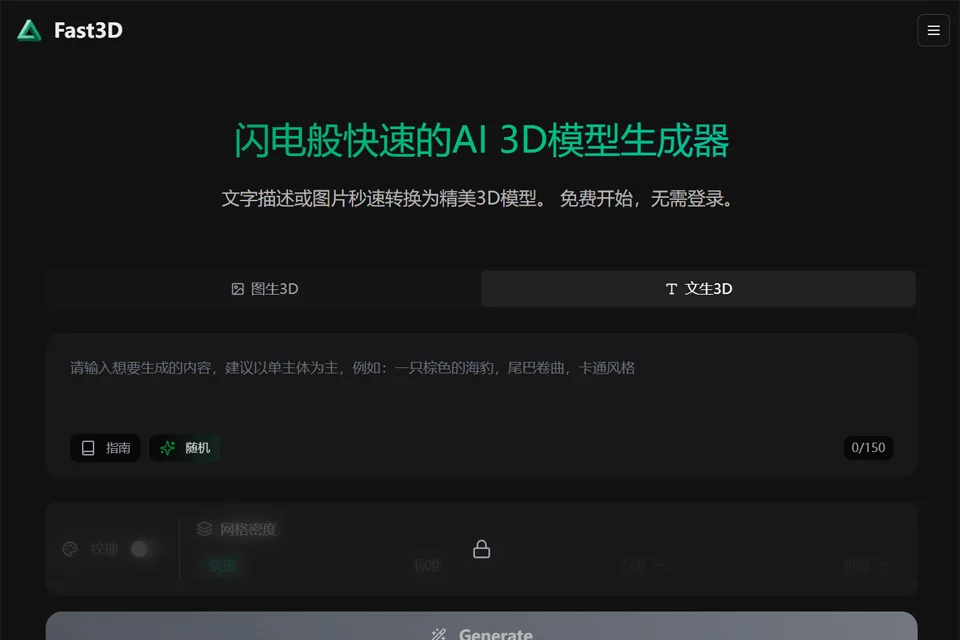
Fast3D uses text descriptions or images as inputs to generate 3D models with artificial intelligence, aiming to reduce the cost of early-stage modeling and concept validation. Its browser-based workflow is suitable for users who do not want to start with professional 3D modeling software.
The platform offers free and paid plans for personal creation, design prototyping, and 3D asset preparation by teams.
02Key Features
The platform supports text-to-3D model generation as well as conversion of single images or multi-view images into 3D models. According to the available information, generated results can include PBR materials and support model resolutions of up to approximately 400,000 faces.
Models can be exported in formats such as GLB, FBX, OBJ, and STL. Some formats can be used with mainstream 3D software, game engines, or 3D printing workflows. Compatibility should still be checked according to the target tool.
03Use Cases
Game developers can use it to create props, characters, and other concept assets. Product designers can quickly build 3D prototypes from images or text, while 3D printing users can first convert ideas into models and then adjust their dimensions and structure.
For AR/VR content creators, independent developers, and small studios, Fast3D can also support early-stage asset preparation, concept presentations, and creative validation. However, it should not directly replace manual modeling and refinement for final production assets.
04Usage Considerations
Generation quality is affected by the text description, reference images, and available view information. A single image provides limited spatial information, while multi-view images are generally better suited to objects with clearly defined forms.
Exported models may still require review of their topology, dimensions, material textures, and level of detail. Before using them in games, formal design deliverables, or 3D printing, it is recommended to adjust the scale, mesh, normals, and printability in the target software and confirm that the output format meets the requirements of the subsequent workflow.
© Disclaimer: domains and linked content may change over time. AIEZZ does not control third-party websites. Review external content and risks independently.
User reviews0