

- Monthly visits
- 0
- Pricing
- Free & Paid
- Listed
- 2026-06-11
- Updated
- 2026-08-25
01Miora Overview
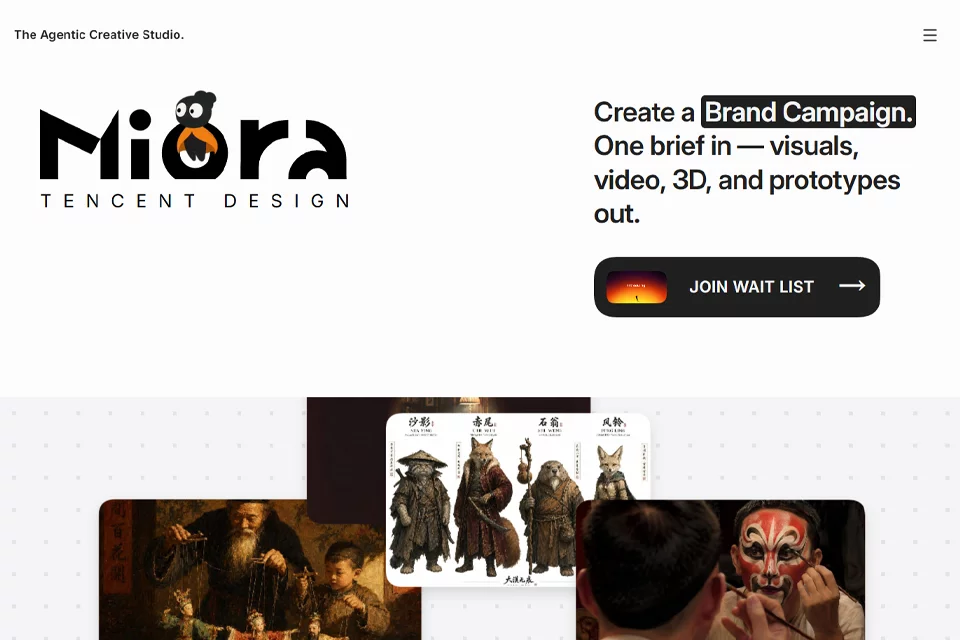
Miora integrates a creative workspace, AI creative agents, professional skills, and personal memory into a single web canvas. Users can start with a creative brief and develop work through skills such as brand design, product videos, and app interfaces. They can also continue conversations, edit generated results, and download content within a project canvas. The platform also provides access to an inspiration community, skill management, and memory management.
02Who Is Miora For
Brand and visual designers
Develop brand visual concepts, product images, and reusable brand design content starting from brand requirements.
Film, television, and advertising creators
Generate and iterate on visual assets for film and television concepts, e-commerce advertising, TikTok marketing videos, and related projects.
Product and UI designers
Explore interface concepts and product prototypes through creative directions such as app interface design and web applications.
Creators who produce content continuously
Collaborate repeatedly in project canvases, manage personal memories, skills, and past projects, and save generated results.
03Miora Key Features
Multi-format creative generation
Supports creative directions including brand design, film and television concepts, e-commerce advertising, interactive games, and web applications. Users can select a relevant tag and enter a brief to get started.
Canvas collaboration and iteration
View generated content as nodes in a project canvas, continue entering descriptions to refine results, and use node toolbars for further editing.
Image and video creation
Supports image generation and editing as well as video generation and editing. Users can upload reference images and apply tools such as image-to-video generation to created content.
3D content creation
Provides 3D model generation and editing along with a 3D camera movement tool, making it suitable for continuing to develop 3D creative content in the web workspace.
Skills system
Provides skills such as complete brand visual planning, complete IP design planning, TikTok marketing videos, and app interface design. Users can browse, select, and manage workflows.
Memory management
The platform manages personal memories to store preferences such as the user's creative style, brand colors, tone of voice, and creative rules.
Inspiration Box
Users can browse community examples and prompts by category, including brand design, posters and advertising, and product design, and can also share their own generated content.
Multimodal input
The central input box supports text, voice, and attachment uploads. Users can connect more tools through the Linker or select a generation model through the Model menu.
04What Sets Miora Apart
Persistent memory
The platform emphasizes retaining creative preferences across sessions and supports personal memory management, allowing future work to reference brand colors, tone of voice, and creative rules.
Professional skills ecosystem
In addition to entering requirements directly, users can select skills for brand, video, UI, and other scenarios, while exploring and managing more professional workflows.
Unified creative canvas
Brand, image, video, 3D, and prototype creation are brought together in the same canvas and project workflow, with generated content continuing as nodes for further processing.
Open community access
The platform includes the Inspiration Box and a skills community, allowing users to view others' examples and prompts as well as share their own creations and skills.
05Sources
© Disclaimer: domains and linked content may change over time. AIEZZ does not control third-party websites. Review external content and risks independently.
User reviews0