
- Monthly visits
- 0
- Pricing
- Free
- Listed
- 2025-08-30
- Updated
- 2026-08-25
01Product Positioning
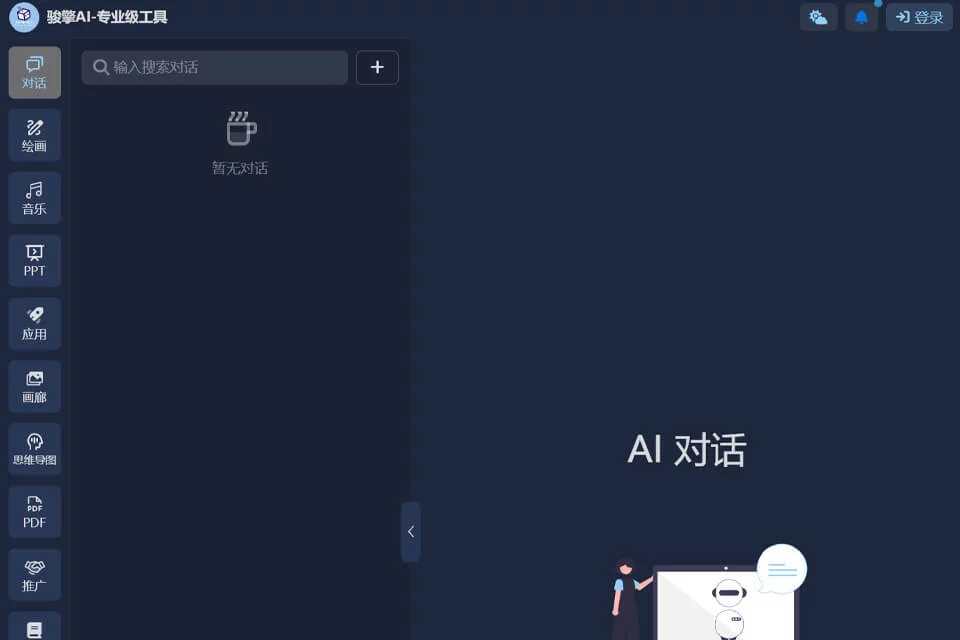
Developed by Hangzhou Junqing Technology, Junqing AI is an AI conversational chat tool that also covers document processing and visual content generation. Its workflow includes entering a question or long text, uploading reference materials, adjusting generation parameters, and organizing or continuing to edit the results.
The product is best suited to users who need to process professional materials, control generation details, or convert written content into combined text-and-image deliverables.
02Key Features
For document processing, Junqing AI supports long-text analysis with context windows from 16K to 32K, which can be used to extract information such as the logic of academic papers and contract risks. Its visual features include inpainting, intelligent image expansion, and image generation based on a combination of reference images and text instructions.
The platform also converts text into presentations, flowcharts, and mind maps, and provides parameter controls such as temperature and repetition penalty. No-code plugins are available for assembling specialized toolchains.
03Use Cases
Visual designers can use it for localized edits, image extension, and reference-image generation. Business teams can organize content into brand assets, presentations, or marketing visual concepts.
Academic and education professionals can use long-text analysis to process papers, literature, and contract summaries, then generate teaching materials or mind maps. Technology developers can customize workflows through plugin interfaces, such as organizing meeting recordings and generating meeting minutes.
04Usage Considerations
Long-text analysis, image editing, and multi-step content generation are best completed in stages. Users should review extracted results, risk assessments, and generated content before using them in official documents or external publications.
Parameters such as temperature and repetition penalty require repeated adjustment based on the task. Exposing these parameters does not guarantee consistently expected results. Complex tasks may require a longer response time. For papers, contracts, and business materials, manual review should also be conducted according to the actual requirements.
© Disclaimer: domains and linked content may change over time. AIEZZ does not control third-party websites. Review external content and risks independently.
User reviews0