

- Monthly visits
- 0
- Pricing
- Free & Paid
- Listed
- 2025-11-18
- Updated
- 2026-04-22
01Product Positioning
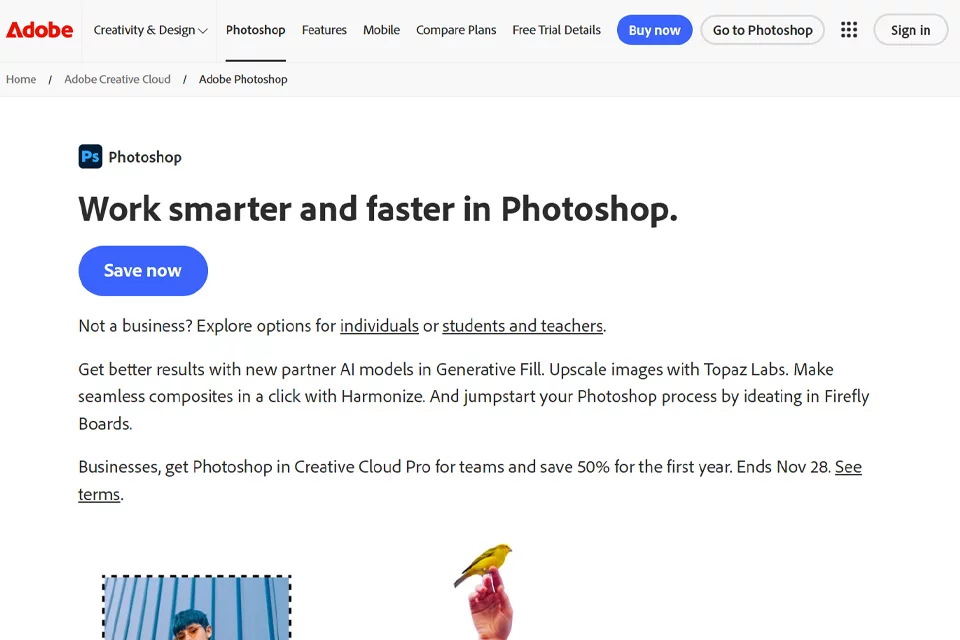
Photoshop is a professional image editing and compositing tool. Its AI features build on traditional workflows such as layers, selections, masks, retouching, and color grading. It is better suited to continuous iteration and precise control than to completing an entire design from a single prompt.
Photographers, designers, and content teams can preserve editable structures in the same file and review each modification step by step.
02Key Features
Core capabilities include layer management, selections and masks, object removal, retouching, color grading, typography, and multi-asset compositing. Generative AI can assist with filling selections, expanding the canvas, processing backgrounds, and exploring visual directions.
Generative models, versions, and quotas may change with product updates and account plans. Refer to the currently installed version and account interface for available options.
03Use Cases
Photoshop is suitable for photo post-processing, advertising and marketing materials, product images, social media visuals, posters, concept design, and multi-image compositing. Generative features can be used to quickly test compositions, extend images, or prepare drafts, while traditional tools provide detailed control over edges, color, lighting, and layout.
Projects requiring editable source files and precise delivery are better served by retaining layered structures and recording asset sources.
04Usage Considerations
Generated content may contain inconsistencies in human anatomy, text, edges, perspective, and lighting. Zoomed inspection and manual refinement are still necessary. AI features and quotas may vary by version, account, and region.
Commercial projects should also verify licensing conditions for input assets, fonts, portraits, brand elements, and generated results. Pricing, generative models, and specific quotas may change, so check Adobe’s current product documentation and account information before use.
© Disclaimer: domains and linked content may change over time. AIEZZ does not control third-party websites. Review external content and risks independently.
User reviews0