

- Monthly visits
- 0
- Pricing
- Free & Paid
- Listed
- 2026-04-27
- Updated
- 2026-08-25
01Product Positioning
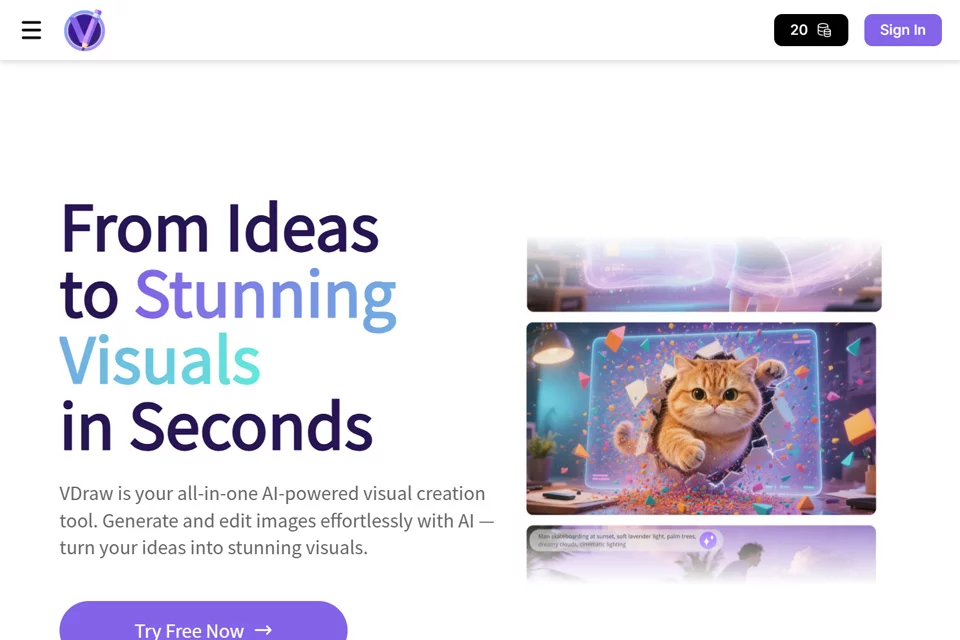
VDraw is positioned as an all-in-one AI design tool for visual content creation, helping users handle common tasks from asset generation to image editing and content layout.
It is suitable for users who need to create visual assets quickly but may not have experience with professional design software. The platform offers free and paid plans, and the actual availability of features should be confirmed on the relevant feature page.
02Key Features
For image creation, VDraw can generate images from text descriptions and provides editing features such as smart background replacement, lighting adjustments, and localized redraws.
For content processing, the tool includes video watermark removal, image text extraction, and tools for creating social media carousels and YouTube thumbnails. It also supports content downloads and format conversion, and can generate indoor or outdoor spatial design concepts from text descriptions.
03Use Cases
Social media managers can use it to create carousels, cover images, and other platform content; content creators can handle post-production tasks such as removing video watermarks and creating video covers.
E-commerce professionals can use it to create product showcase images and extract text from images, while marketers can use it to create posters and advertising graphics. Individuals without a design background can also try image retouching, background replacement, and spatial design visualization.
04Usage Considerations
VDraw is suitable for quickly generating and processing visual assets, but whether the output meets publication requirements should be assessed based on the specific materials and intended use. Image generation, spatial design, and text recognition results should be manually reviewed before official use.
When removing video watermarks, downloading platform content, or converting formats, users should also confirm that they have the appropriate rights to use the relevant materials and comply with the rules of the target platform.
© Disclaimer: domains and linked content may change over time. AIEZZ does not control third-party websites. Review external content and risks independently.
User reviews0