

- Monthly visits
- 0
- Pricing
- Free & Paid
- Listed
- 2025-11-18
- Updated
- 2026-08-25
01Product Positioning
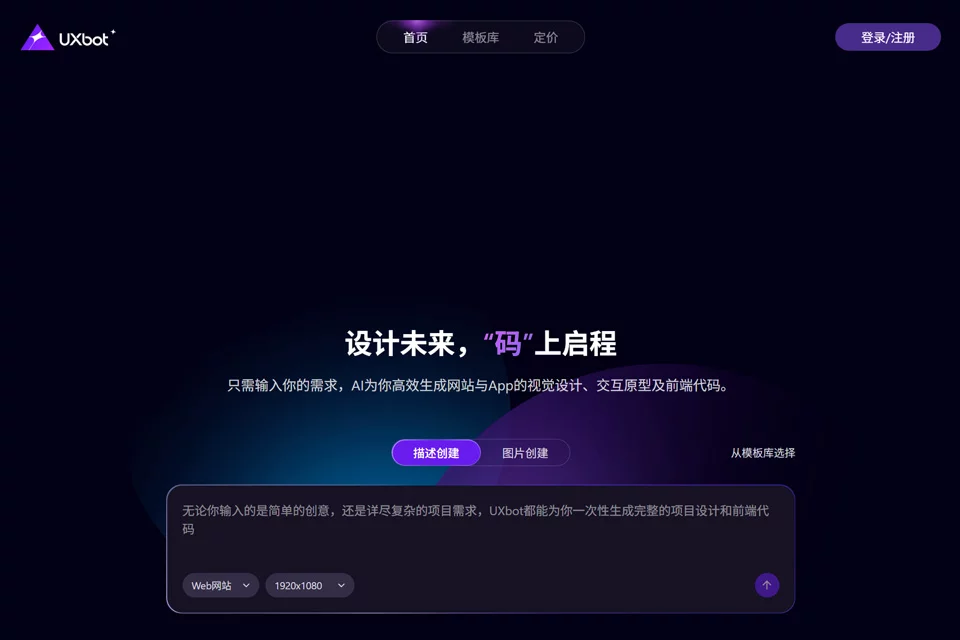
UXbot is an AI design tool that connects product ideation, interface design, and frontend implementation. It uses text descriptions or reference screenshots as input to help users quickly create visual interfaces and continue refining the generated results.
The tool is suitable for organizing early ideas and validating prototypes, and can also support collaboration between design and development teams.
02Key Features
Users can generate UI interfaces from product requirements or feature descriptions, or upload application screenshots and convert the reference content into editable designs.
After completing an initial design, users can make further changes and refinements with natural language, then export the design as frontend code adapted for multiple platforms.
03Use Cases
Product managers and entrepreneurs can use UXbot to quickly turn rough ideas into interface prototypes and support discussions about feature structure and product direction.
UI/UX designers can use it to explore early concepts and create repetitive interfaces; frontend engineers can use the generated designs and code as references before development, reducing communication costs between design and implementation.
04Usage Considerations
Generated designs and frontend code still need to be reviewed and adjusted according to actual requirements, with particular attention to interaction details, visual standards, responsive behavior, and project code structure.
Results generated from screenshots or text are suitable as prototypes and initial concepts, and should not be used directly in production without review. Before use, also confirm that the reference materials and generated content meet the project's usage requirements.
© Disclaimer: domains and linked content may change over time. AIEZZ does not control third-party websites. Review external content and risks independently.
User reviews0