
- Monthly visits
- 0
- Pricing
- Free
- Listed
- 2026-06-10
- Updated
- 2026-06-11
01Product Positioning
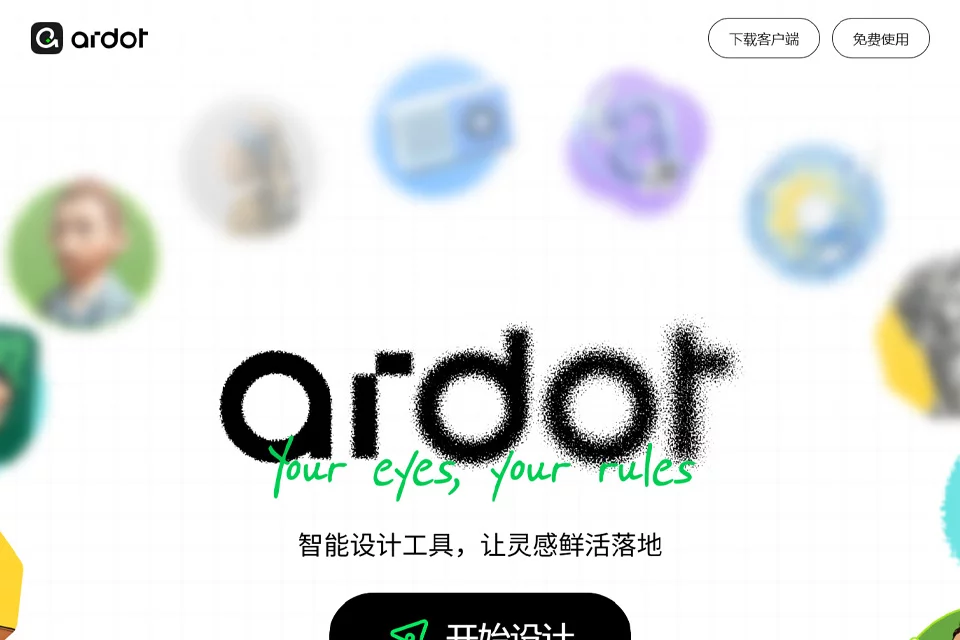
Ardot is positioned as an AI design tool covering design ideation, interface editing, standards management, and developer handoff. It brings natural-language generation, image-to-design conversion, and professional editing capabilities into a single workflow, making it suitable for quickly turning ideas into interface concepts that can be further edited.
Compared with tools that only output images, Ardot places greater emphasis on editing and collaboration after generation. Designers can continue adjusting vector elements, layouts, and components, while product managers can use initial concepts to advance requirements discussions.
02Key Features
The tool supports text-to-UI, generating interface prototypes with layouts, images, and text from written descriptions. It can also convert images into editable design files for subsequent revisions and creative work. Users can additionally call on AI to generate illustrations within the canvas.
Editing features include professional vector tools, skewing, 3D rotation, shape editing, dynamic layouts, and multi-platform adaptation. The design system features support managing and reusing components, colors, and text styles, and provide CSS, iOS, Android, and other code content for development collaboration.
03Use Cases
UI/UX designers can use it to quickly create drafts, adjust pages, and organize components. Product managers can turn requirement descriptions into interface drafts for review. Frontend and client-side developers can reference design content and code information during handoff.
For design teams that need consistent components and visual standards, Ardot is suitable for building design systems and enabling collaboration. E-commerce and operations teams can also use campaign pages, marketing materials, or reference images as starting points before continuing with editing.
04Important Considerations
AI-generated interfaces, text, images, and layouts require human review, especially for information hierarchy, interaction details, brand standards, and practical development feasibility. Image-to-design conversion may also require reorganizing layers, components, and styles, and cannot fully replace a designer's refinement work.
Multi-platform adaptation and design system management are best used after standards have been clearly established. Before handoff, teams should still verify component naming, style consistency, and whether the CSS, iOS, and Android code content meets the project's technical requirements.
© Disclaimer: domains and linked content may change over time. AIEZZ does not control third-party websites. Review external content and risks independently.
User reviews0