

- Monthly visits
- 0
- Pricing
- Free
- Listed
- 2025-08-30
- Updated
- 2026-08-25
01Product Positioning
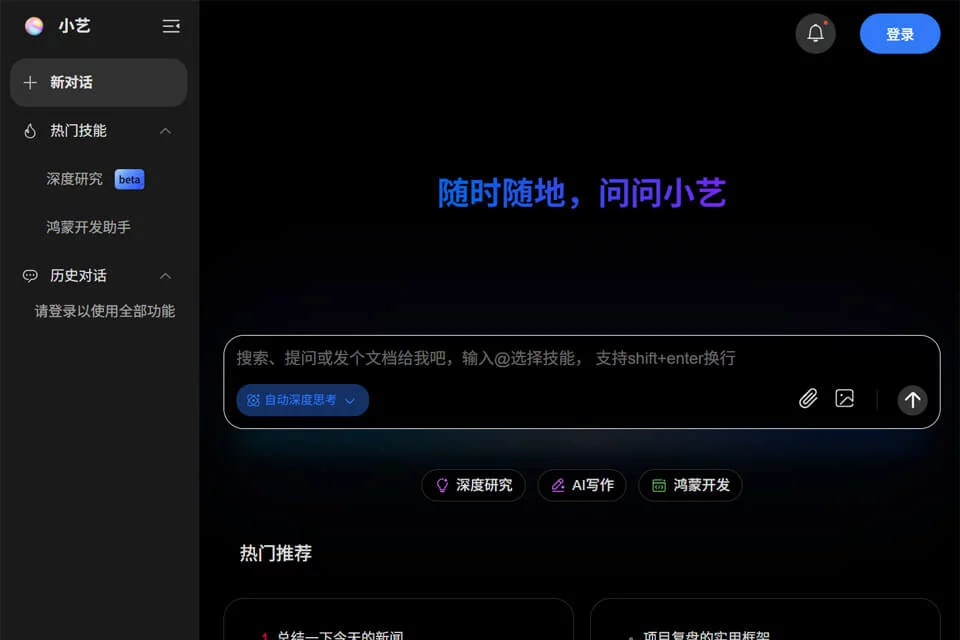
Xiaoyi is positioned as a system-level AI assistant on Huawei HarmonyOS devices, primarily helping users process information and create content through natural-language conversations. Combining the Pangu large language model with third-party models, it supports use cases across work, study, development, and everyday tasks.
The product is best suited to users who already use Huawei phones, tablets, or other HarmonyOS devices. Some of its system-related capabilities depend on the device and system environment and are not available on every terminal.
02Key Features
Xiaoyi supports multimodal interaction through text, voice, and images. Users can also ask questions by dragging in documents or selecting content on the screen. For content processing, it can help write copy, polish emails, extract key points from web pages, and generate presentation summaries.
In study and development scenarios, it can assist with analyzing problems, explaining concepts, querying code, and answering questions about API calls and debugging in HarmonyOS development. The materials also mention everyday services such as weather queries, reminders, alarms, package tracking, and travel, as well as cross-device collaboration and smart home control.
03Use Cases
Office workers can use it to organize materials, rewrite text, and extract key points. Students can enter or photograph questions to receive solution approaches and explanations of relevant concepts. Freelancers can use it for everyday writing and information organization.
HarmonyOS developers can use Xiaoyi as an aid for code queries and troubleshooting. Huawei device users can also use conversational controls for lightweight tasks such as checking the weather, setting reminders, and viewing travel information. For complex decisions or professional conclusions, users should still verify the results against original sources.
04Usage Notes
Xiaoyi's availability depends on the HarmonyOS device and system version. The environment described in the materials is HarmonyOS 4.0 or later. Available system operations, multimodal interactions, and cross-device features may differ between devices.
AI-generated text, summaries, solution processes, and code suggestions require human review, especially when they concern study answers, program debugging, or important information. Before use, check the specific device's permission settings and available services to confirm whether the relevant features can be accessed.
© Disclaimer: domains and linked content may change over time. AIEZZ does not control third-party websites. Review external content and risks independently.
User reviews0