

- Monthly visits
- 0
- Pricing
- Free & Paid
- Listed
- 2026-06-01
- Updated
- 2026-08-25
01Introduction to AIDesigner
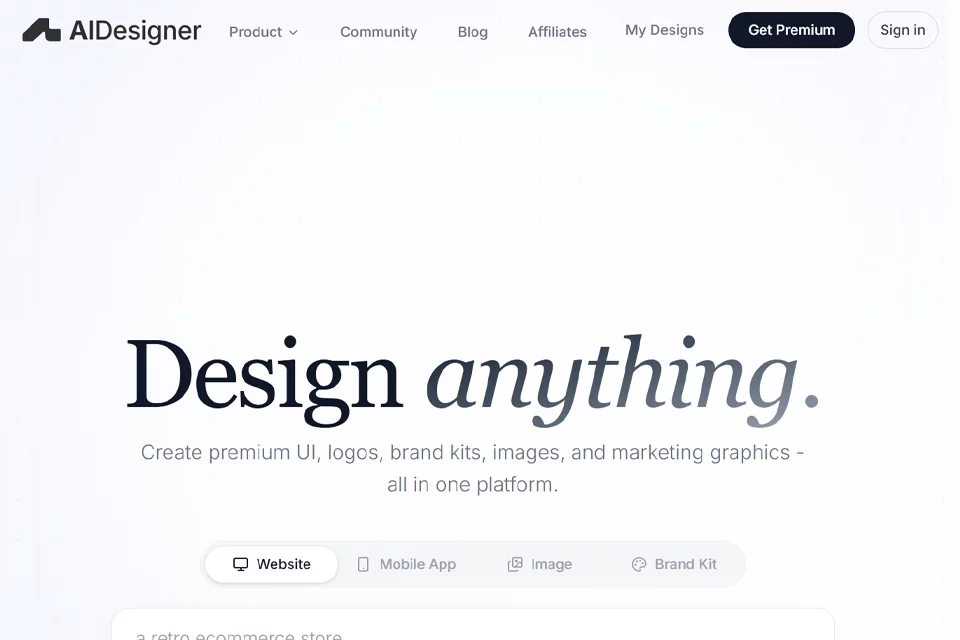
AIDesigner brings website, mobile app, brand, and visual asset design together in one AI workspace. Users can start with a prompt to generate landing pages, SaaS interfaces, ecommerce pages, mobile flows, logo concepts, and brand assets, then continue editing copy, sections, images, and design variations. The platform also provides website publishing, REST API, and MCP integrations, making it possible to access its design capabilities through applications or coding assistants.
02Who Is AIDesigner For
Founders and independent creators
Start with a product idea or simple prompt to generate landing pages, portfolios, blogs, and marketing materials, quickly establishing a design direction that can be further edited.
Product and design teams
Create pages, dashboards, user flows, and brand assets for SaaS, ecommerce, and mobile products, then iterate continuously within the same design context.
Developers and coding assistant users
Use the REST API, MCP, or supported coding tools to access design generation capabilities and connect website interfaces and design outputs to applications, CI workflows, or internal tools.
03Key AIDesigner Features
Website interface generation
Generate landing pages, SaaS dashboards, ecommerce pages, and product interfaces from prompts as editable starting points for website design.
Mobile app interface generation
Create mobile app interfaces such as onboarding flows, product pages, shopping flows, and financial dashboards from simple descriptions.
Brand kit generation
Generate reusable brand kits that combine colors, logos, references, and assets to create connected brand outputs.
Visual asset creation
Create logo concepts, images, ads, infographics, and marketing graphics for visual asset needs across brands and campaigns.
Website redesign and cloning
Enter an existing website URL to generate redesign or cloning directions in analysis mode, or use the website as an inspirational reference.
Screenshot to HTML
Convert screenshots into editable HTML, helping users start with an existing visual reference and continue adjusting webpage structure and design.
Website publishing and domains
Publish design canvases as live websites and connect custom domains. Websites published on the free tier include a watermark.
REST API and MCP
Use the REST API to generate HTML interfaces and manage sessions, or use MCP to let coding assistants such as Claude Code and Cursor call the tools.
04What Makes AIDesigner Stand Out
Multiple design types in one place
Generate websites, mobile apps, brand kits, images, and marketing graphics on the same platform, covering a range of design tasks from interfaces to brand assets.
Maintain design direction over time
Users can edit sections, rewrite copy, replace images, and explore variations while preserving the existing design direction instead of starting over with a blank prompt each time.
Brand context memory
The design agent uses brand kits, references, colors, logos, and assets when generating subsequent content, helping different outputs remain connected to the brand.
Interfaces for coding workflows
In addition to its web interface, the platform provides a REST API and OAuth-supported MCP for backend, CI, internal tool, and coding assistant workflows.
05Sources
© Disclaimer: domains and linked content may change over time. AIEZZ does not control third-party websites. Review external content and risks independently.
User reviews0