

- Monthly visits
- 0
- Pricing
- Free
- Listed
- 2025-12-23
- Updated
- 2026-08-25
01Product Positioning
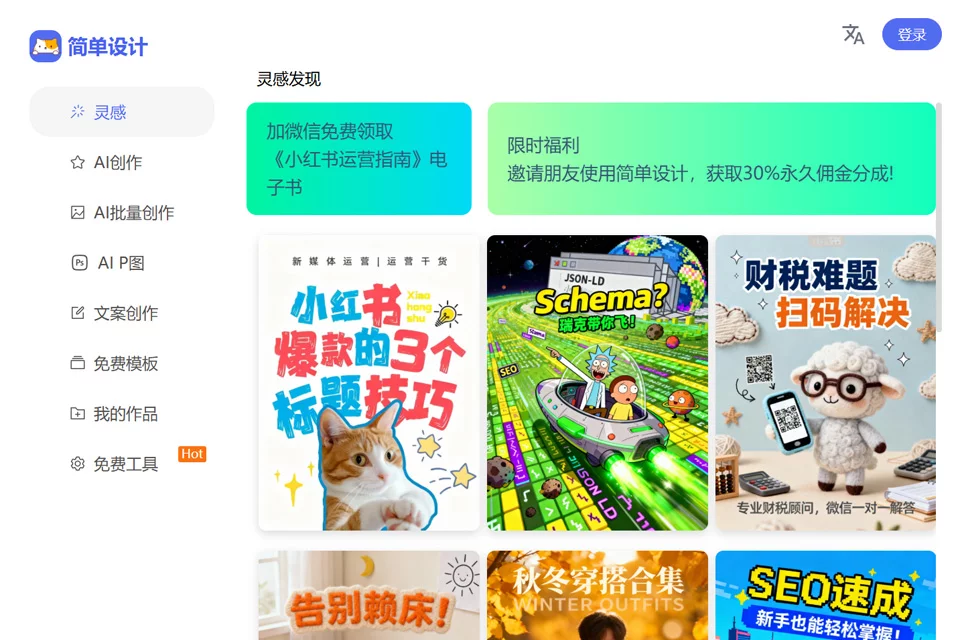
Simple Design combines template creation with commonly used image processing features in a single web tool, primarily addressing everyday visual content creation and format processing needs. Users do not need to install software: they can select a design type, apply a template, and adjust the content directly, or open standalone tools to process images and videos.
It is better suited to non-professional users who prioritize production efficiency. Projects requiring complex layouts, detailed illustration, or comprehensive design guidelines should still be completed with professional design software.
02Key Features
Design templates cover mobile posters, long-form article images, advertising banners, novel covers, profile images, wallpapers, and other formats. They can be used to create social media graphics, e-commerce promotional images, and visual content for personal information.
Image processing features include compression, smart cropping, background removal, watermarking, and format conversion, with support for formats such as BMP and WEBP. The platform also provides tools for nine-grid image slicing, Douyin three-panel image slicing, online stamp generation, video-to-GIF conversion, ID photos, online Photoshop, whiteboards, and mind maps.
03Use Cases
Social media operators can use templates to create article covers, account graphics, and event promotional images. E-commerce and social commerce operators can process product main images, promotional posters, and product detail page assets.
Office users can create resumes, business cards, and process diagrams, as well as handle everyday image files. Design beginners and students can start with ready-made templates and quickly complete basic visual content by replacing text, images, and layouts.
04Usage Notes
Templates and drag-and-drop editing are suitable for quickly completing content in common specifications. However, before use, confirm that the tool meets project requirements for brand systems, complex graphic compositions, detailed image retouching, and multi-person collaboration.
Platform materials are labeled as free, but the permitted use of specific features and assets should be verified against the current page descriptions. For public release or commercial use, it is recommended to check the licensing terms for each font, image, and template used, and to verify the dimensions, resolution, and watermark settings before exporting.
© Disclaimer: domains and linked content may change over time. AIEZZ does not control third-party websites. Review external content and risks independently.
User reviews0