

- Monthly visits
- 0
- Pricing
- Free & Paid
- Listed
- 2026-07-03
- Updated
- 2026-08-25
01Introduction to Zoo Design Studio
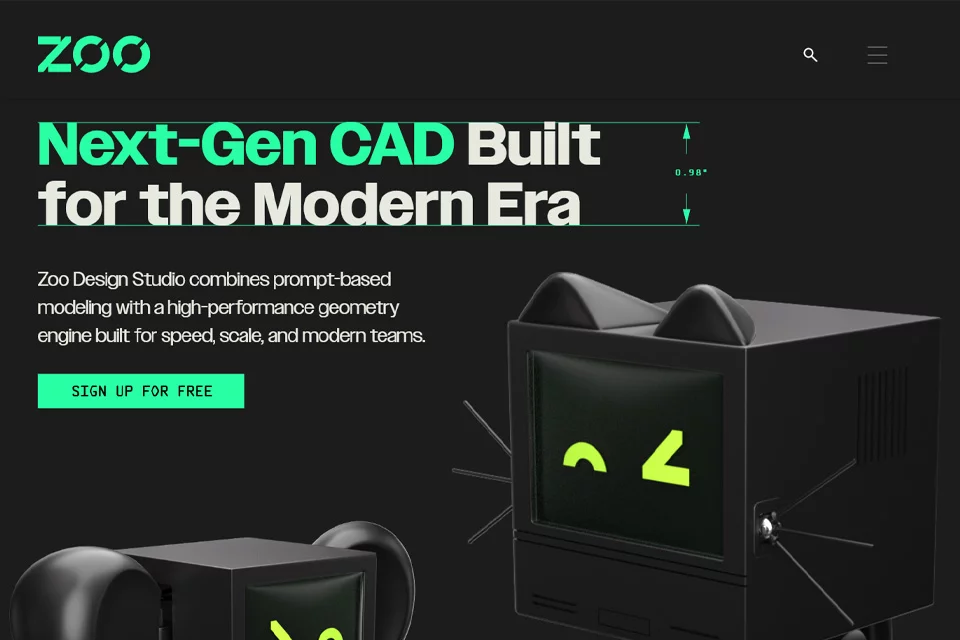
Zoo Design Studio is a CAD tool for hardware design, with its core component, Zookeeper, natively integrated into the software. It preserves the traditional CAD workflow familiar to engineers while also supporting prompts that describe design intent, plan constraints, and propose modeling approaches. The software uses its proprietary geometry engine to generate B-rep geometry rather than mesh models, and supports continued editing of generated CAD models.
02Who Is Zoo Design Studio For?
Mechanical Engineers
Use traditional CAD tools, parameters, and constraints to design mechanical parts and assemblies, then continue refining models according to engineering requirements.
Hardware Designers
Start with a concept or rough idea, then quickly create hardware designs and explore different approaches through point-and-click operations, code, or Zookeeper.
Manufacturing Teams
Reference the software's manufacturing-oriented feedback during the design process and use editable CAD geometry to continue engineering modeling.
03Key Features of Zoo Design Studio
Conversational CAD Modeling
Describe design intent through prompts and use Zookeeper to plan, reason about, and propose constraints and modeling approaches.
Traditional CAD Tools
Use traditional CAD tools familiar to engineers within the software to create geometry and edit models.
Code-Driven Design
Participate in CAD modeling through code and switch to graphical engineering editing when needed to continue working on the design.
Editable B-rep Geometry
Generate solid boundary-representation geometry rather than mesh models, allowing users to open and continue editing CAD designs.
Parameter and Constraint Handling
Let Zookeeper reason from design intent and propose constraints, while engineers can continue editing parameters and constraints.
Manufacturing-Aware Feedback
Provide manufacturing-related feedback during design iterations, helping users review design direction within the CAD environment.
04What Makes Zoo Design Studio Different
Native Zookeeper Integration
The conversational CAD agent is integrated directly into Zoo Design Studio, forming a shared design environment with traditional CAD tools.
Hybrid CAD Workflow
The same product supports point-and-click operations, code, and Zookeeper, allowing users to choose the right approach for each design stage.
Proprietary Geometry Engine
The product uses its proprietary modern geometry engine to generate B-rep geometry and emphasizes output as editable CAD models.
Design Intent and Constraints
Zookeeper does more than generate results from prompts: it reasons about design intent, plans workflows, and proposes constraints.
05Sources
© Disclaimer: domains and linked content may change over time. AIEZZ does not control third-party websites. Review external content and risks independently.
User reviews0