

- Monthly visits
- 0
- Pricing
- Free & Paid
- Listed
- 2026-06-10
- Updated
- 2026-08-25
01About xFigura
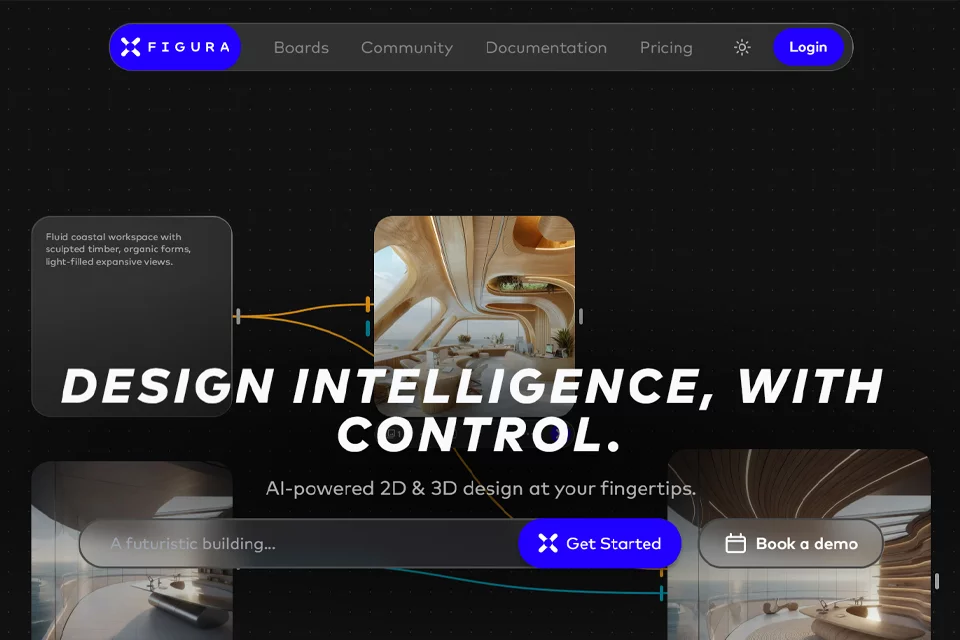
xFigura brings multiple AI tools for architecture and design together in one editable canvas. Users can start with text, images, sketches, or Rhino models to generate architectural visuals, enhance renders, create videos, or build 3D models. They can also organize and share ideas through design boards. The platform offers both personal subscriptions and enterprise workspaces.
02Who xFigura Is For
Architects
Turn text concepts, hand-drawn sketches, or existing images into architectural renderings and explore different design directions.
Interior and Product Designers
Organize visual references, iterate on design concepts, and refine presentations through image generation, enhancement, and relighting.
Architecture and Design Firms
Provide consistent access to AI design tools across the team while managing shared credits, permissions, model access, and collaborative canvases.
Design Educators and Students
Study AI-assisted design methods, explore ideas on the canvas, and participate in community or educational programs.
03Key xFigura Features
Text-to-Render Generation
Generate architectural visuals from text descriptions to quickly explore spatial, material, and formal directions during the early concept stage.
Sketch and Image-to-Render Generation
Upload hand-drawn sketches or existing images to generate architectural renderings, helping transform visual references into more complete design presentations.
Render Enhancement and Relighting
Improve the clarity and realism of existing renders or adjust scene lighting to explore different atmospheres and times of day.
Image-to-Video and Video Transformation
Turn static visuals into dynamic architectural walkthrough videos, or use AI to transform a video's visual style and effects.
Image-to-3D Model Generation
Convert 2D images into 3D architectural models and export them in 3D file formats such as GLB, OBJ, and STL.
Rhino Model Import
Bring Rhino models into the platform and continue refining architectural visuals and creative workflows with other AI design tools.
Design Boards and Collaborative Canvases
Organize images, text, and visual ideas on editable canvases and design boards, with sharing features to support team collaboration.
Custom Models and Agents
Use Train LoRA to create custom AI models for specific styles or content, and deploy agents to handle complex design tasks.
04xFigura Highlights
Built for Architectural Design Workflows
The toolset covers text, sketches, images, video, 3D, and Rhino import, with workflows organized for architecture and design scenarios.
Unified Creative Canvas
The platform brings multiple AI models and design tools together in one canvas for generation, iteration, organization, and sharing.
Centralized Access to Multiple Models
The platform provides access to more than 45 AI models, while paid plans also cover image, upscaling, video, and 3D model categories.
Enterprise Workspace Management
Enterprise plans support a centralized console, single sign-on, permission settings, usage tracking, model access management, and shared credit pools.
Data Privacy Options
The platform emphasizes the privacy of design data. Design work and uploaded content from paid users remain private, while enterprise plans provide customized security and privacy capabilities.
05Sources
© Disclaimer: domains and linked content may change over time. AIEZZ does not control third-party websites. Review external content and risks independently.
User reviews0