

- Monthly visits
- 0
- Pricing
- Free & Paid
- Listed
- 2026-06-07
- Updated
- 2026-08-25
01Introduction to Linearity
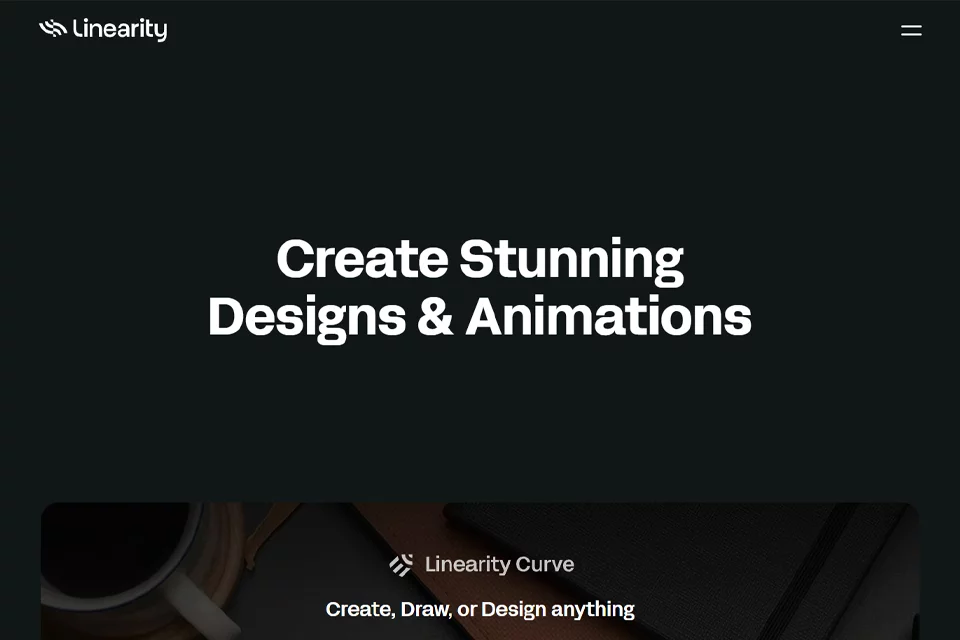
Linearity combines AI generation with layered design editing. Users can describe needs such as social media posts, ads, or sales presentations to generate design files containing text, brand colors, and layers, then modify the content, layout, and assets in the editor. The product consists of Curve and Move, covering static vector design and animation respectively.
02Who Uses Linearity
Marketing teams
Generate complete marketing assets such as social media content, ads, emails, and presentations based on campaign needs, then resize them for different channels.
Sales teams
Create sales presentations and related visual assets, and modify headlines, logos, colors, and page layouts within an existing brand system.
Regional teams
Adapt existing designs for different markets and channels, using translation and automatic resizing for localization.
Designers and animators
Use Curve to create vector graphics, logos, and illustrations, and Move to animate illustrations, logos, and marketing graphics.
03Key Features of Linearity
Prompt-based marketing asset generation
Enter a natural-language description of a marketing need to generate complete, editable designs such as social posts, ads, emails, or slides.
Layered design editing
Modify headlines, logos, colors, fonts, layouts, and assets in the editor. Generated vectors, text, and paths remain editable.
Brand asset management
Import logos, color palettes, fonts, and templates so generated designs use predefined brand elements, while the brand system helps manage the scope of creation.
Automatic resizing
Adapt existing designs to different channels, formats, and dimensions, reducing the need to recreate designs for each publishing context.
Design translation and localization
Translate design content and adapt it for different markets, then export it or send it to relevant people for approval.
AI Grab smart background removal
In Curve, select a photo and click AI Grab to automatically separate the subject while preserving the background layer. You can then move the subject or place it in front of or behind text and shapes.
Vector drawing
Use the pen, brush, and shape-building tools to create precise paths, editable vector paths, and complex graphics.
Animation
Use Move to animate illustrations, logos, and marketing graphics for social media content, online ads, and dynamic visual assets.
04What Makes Linearity Stand Out
Generates complete design files
The product is positioned as a design engine that generates editable design files containing text, brand colors, and layers, rather than only producing flat images.
Integrated static and animated design
Curve handles vector design and Move handles animation, while both apps share accounts, subscriptions, and files.
Brand guidelines built into generation
Users can preconfigure logos, colors, fonts, and templates so generated content is based on brand assets from the start.
Team governance capabilities
The Enterprise plan provides organization-wide shared credits, brand management MCP, export permissions, brand export feedback, single sign-on, and team support.
05Sources
- Official homepage: Linearity | AI Design Generator: Editable, On-Brand Campaigns
- Official updates page: Revolutionize your marketing design with Linearity
- Official pricing page: Linearity pricing plans: Upgrade your design game
- Official feature page: Revolutionary AI Grab for Smart Selection | Linearity
- Official about page: Marketing design with Linearity
- Official documentation: Linearity Docs
© Disclaimer: domains and linked content may change over time. AIEZZ does not control third-party websites. Review external content and risks independently.
User reviews0