

- Monthly visits
- 0
- Pricing
- Free & Paid
- Listed
- 2025-11-19
- Updated
- 2026-08-25
01Product Positioning
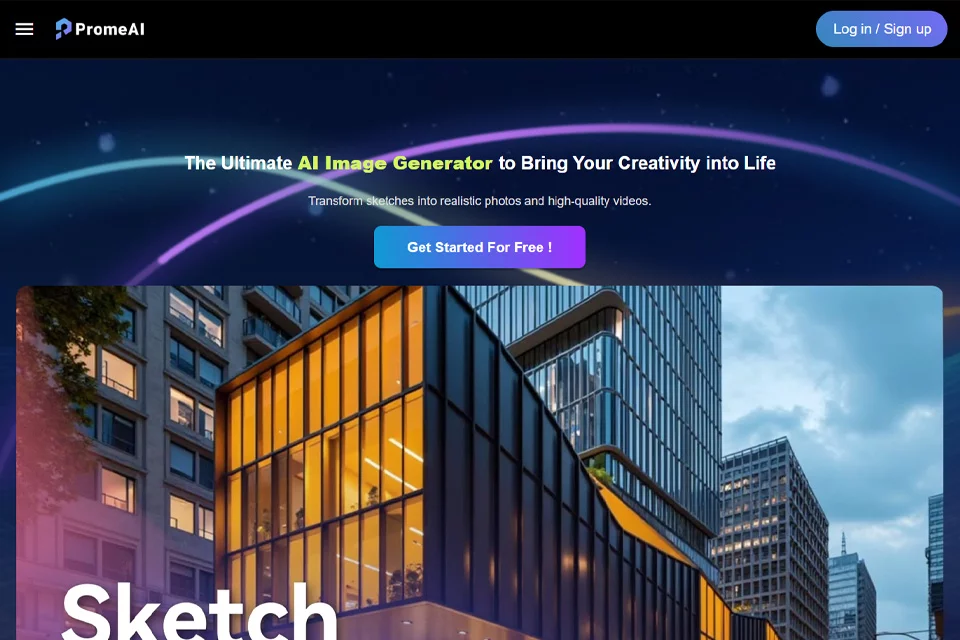
PromeAI is an AI design and rendering platform for professional visual creation. It is built around a workflow in which users provide sketches, text, or photos to generate and refine visual results, covering multiple stages from concept development to static image and short video production.
The product suits designers, creative teams, and marketing professionals who need to explore visual directions quickly. However, generated content remains an assistive output and cannot replace complete design judgment or post-production.
02Key Features
The platform can convert hand-drawn sketches or design drafts into renderings, and can also generate images or videos of up to 10 seconds from text descriptions. Users can further combine styles, transform photos into line art, anime, or illustration styles, and modify selected areas of an image with erasing and replacement tools.
PromeAI offers more than 1,700 rendering styles and controllable models. It supports adjustments to style, composition, lighting, and color, making it easier to compare different visual directions through repeated iterations.
03Use Cases
Architecture and interior design teams can turn sketches into conceptual renderings for early-stage ideation and design communication. Product designers can use image generation with different materials and settings to explore product appearance concepts.
Game, animation, and other visual creators can use it to organize inspiration for characters or environments. Marketing professionals can create preliminary promotional images and short videos from text or images.
04Usage Considerations
Users should first prepare a clear sketch, photo, or specific text description, then select an appropriate rendering style and model and gradually refine the result through lighting, composition, color, and other parameters. Localized editing is useful for handling details, but complex scenes may still require multiple generations and manual refinement.
The platform offers both free and paid modes, and the available features and quotas should be verified against the information shown on the actual page. When generated images or videos are used in formal projects, users should independently verify content accuracy and applicable usage requirements.
© Disclaimer: domains and linked content may change over time. AIEZZ does not control third-party websites. Review external content and risks independently.
User reviews0