

- Monthly visits
- 0
- Pricing
- Free & Paid
- Listed
- 2025-08-30
- Updated
- 2026-08-25
01Product Positioning
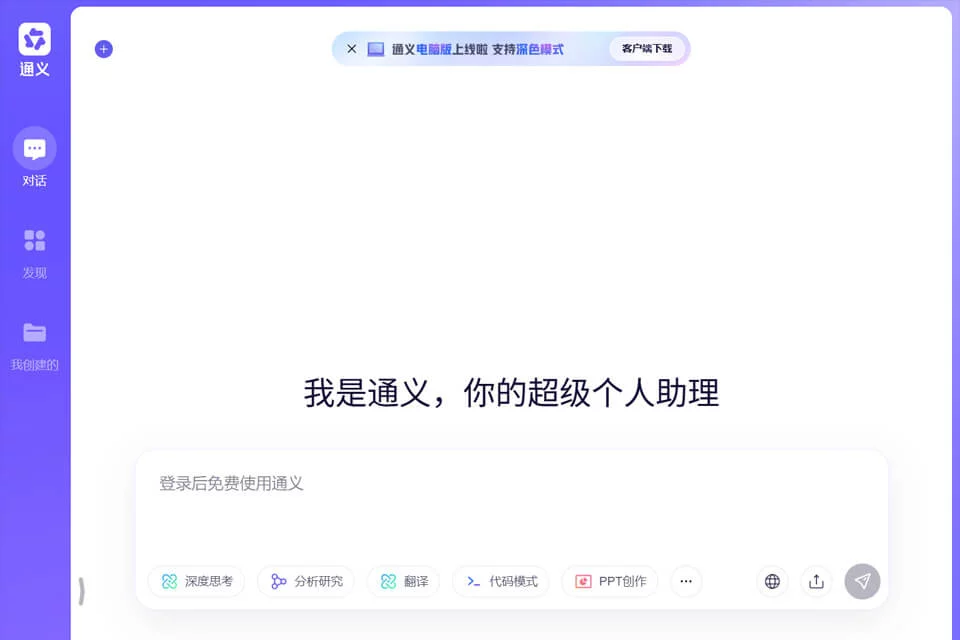
Tongyi is positioned as a comprehensive AI conversation assistant that brings text, image, code, and audio capabilities together on one platform. It primarily understands user needs through conversation and helps organize information, draft content, and assist with tasks. It is suitable for people who frequently work with different types of digital content.
02Main Features
For text processing, Tongyi can be used to write articles, scripts, and emails, as well as translate, polish, and extract key points from documents.
For visual content, it can generate images from text descriptions and restore blurry or damaged old photos. In programming scenarios, it can assist with code completion, error finding, test writing, and building some front-end and back-end functionality. For meetings, it can transcribe recordings into text and organize key points and action items.
03Use Cases
Office workers and students can use it to organize documents, translate materials, summarize long texts, or assist in preparing presentation content. Content creators and designers can use it to draft copy, explore ideas, and create preliminary image concepts.
Programmers and engineers can use it as an assistant for coding, troubleshooting, and testing. General users can use it for information searches, everyday conversations, old photo restoration, and other lightweight tasks.
04Usage Considerations
Tongyi's output is best used as a draft, reference, or supporting result in a workflow and should not directly replace human review. Facts in articles, translation accuracy, meeting transcriptions, and image results may require additional checking. Developers should also verify code before running, testing, or deploying it.
For professional matters involving law, health, or other fields, generated content cannot replace the judgment of a qualified professional. Both free and paid options are available; the actual features and usage scope should be based on the product's current page.
© Disclaimer: domains and linked content may change over time. AIEZZ does not control third-party websites. Review external content and risks independently.
User reviews0