

- Monthly visits
- 0
- Pricing
- Free & Paid
- Listed
- 2025-12-31
- Updated
- 2026-06-11
01Product Positioning
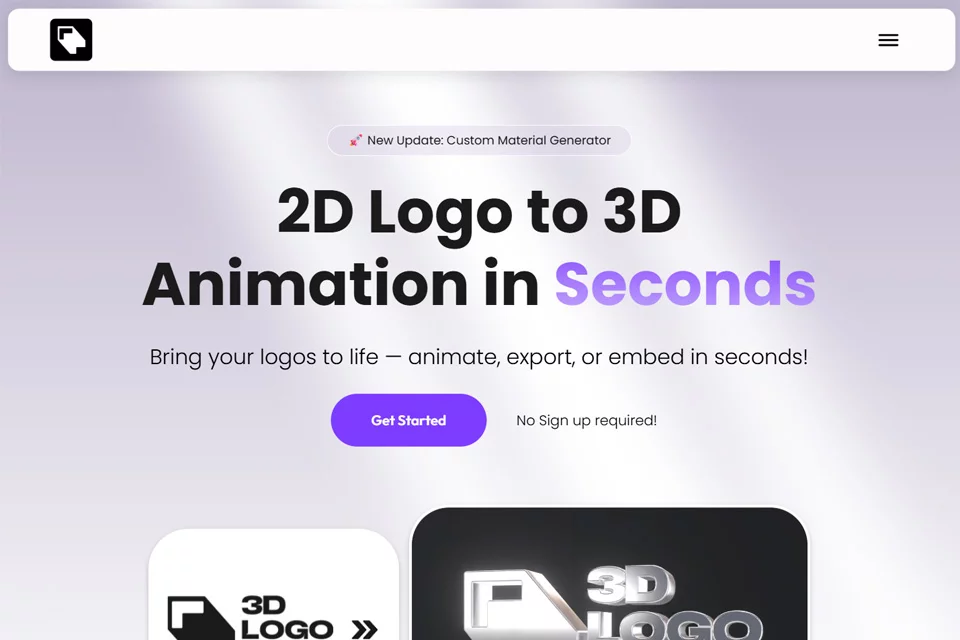
3DLogoLab is designed for users who need to quickly create dimensional brand assets, providing a browser-based workflow for turning flat logos into 3D animations and models. Users do not need to start by building a base model in professional 3D software, making the tool suitable for creating visual content for websites, videos, and social platforms.
Free and paid options are available; the specific usage scope should be determined by the current rules on the product page.
02Key Features
Users can upload flat logos in PNG or JPG format, adjust materials, lighting angles, ambient light, and lighting effects, and preview the rotating presentation in real time. Available effects include materials and visual styles such as metal, glass, and neon.
After making adjustments, users can export videos, still images, and 3D models in GLB and GLTF formats. Web projects can also use the generated embed code to display an interactive 3D logo.
03Use Cases
Content creators can use the generated results for video intros or animated watermarks, while indie developers and web designers can place 3D logos on personal websites, product pages, or brand showcase areas.
Small business owners can use it to create foundational brand visuals, while social media managers can use animations or still images in posts, promotional content, and consistent account branding.
04Usage Considerations
Final results depend on the uploaded logo's outline, image quality, and material and lighting settings. Logos with complex shapes or many details may require repeated adjustments to lighting effects and materials after conversion, so users should not rely solely on automatic generation.
Before exporting, check whether the video, image, or 3D model format is compatible with the intended publishing channel, and confirm that the web embed effect meets the page's layout and interaction requirements.
© Disclaimer: domains and linked content may change over time. AIEZZ does not control third-party websites. Review external content and risks independently.
User reviews0