
AI tutorials
AI tutorials
Practical AI tutorials covering tools, prompting, and reusable automation workflows.
Updated regularly1300 tutorials
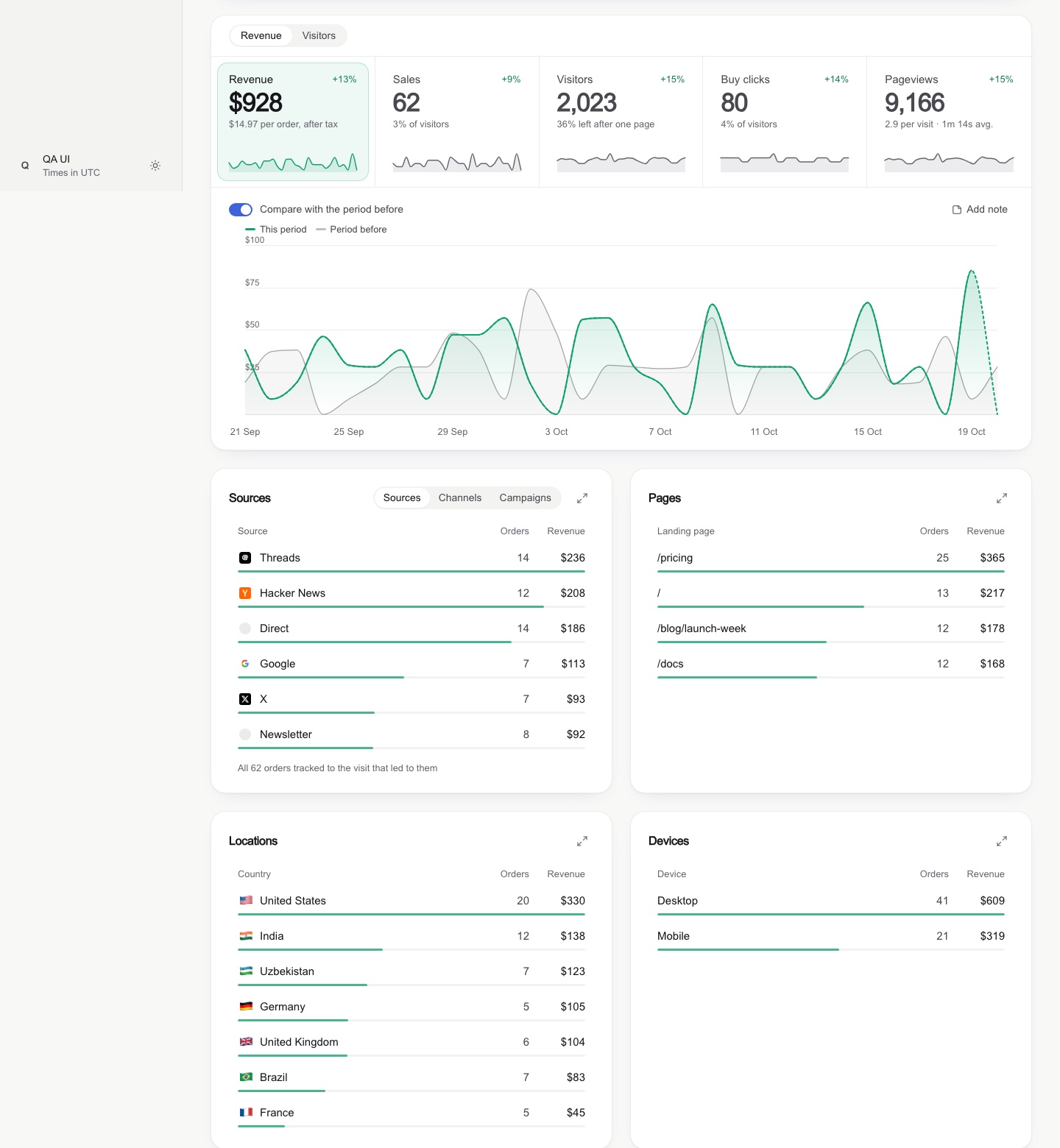 On-site tutorial#AI tutorialBuild Cleaner, More Honest Dashboards with the Claude Code Dashboard Design SkillLearn how to install and use Dashboard Design, a Claude Code skill for creating polished web and SwiftUI dashboards. This tutorial covers installation, prompting, responsive layouts, honest data presentation, component patterns, screenshot-based QA, and integration with other Markdown-aware coding agents.

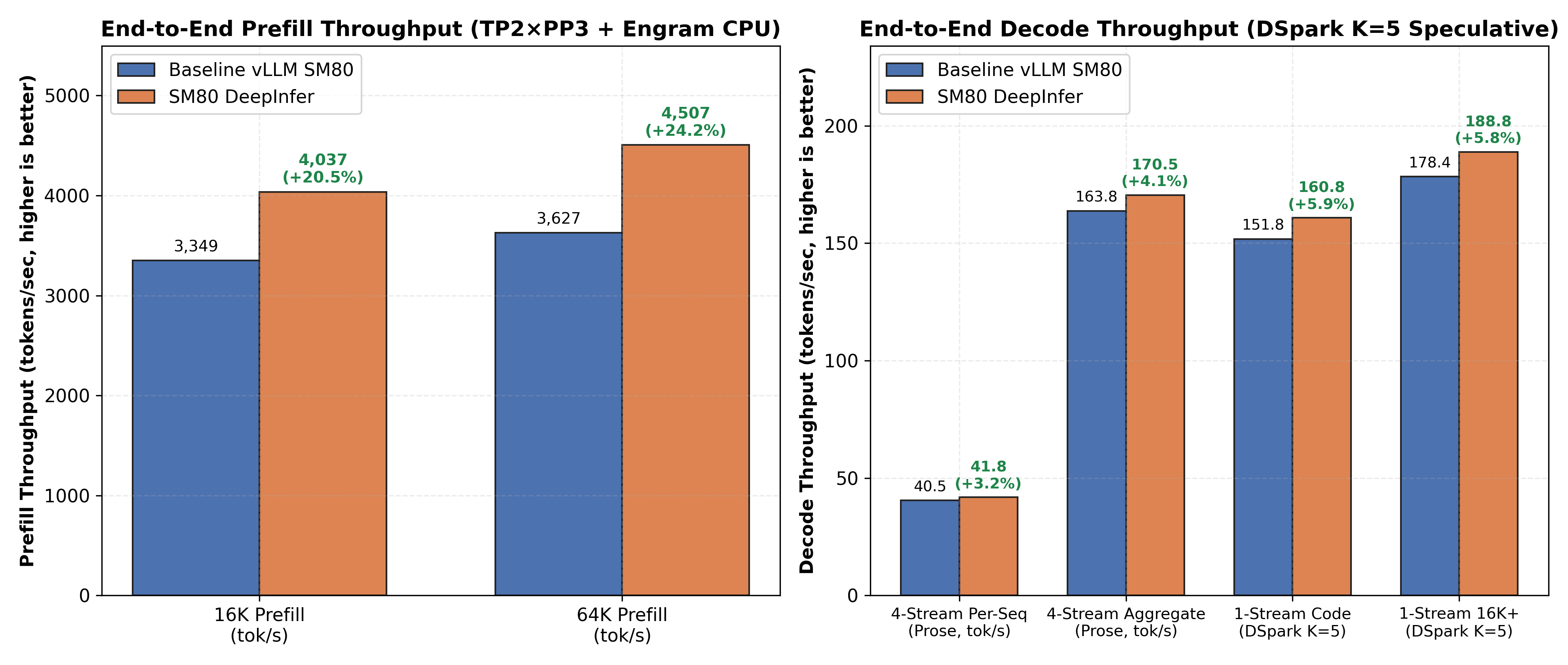 On-site tutorial#AI tutorialOptimize DeepSeek-V4.1 on NVIDIA Ampere with DeepInfer-SM80Learn how DeepInfer-SM80 adapts DeepInfer’s Blackwell-oriented optimizations for NVIDIA A100, A800, RTX 3090, RTX A6000, and other SM80/SM86 GPUs. This tutorial covers its optimized kernels, installation methods, microbenchmark workflow, performance characteristics, and recommended six-GPU topology for serving contexts up to one million tokens.
 On-site tutorial#AI tutorialBuild a Safer Day-Trading Workflow with Claude’s Day Trader SkillsLearn how to install and use the Day Trader skill pack for Claude. This tutorial covers chart scanning, news monitoring, entry and exit planning, historical simulation, position sizing, risk checks, broker approval, alerts, and important safety practices.
 On-site tutorial#AI tutorialPrepare and Serve Local AI Models with FlareLearn how Flare uses Ignition and Helios to prepare and serve selected AI models on NVIDIA SM120 and SM121 GPUs. This tutorial explains its architecture, setup workflow, explicit memory planning, conversation-state handling, basic serving process, and practical optimization considerations.
 On-site tutorial#AI tutorialCreate a separate premium editorial poster for each uploaded item.Create a separate premium editorial poster for each uploaded item.
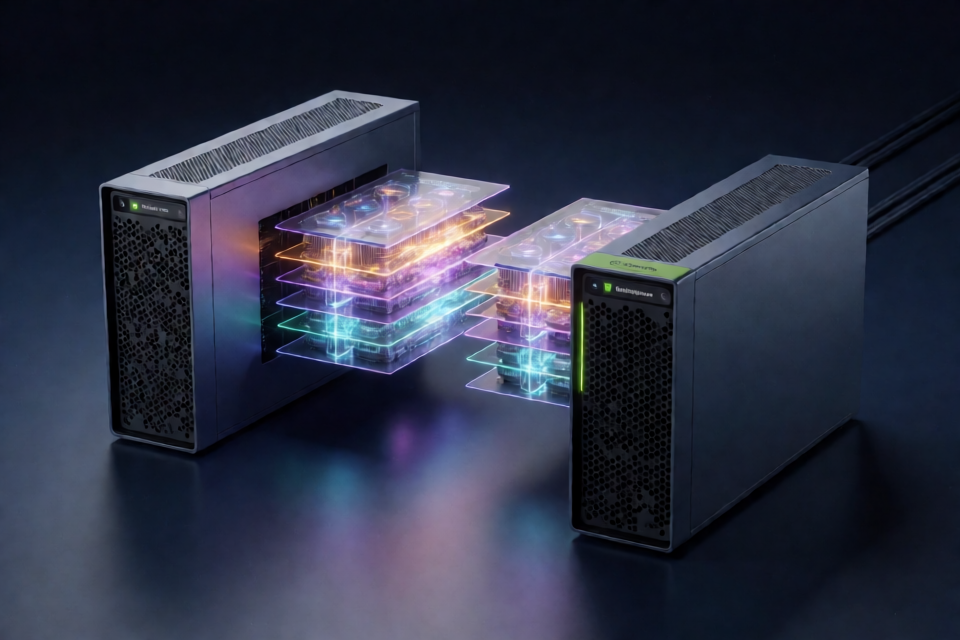 On-site tutorial#AI tutorialServe DeepSeek-V4.1-Flash-1017 on Two DGX Sparks with TensorFoldLearn how to deploy the 2.9-bit EXL3 DeepSeek-V4.1-Flash-1017 checkpoint across two NVIDIA DGX Sparks using TensorFold, ConnectX-7 networking, Engram storage, speculative decoding, and an OpenAI-compatible API.
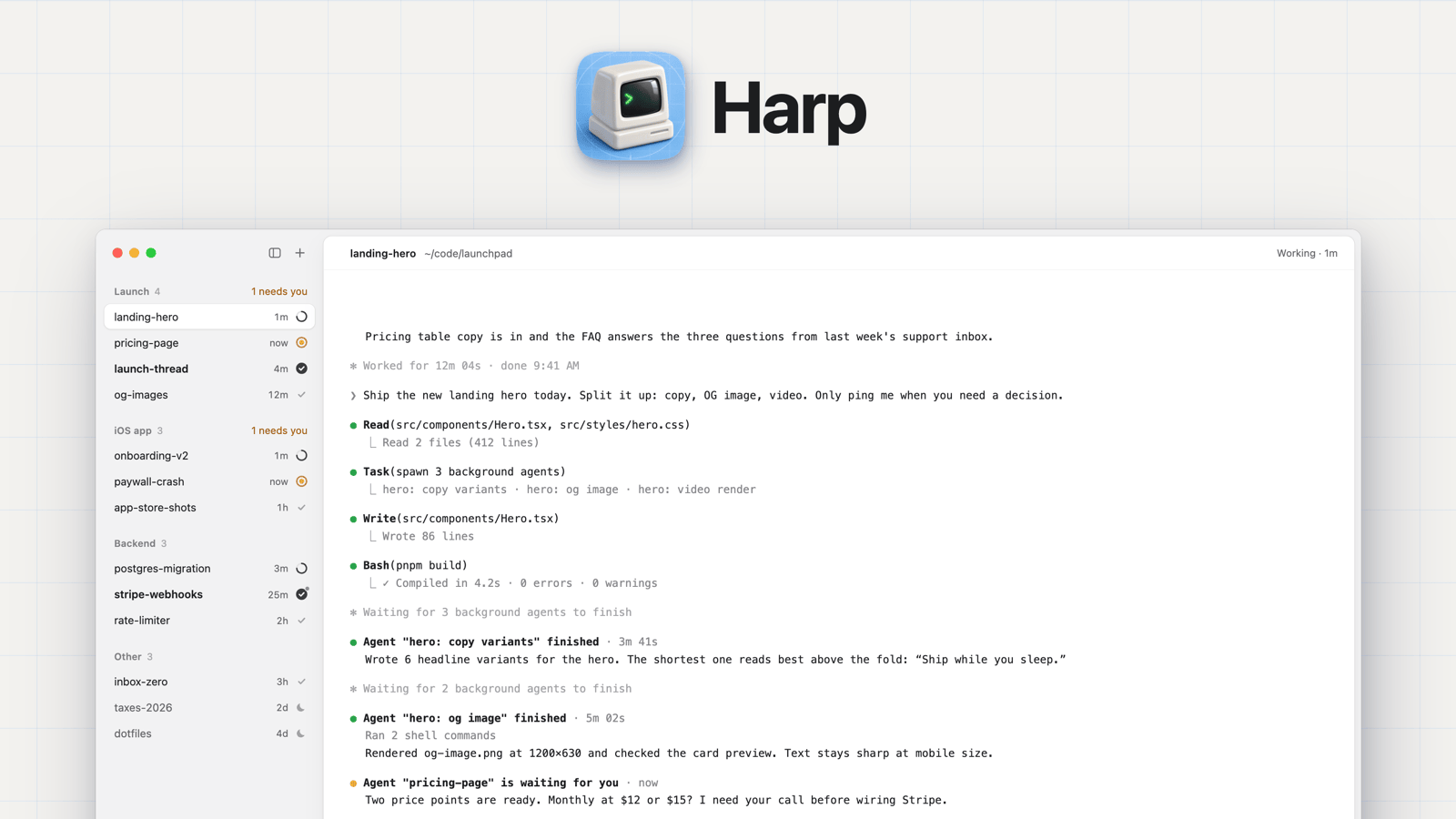 On-site tutorial#AI tutorialHarp Tutorial: Organize Claude Code and Codex Agents in a Calm macOS SidebarLearn how to install Harp on macOS, organize Claude Code and Codex sessions into persistent groups, monitor agent states, configure usage-limit rings, and connect sessions through tmux.
 On-site tutorial#AI tutorialCreate a vertical editorial illustration inspired by the ref.Create a vertical editorial illustration inspired by the ref.
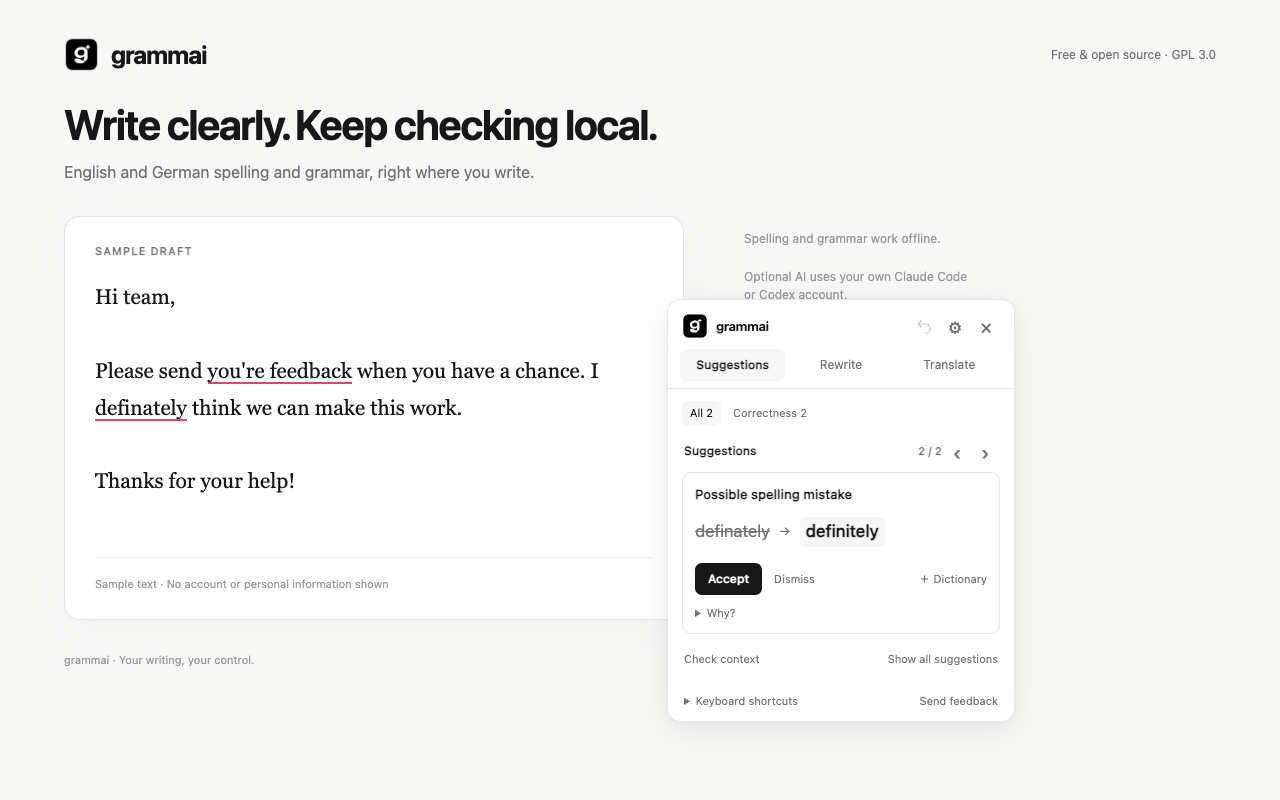 On-site tutorial#AI tutorialHow to Install and Use grammai for Offline Grammar Checking, Rewriting, and TranslationLearn how to install grammai from source, use its offline English and German grammar checks, apply corrections, connect your own Claude Code or Codex CLI account, rewrite passages, translate text, and configure keyboard shortcuts and privacy settings.