
- Monthly visits
- 0
- Pricing
- Free & Paid
- Listed
- 2026-08-06
- Updated
- 2026-08-06
01What Is Hunyuan3D-Buffalo 1.0?
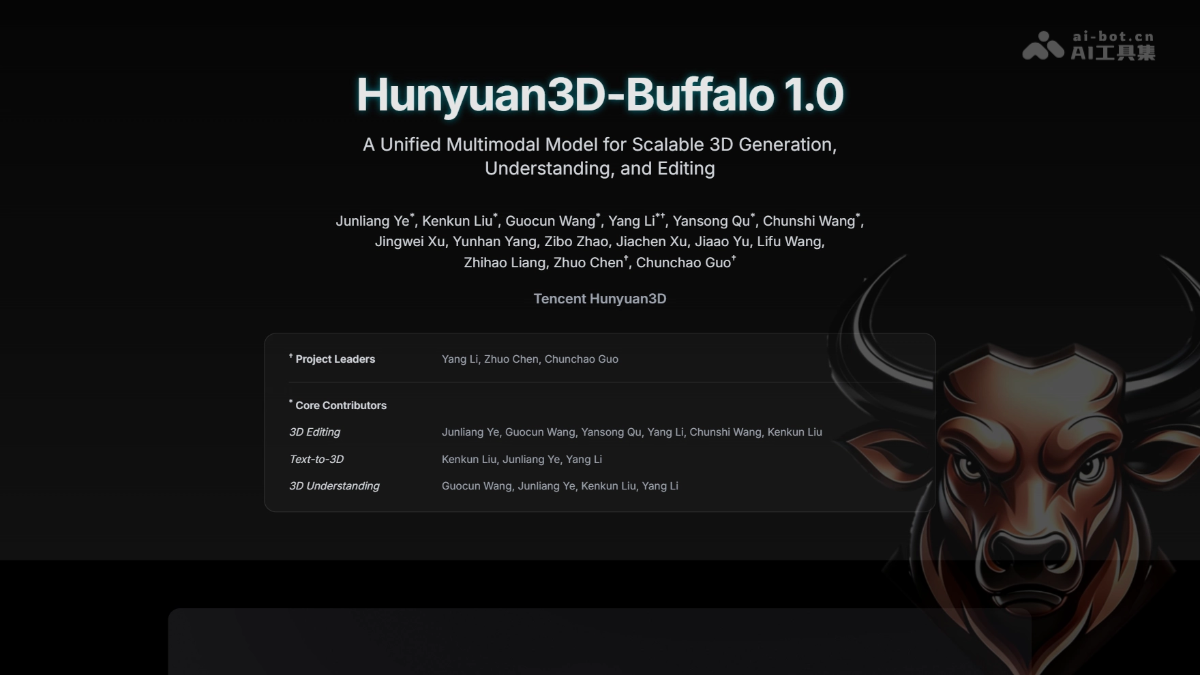
Hunyuan3D-Buffalo 1.0 is a unified 3D multimodal framework developed by Tencent Hunyuan. With a shared Hunyuan3D-VLM backbone, it integrates 3D question answering, spatial grounding, text-to-3D generation, instruction-based editing, and part generation into a single workflow. The framework supports understanding 3D model structures through natural language, locating parts, modifying local geometry based on instructions, and extracting semantic-level components. It aims to connect the full cycle of 3D understanding, generation, and editing, providing a composable 3D asset production solution for games, animation, and industrial design.
02Key Features of Hunyuan3D-Buffalo 1.0
3D understanding: Supports 3D question answering and spatial grounding, allowing it to answer questions about model composition and locate specific parts.
Text-to-3D generation: Generates high-quality 3D assets directly from text descriptions.
Instruction-based editing: Uses natural-language instructions to replace, remove, or redesign local object structures.
Part generation: Extracts semantic parts from complete meshes and separates or recombines them based on language instructions.
Unified workflow: All four 3D task types share the same 3D semantic representation and processing pipeline.
03How Hunyuan3D-Buffalo 1.0 Works
Unified architecture: Uses a shared Hunyuan3D-VLM backbone as the foundation for unified multitask understanding, connecting text, visual, and 3D representations.
3D encoding and tokenization: Processes point-cloud and normal information through a 3D Encoder, then converts it into unified semantic tokens with a Tokenizer.
Generation module: Uses the Hunyuan3D DiT module for high-quality 3D generation, local editing, and part generation.
Multimodal connection: The Connector layer bridges VLM understanding representations and the DiT generation module to achieve cross-modal alignment.
Semantic part parsing: Uses language instructions to drive the semantic decomposition of 3D structures, enabling editable part-level representations.
04How to Use Hunyuan3D-Buffalo 1.0
Visit the project website: Open the Hunyuan3D-Buffalo 1.0 website at https://tencent-hunyuan.github.io/Hunyuan3D-Buffalo1.0/ to explore the technical architecture and feature demonstrations.
Try instruction-based editing: In the “Instruction-Guided 3D Editing” section, select a preset example and enter a natural-language instruction to compare the source and edited models.
Browse generated assets: Open the “Generated 3D Assets” page to view text-to-3D results, then click “View details” to learn about each asset’s text description and geometric details.
Test part extraction: In the “Part-Extraction with Language” module, enter an instruction describing a part, then switch between the “Combined” and “Exploded” views to inspect the complete mesh and separated parts.
05Core Advantages of Hunyuan3D-Buffalo 1.0
Unified tasks: Integrates understanding, generation, editing, and part separation into a single framework, avoiding the need to switch between multiple models.
Local editing: Supports semantic-level local modifications while preserving the overall geometric structure, improving asset reuse.
Semantic parts: Understands and extracts semantically meaningful parts, aligning with real-world production workflows.
Language-driven: Uses natural-language interaction throughout the process, lowering the professional barrier to 3D creation.
Composable production: Generated parts can be edited and recombined independently, meeting the iteration needs of game development and industrial design.
06Hunyuan3D-Buffalo 1.0 Project Address
Project website: https://tencent-hunyuan.github.io/Hunyuan3D-Buffalo1.0/
07Use Cases for Hunyuan3D-Buffalo 1.0
Game asset iteration: Preserve an approved character or prop while modifying specific equipment or parts according to design instructions.
Animated character editing: Replace a character’s clothing, weapons, or facial-expression components based on director feedback without rebuilding the model.
Industrial product design: Adjust the local structure of mechanical components as needed to quickly validate multiple versions.
3D content review: Automatically understand model composition and locate parts to assist with compliance checks and structural integrity reviews.
Educational demonstrations: Analyze 3D model structures through natural-language question answering to support teaching demonstrations and knowledge explanation.
© Disclaimer: domains and linked content may change over time. AIEZZ does not control third-party websites. Review external content and risks independently.
User reviews0