
AI tutorials
AI tutorials
Practical AI tutorials covering tools, prompting, and reusable automation workflows.
Updated regularly1300 tutorials
 On-site tutorial#AI tutorialHow to Set Up and Explore the Free DeepSeek AI PackageThis tutorial explains what the Free DeepSeek project offers, how to prepare its separately distributed ZIP package, use the Search workflow, and evaluate it for conversational and productivity tasks. It also highlights the README’s security guidance and the project’s independent status.

 On-site tutorial#AI tutorialCreate Neon-Lit Visual Concepts with PixeLuxeLearn how to explore PixeLuxe, define a visual direction, use reference images, compare generated variations, and export selected frames. This tutorial also explains the current simulated-generation status and offers practical tips for responsible creative workflows.
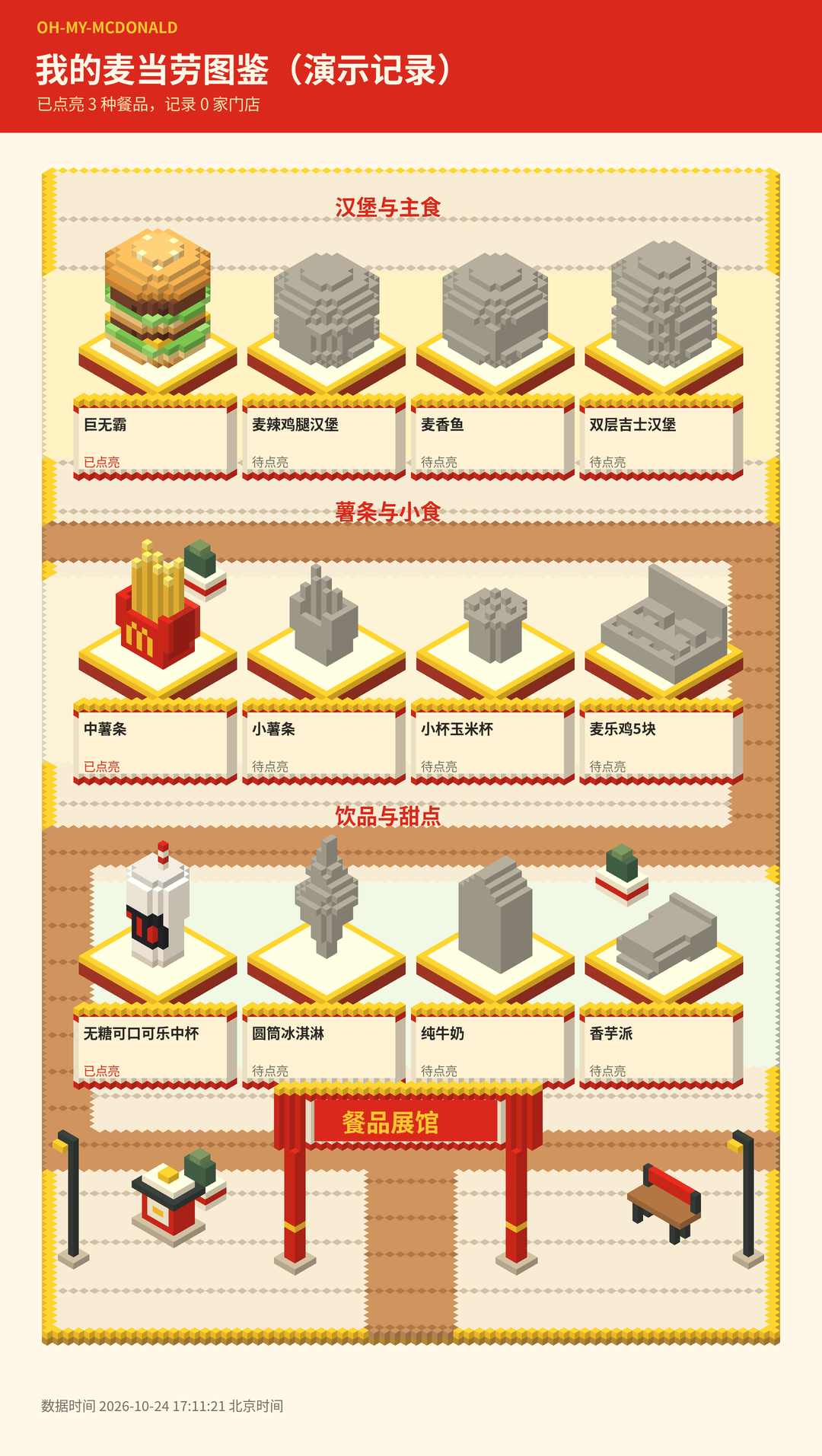 On-site tutorial#AI tutorialOh-My-McDonald Tutorial: Use AI to Query McDonald’s, Compare Prices, and Generate Voxel ArtThis tutorial explains how to install and configure Oh-My-McDonald, use McDonald’s official MCP to query restaurants, menu items, deals, and nutrition information, and run local Python scripts for quotes, record management, and voxel-style PNG rendering.
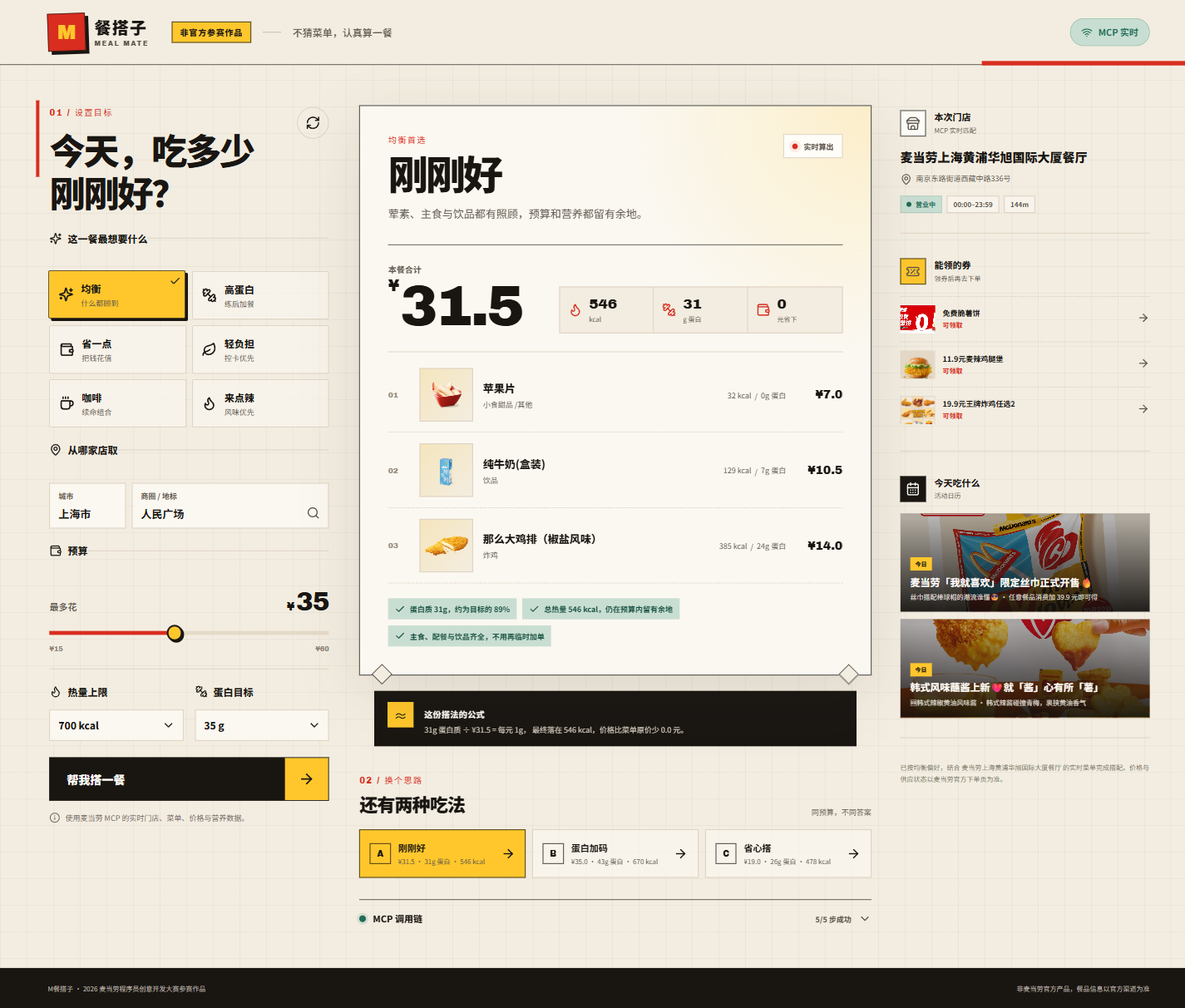 On-site tutorial#AI tutorialM Meal Buddy Tutorial: Generate Three McDonald’s Meal Plans Using Live Menus, Budget, and Nutrition GoalsThis tutorial explains how to install and run M Meal Buddy, configure the McDonald’s MCP token, and generate three practical meal plans based on the restaurant menu, budget, calorie limit, and protein goal. It also covers demo mode, Docker deployment, testing, and security practices.
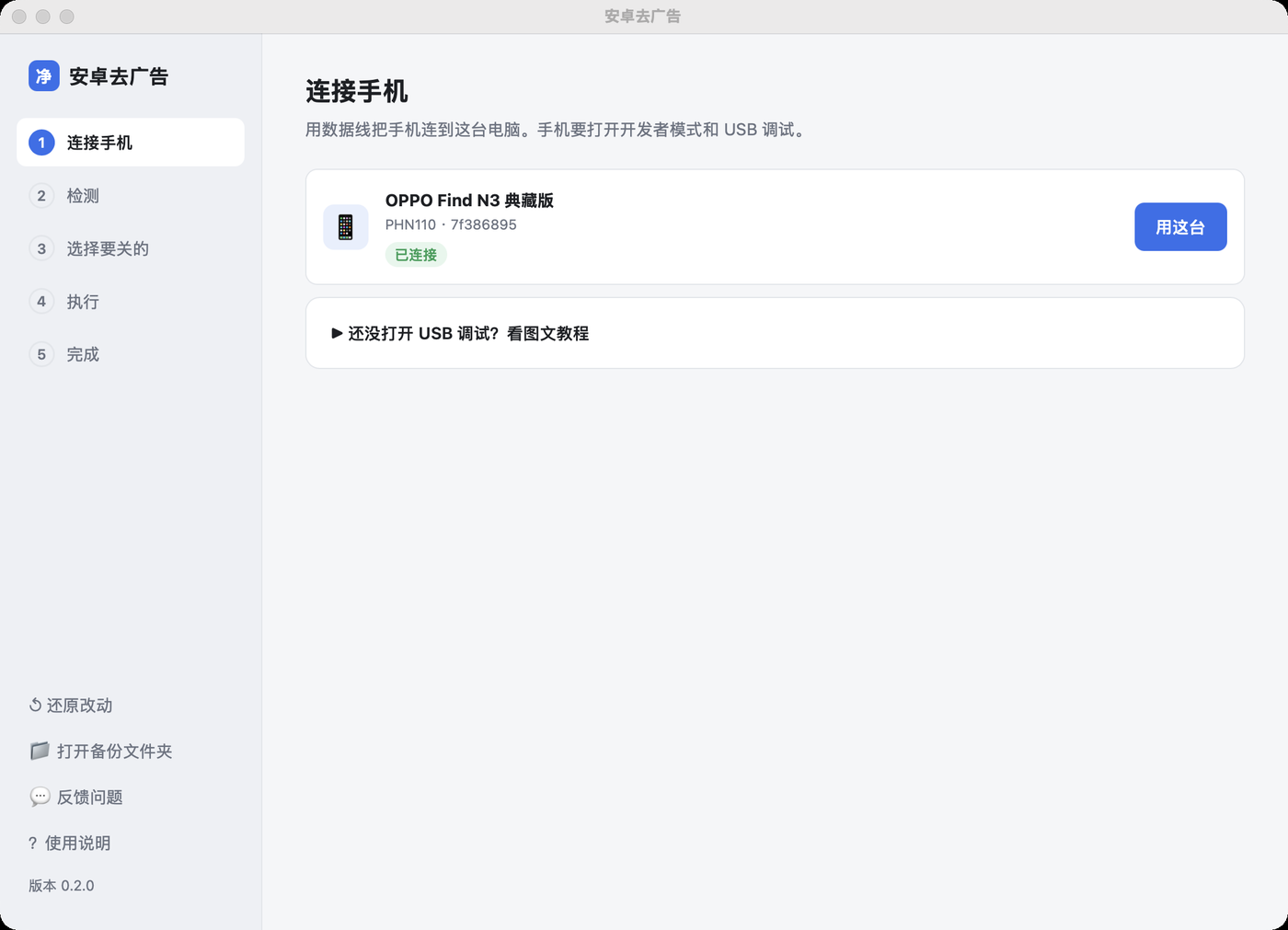 On-site tutorial#AI tutorialAndroid Ad Cleaner Tutorial: Safely Disable Ads and Marketing Push Notifications on Chinese Android PhonesThis tutorial explains how to use Android Ad Cleaner to disable system ads, trending searches, news recommendations, marketing notifications, and Quick Apps on Android phones while keeping useful features such as app updates, severe weather alerts, and delivery notifications.
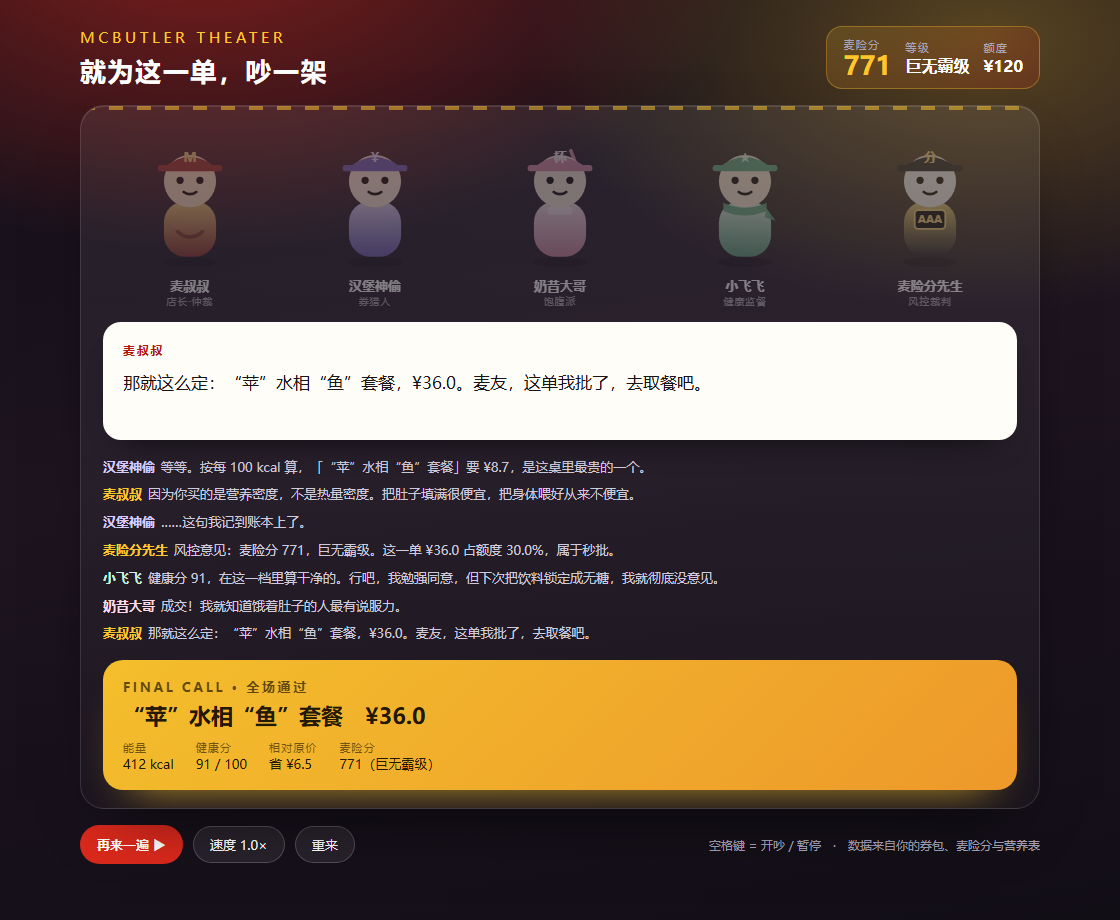 On-site tutorial#AI tutorialMcButler Tutorial: Use McDonald's MCP for Recommendations, Nutrition Analysis, Store Price Comparison, and Group Meal PlanningThis tutorial explains how to install and use McButler to get meal recommendations, break down meal nutrition, compare total costs across stores, configure group meals, calculate McRisk scores, and generate interactive skits with six commands.
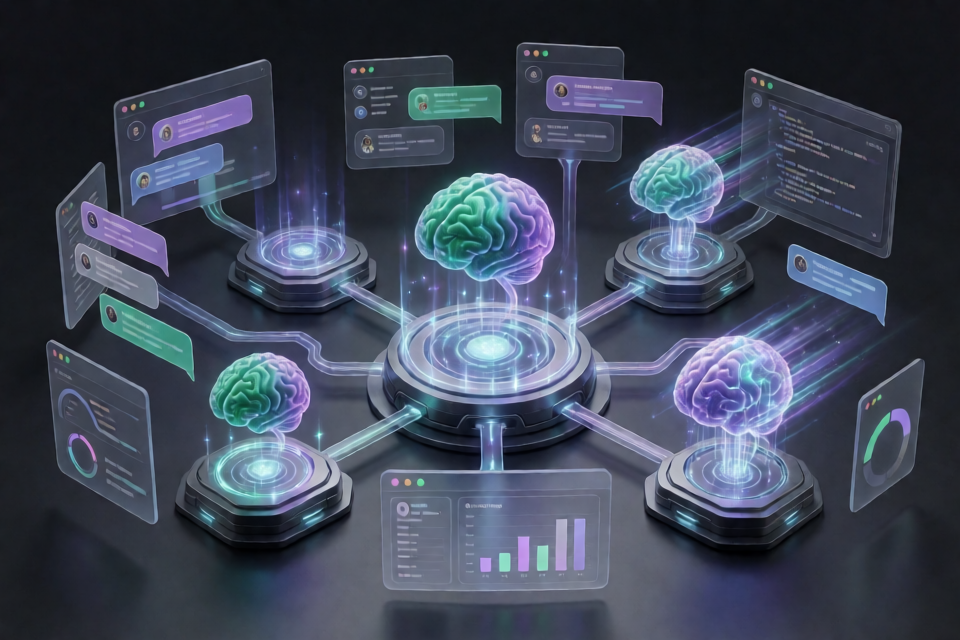 On-site tutorial#AI tutorialUse GLM 5.3 Abliterated and Uncensored Models with RouterHubLearn how to access GLM 5.3 variants through RouterHub’s OpenAI-compatible API, use the repository’s prompt collection, configure coding tools, and compare models by quality, refusal behavior, latency, and total cost.
 On-site tutorial#AI tutorialHow to Access Frontier and Uncensored AI Models with RouterHubLearn how to configure RouterHub, select a current model, and send requests with the OpenAI SDK, Anthropic SDK, or cURL. This tutorial also covers compatible tools, billing, model evaluation, prompt caching, project isolation, and responsible deployment.
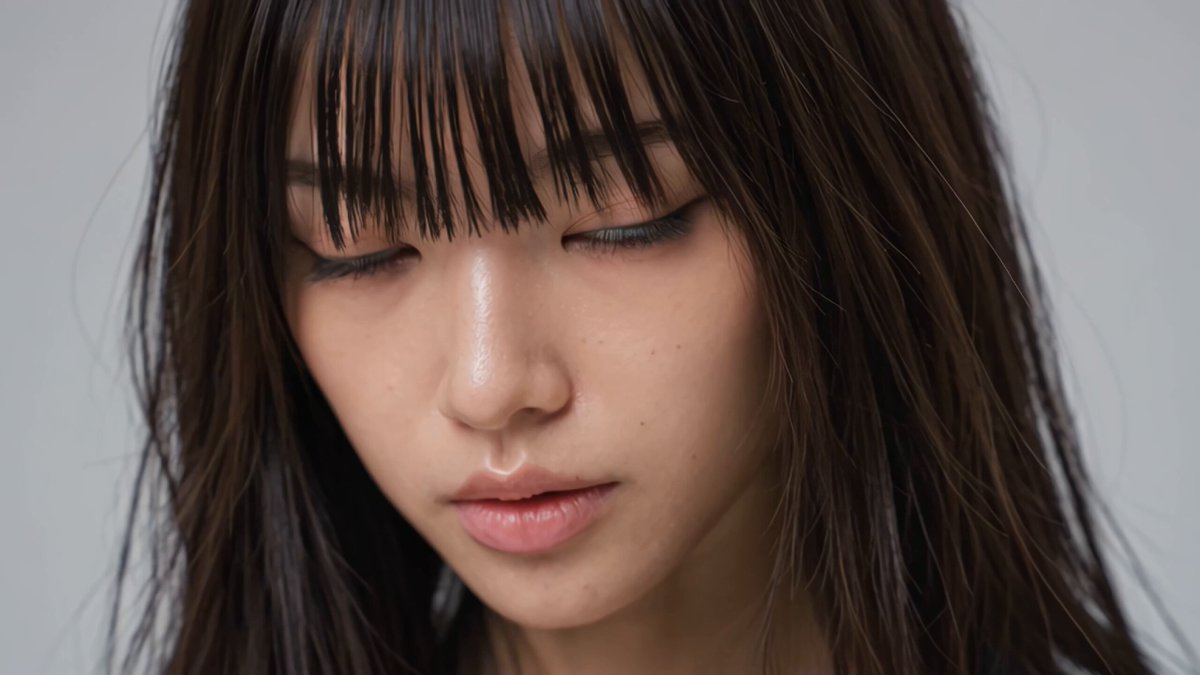 On-site tutorial#AI tutorial[Input field] Modify only this section. The value must be uppercase English letters, one word at a time (3 to 9 characters recommended). WORD_1 = "FASHION"[Input field] Modify only this section. The value must be uppercase English letters, one word at a time (3 to 9 characters recommended). WORD_1 = "FASHION"
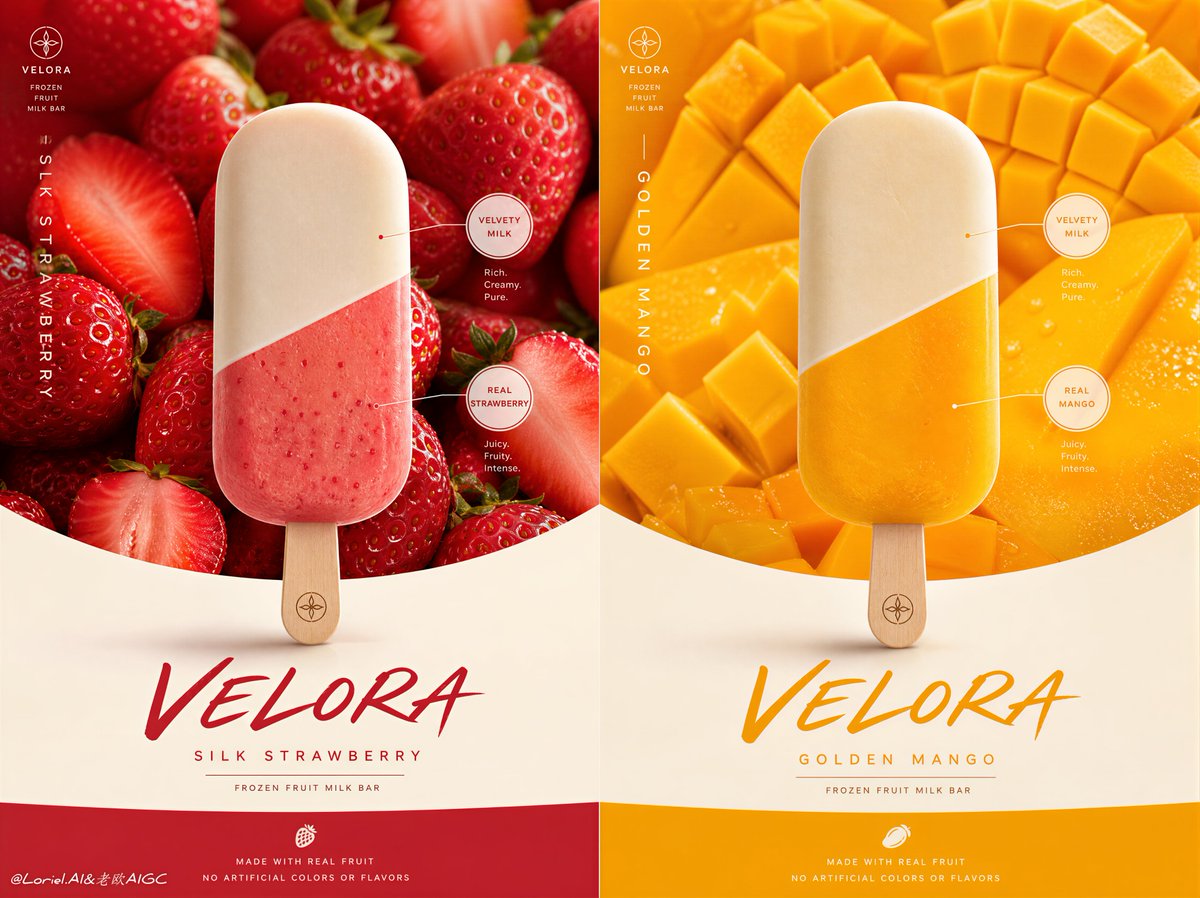 On-site tutorial#AI tutorialYour request seems incomplete. I need more information to help design it. Which ice cream brand would you like me to create the poster for, and what style and theme should it have?Your request seems incomplete. I need more information to help design it. Which ice cream brand would you like me to create the poster for, and what style and theme should it have?
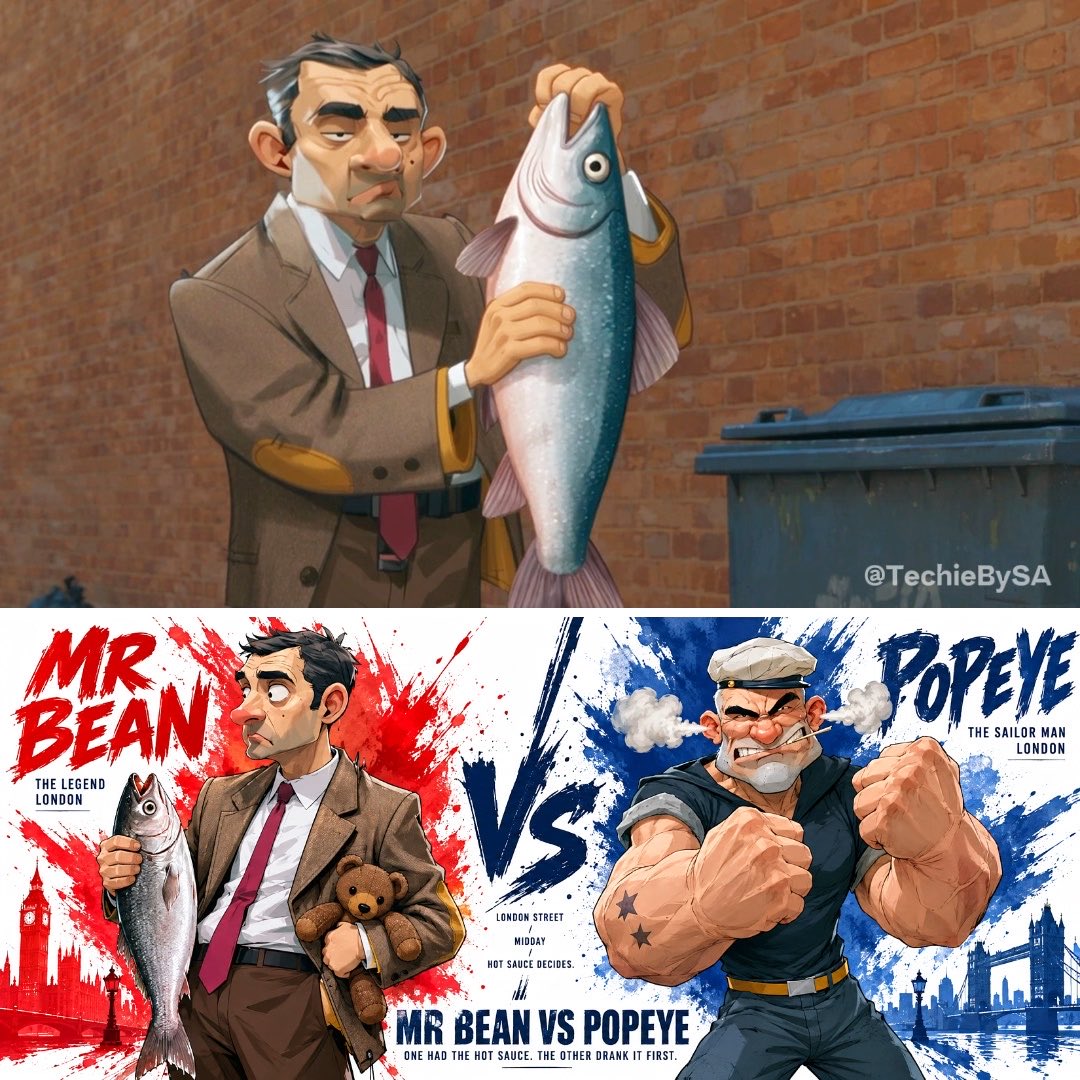 On-site tutorial#AI tutorialCreate a cinematic character profile including the character's name, profession, backstory, personality traits, core abilities, visual description, signature action, memorable quote, and character arc.Create a cinematic character profile including the character's name, profession, backstory, personality traits, core abilities, visual description, signature action, memorable quote, and character arc.
 On-site tutorial#AI tutorialIn the character section, you can add preferred poses and fashion elements; 👇️ you may also leave it blank. Illustrate the character described under [Settings] below in the specified art style.In the character section, you can add preferred poses and fashion elements; 👇️ you may also leave it blank. Illustrate the character described under [Settings] below in the specified art style.