
AI tutorials
AI tutorials
Practical AI tutorials covering tools, prompting, and reusable automation workflows.
Updated regularly1303 tutorials
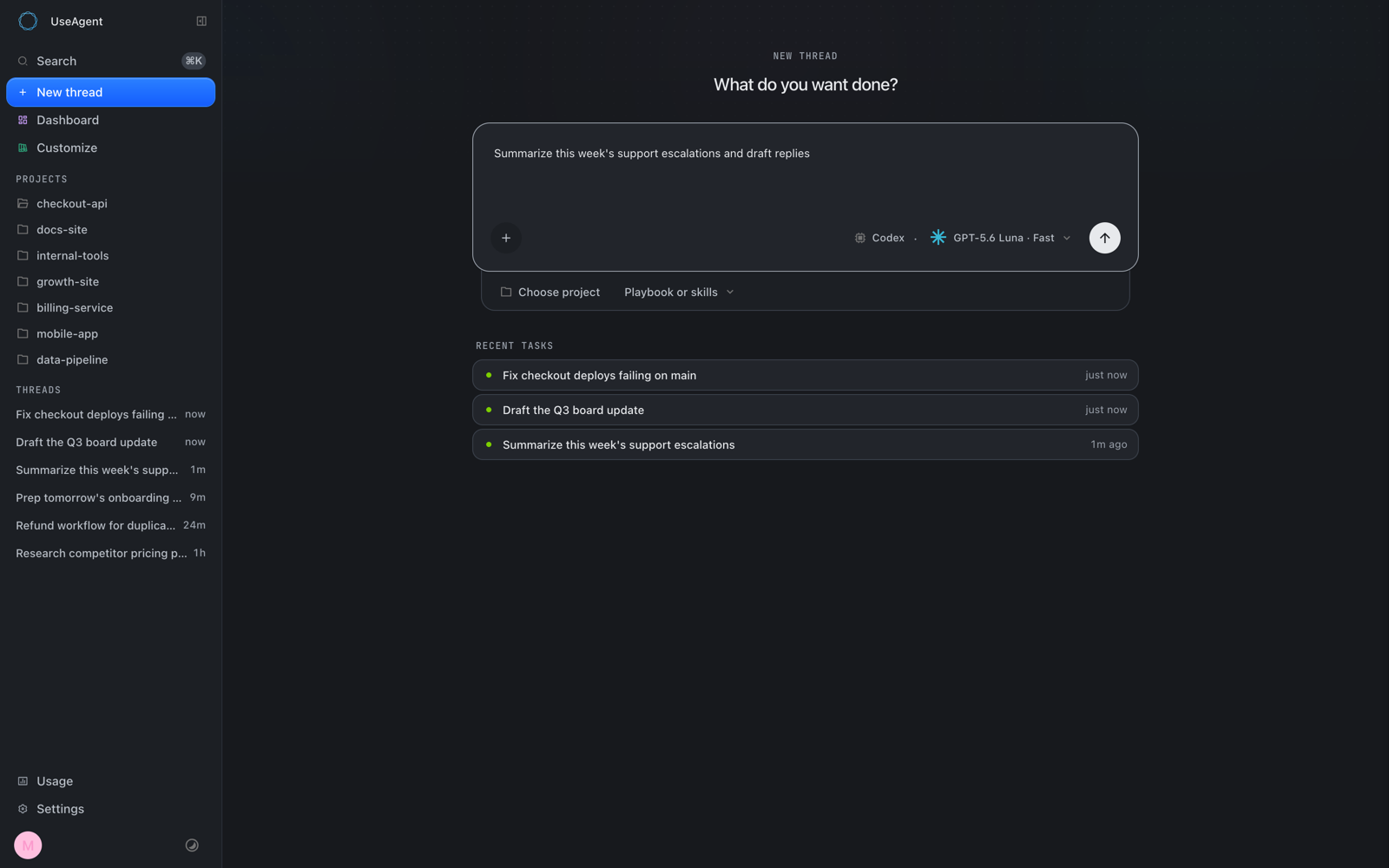 On-site tutorial#AI tutorialBuild and Self-Host AI Coworkers with useAgentLearn how useAgent unifies Claude Code, Codex, and OpenCode behind one interface. This tutorial covers its event-sourced architecture, secure sandboxes, prerequisites, local setup, basic workflows, production self-hosting, integrations, validation, and operational tips for running reliable AI-agent workloads.

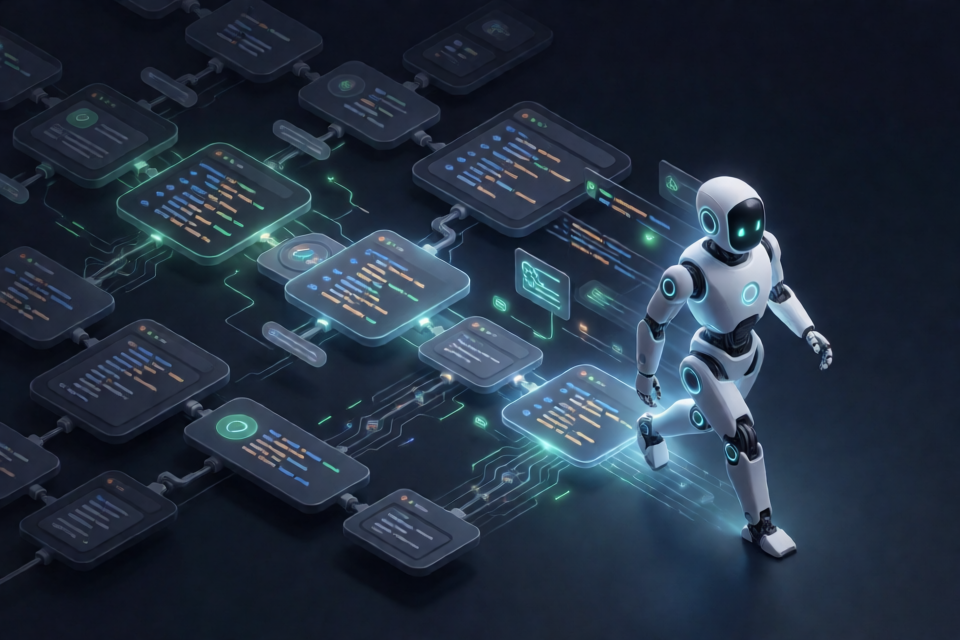 On-site tutorial#AI tutorialKeep Coding Agents Moving with Forward Implementation FirstLearn how Forward Implementation First helps coding agents distinguish productive work from administrative bookkeeping. This tutorial covers installation, the three-part action classification, safe pipeline recovery, focused validation, forward cursor rules, and disciplined parallel worker usage.
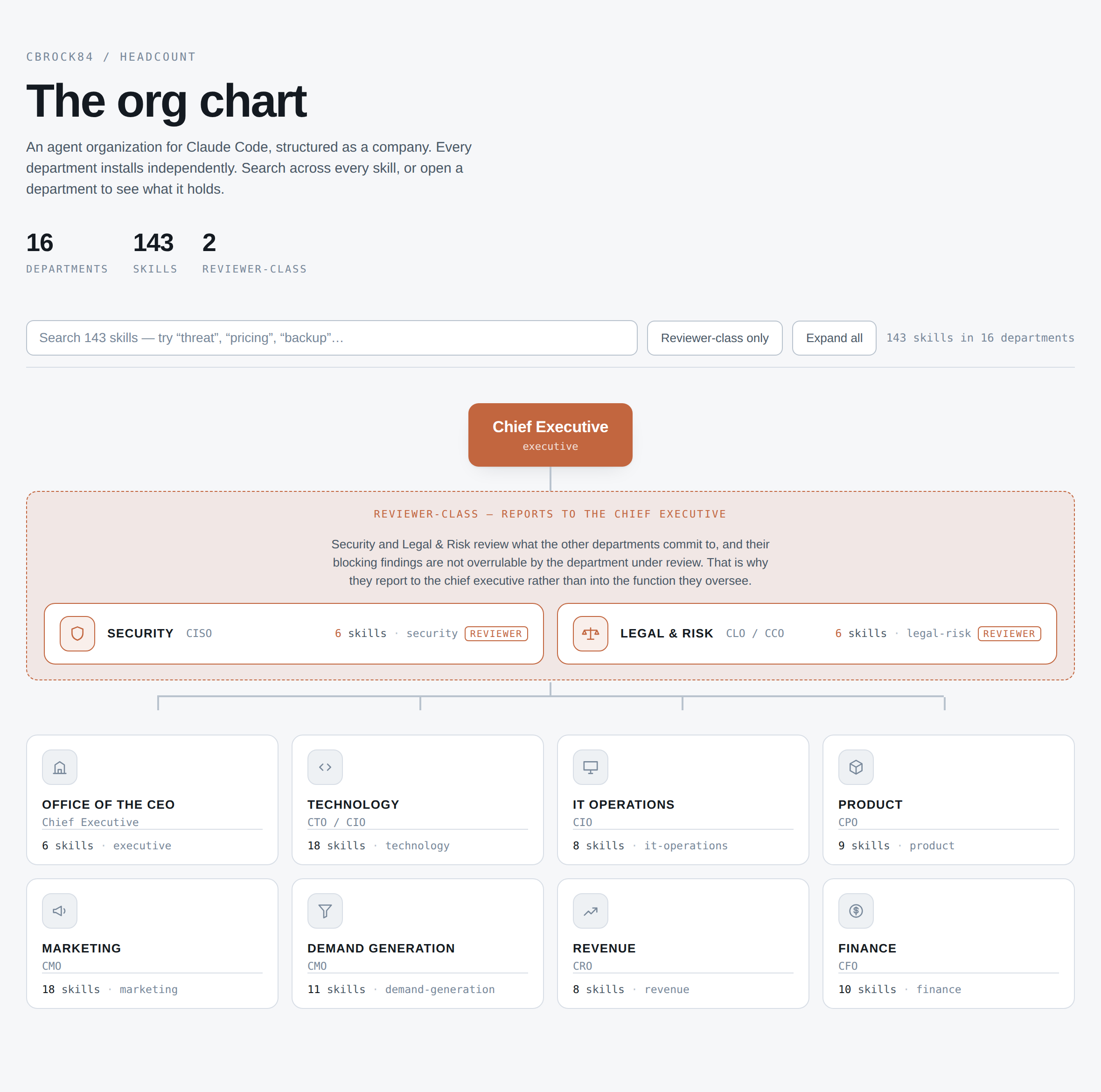 On-site tutorial#AI tutorialBuild a Claude Code Agent Organization with HeadcountLearn how to add Headcount’s independently installable departments to Claude Code, trigger specialist skills automatically, invoke them directly, and coordinate cross-functional work with namespaced skills, agent charters, and reviewer-class departments.
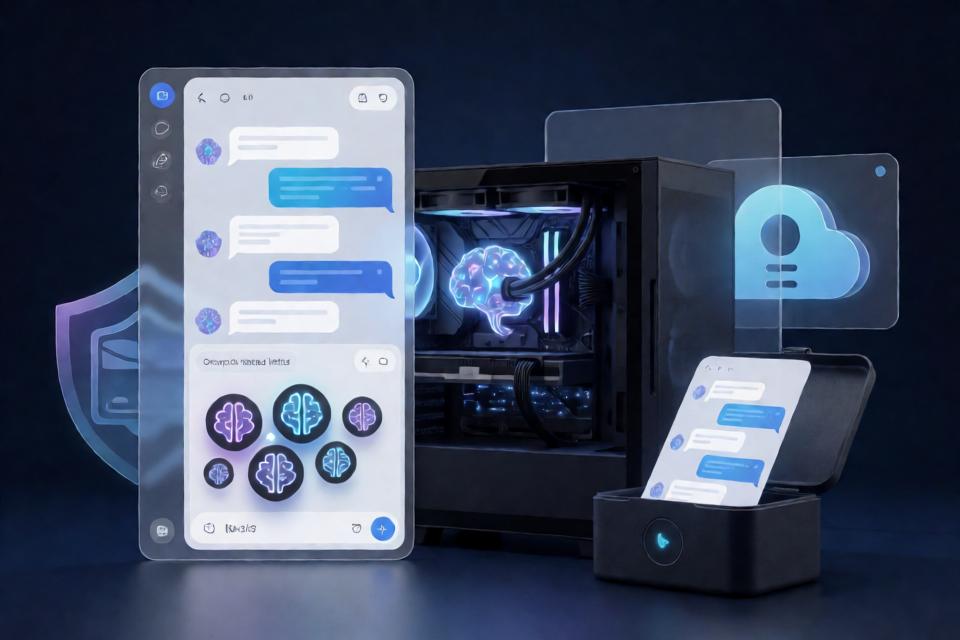 On-site tutorial#AI tutorialSet Up and Use Simple Ollama GUI for Local LLM Chats on WindowsLearn how to download, inspect, and run Simple Ollama GUI for Windows, then pull models, start local chats, switch models, use system-prompt profiles, and export conversations while following the project’s backup-first workflow.
 On-site tutorial#AI tutorialRemove Windows 11 Copilot Remnants and Plan for Reinstallation BlockingThis tutorial explains the repository’s proposed workflow for removing Windows 11 Copilot package remnants, reviewing scan results before deletion, documenting reinstall-blocking measures, and protecting the system with backups. It also highlights important limitations and verification steps because the README does not provide exact commands or supported Windows versions.
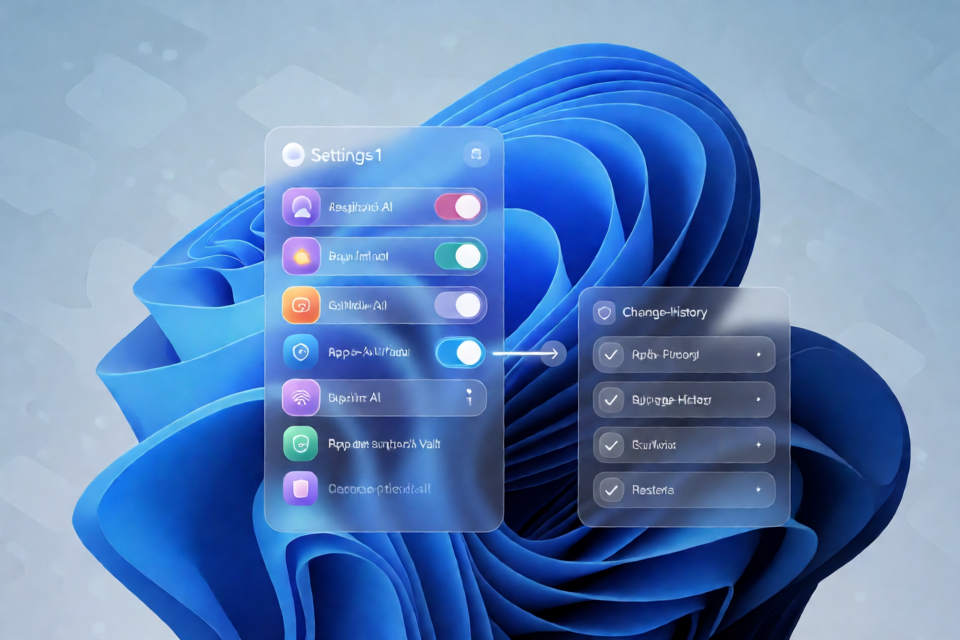 On-site tutorial#AI tutorialRemove Windows AI: A Safe Workflow for Managing Copilot, Recall, and AI FeaturesThis tutorial explains the Remove Windows AI project, its planned toggle-based interface, snapshot-first approach, setup process, and safe usage workflow for managing Copilot, Recall, and app AI features on Windows 11.
 On-site tutorial#AI tutorialBuild Tool-Calling and Self-Evolving LLM Agents with miniEvoAgentThis tutorial introduces miniEvoAgent, a readable framework for building single-action LLM agents, executing Python tools, evaluating QA predictions, and evolving prompts from feedback. You will install the evo_repro package, configure an OpenAI-compatible model, run basic and tool-enabled agents, inspect evolution traces, and test the framework without remote model calls.
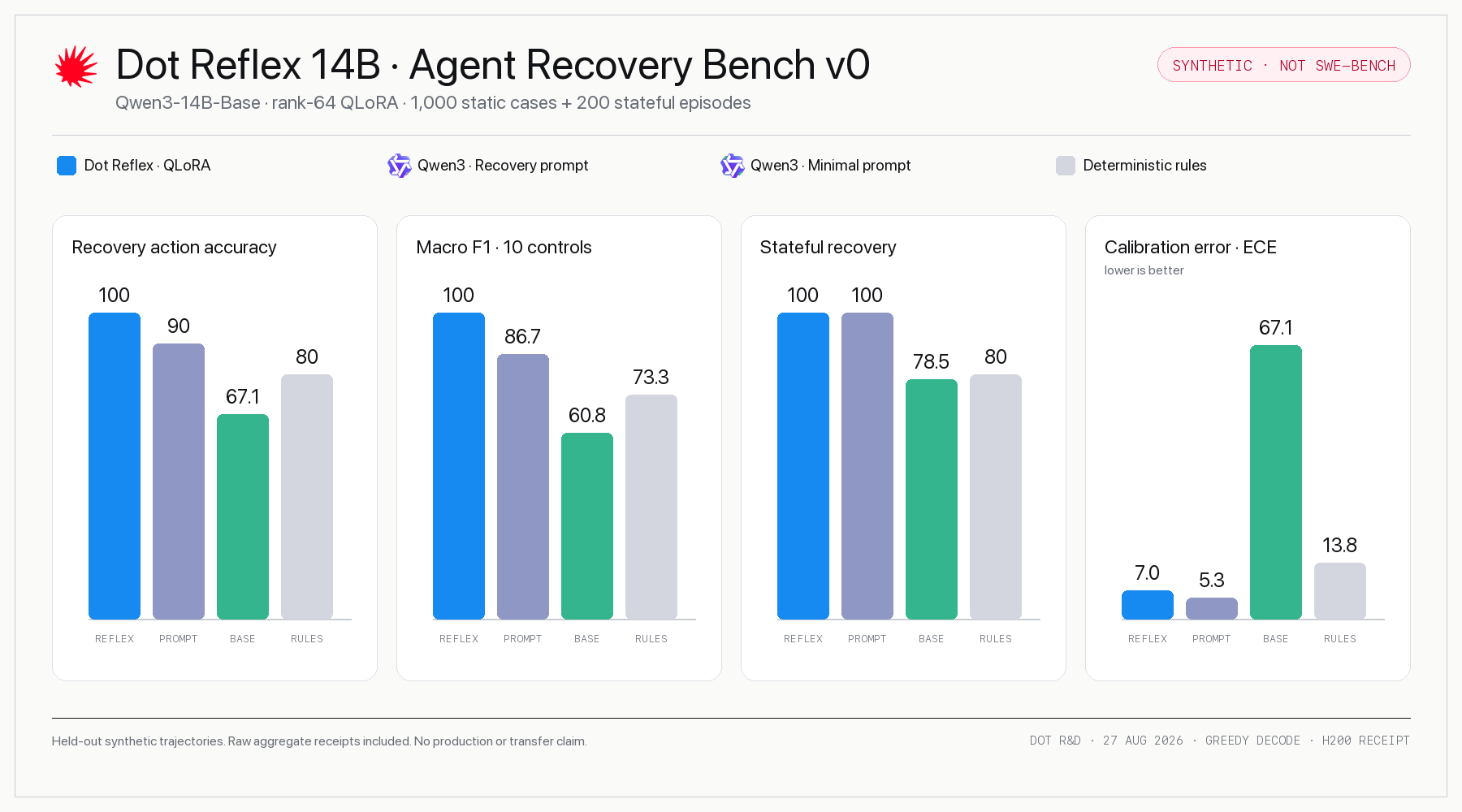 On-site tutorial#AI tutorialBuild Safer Agent Recovery Loops with Dot Reflex 14BLearn how to install Dot Reflex 14B, submit agent trajectories through its CLI or HTTP service, interpret its ten control actions, and connect its recommendations to an execution harness while respecting its deployment and evaluation limitations.
 On-site tutorial#AI tutorialBuild and Verify Deterministic Generative Art with Claude CodeLearn how to install the genart Claude Code plugin, develop deterministic creative-coding sketches, render individual seeds and contact sheets, measure trait rarity, and check reproducibility. The tutorial also explains the plugin’s resolution, platform, ethics, export, and verification guidance.
 On-site tutorial#AI tutorialBuild a Multi-Provider Coding Agent Gateway with My Free CodeLearn how to install My Free Code v0.8, configure provider-backed or local models, connect coding agents, manage tier routing and ordered fallbacks, inspect the Admin UI, and secure the gateway for local use.
 On-site tutorial#AI tutorialUse ChatGPT to Plan and Review Codex Coding TasksLearn how to install Codex with ChatGPT, connect its OAuth-protected MCP bridge, and use ChatGPT for planning and review while Codex edits files and runs tests. This tutorial also explains the project’s security boundaries, developer commands, troubleshooting tools, and advanced workflow tips.
 On-site tutorial#AI tutorialUse sepia to Write, Review, and Refactor More Human ProseThis tutorial shows how to install sepia for Claude Code, Codex, Grok Build, and Antigravity, then apply its write, review, refactor, and recreate operations. You will learn its three-pass fiction workflow, venue-specific professional rules, diagnosis options, project-scoped setup, and practical calibration techniques.